Email Scams: Detection and Defense Strategies
Learn proven techniques to identify fraudulent emails and protect your accounts from scammers.
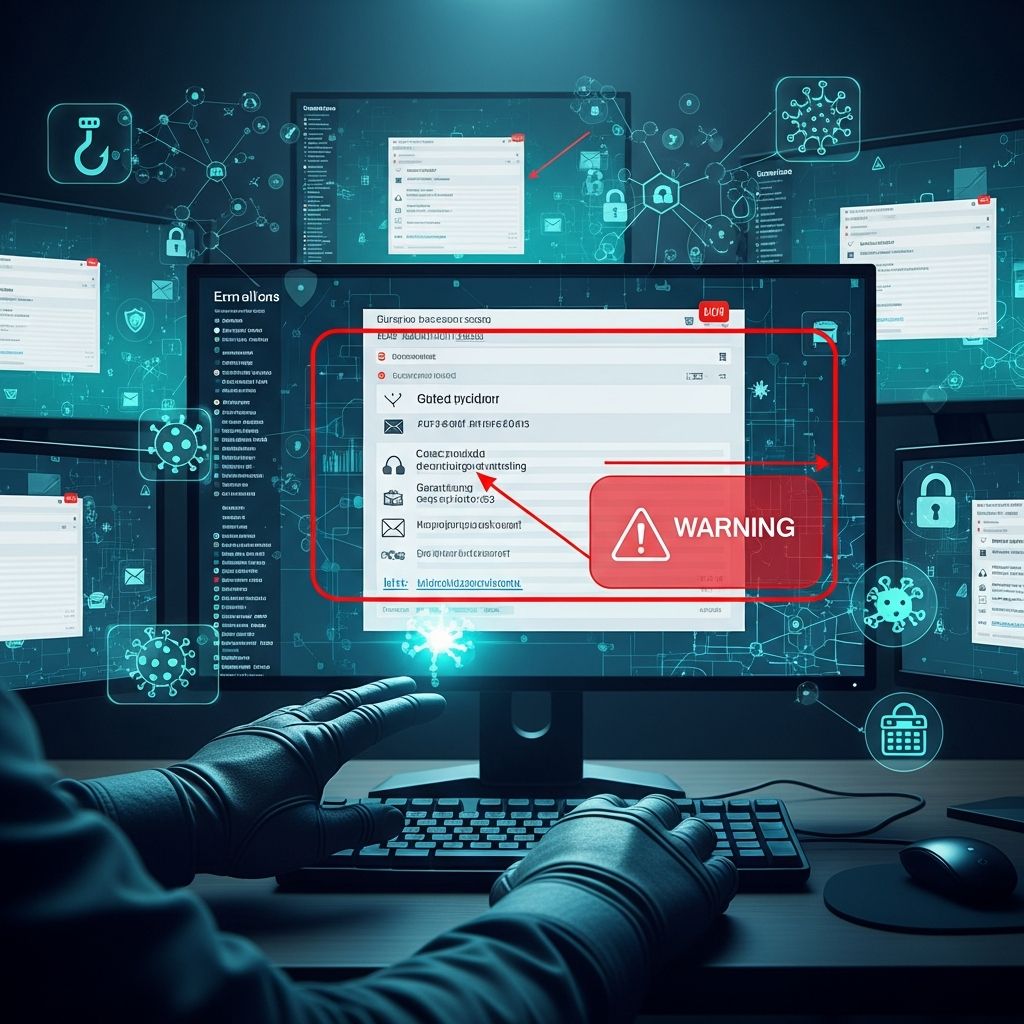
Email remains one of the most common vectors for financial fraud and identity theft in the digital age. According to the Federal Trade Commission, email was the leading method scammers used to contact victims in 2024, with phishing-related attacks accounting for a significant portion of cybercrime incidents. Understanding how these scams operate and implementing robust defense mechanisms is essential for protecting your financial security and personal information. This guide provides comprehensive strategies to identify suspicious emails and defend against modern phishing tactics.
Understanding the Modern Phishing Landscape
Phishing attacks have evolved significantly, becoming increasingly sophisticated through the use of artificial intelligence and social engineering techniques. Scammers now leverage AI-generated content to mimic legitimate business communications, making it harder to distinguish fraudulent messages from genuine ones. These attacks extend beyond simple email spoofing—they now include polymorphic phishing that targets multiple communication channels, QR code-based scams (known as quishing), and HTML smuggling techniques that hide malicious content within seemingly harmless files.
The scale of these threats is substantial. Over 298,000 phishing complaints are recorded annually, with email-based threats accounting for nearly 34% of all cybercrime incidents. This pervasive threat landscape means that vigilance and knowledge are your first line of defense.
Recognizing Suspicious Email Characteristics
The foundation of email security is the ability to identify red flags that indicate a message may be fraudulent. Developing this skill requires understanding the common tactics scammers employ.
Language and Content Quality
Fraudulent emails frequently contain spelling errors, grammatical mistakes, and awkward phrasing that legitimate organizations would avoid. Poor language quality often signals malicious intent. Additionally, suspicious subject lines that don’t align with your recent activities, or signatures that don’t match official communications from trusted organizations, should raise immediate concerns.
Sender Verification
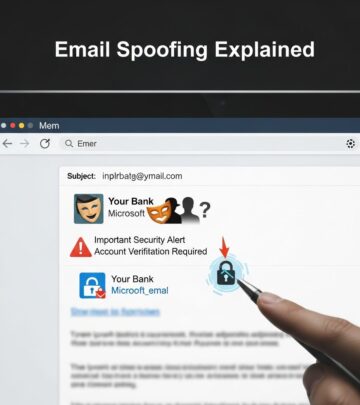
One of the most critical steps is examining the sender’s email address carefully. Scammers often use look-alike domains with subtle misspellings—for example, using “fedex-support.com” instead of the legitimate “fedex.com,” or substituting similar-looking characters like lowercase “l” with uppercase “I”. Even tiny changes in a website address can indicate a scam. Never assume an email is legitimate based on surface-level appearance; instead, contact the sender directly using contact information from your own records or the official website.
Requests for Sensitive Information
Legitimate organizations never request passwords, banking credentials, or personal financial information via email. If an email asks you to verify account details, confirm identity information, or click a link to log in, this is typically a phishing attempt. Always navigate directly to the official website using a bookmark or by typing the address in your browser, rather than using links provided in emails.
The Danger of Unexpected Links and Attachments
One of the most effective strategies for protecting yourself is to adopt a “zero trust” mindset—treating every unexpected email as potentially suspicious until proven otherwise. This means being particularly cautious about links and attachments.
Email Links: Clicking links in phishing emails can direct you to fraudulent login pages that closely mimic legitimate sites, tricking you into entering your credentials. Once scammers obtain your login information, they can access your accounts, steal funds, and damage your financial security. Instead of clicking links in emails, navigate directly to websites through bookmarks or manual entry in your browser.
Malicious Attachments: Unsolicited attachments, especially those requesting urgent action, are strong indicators of phishing attempts. These files may contain malware, ransomware, or scripts that compromise your device security. Never download attachments from unknown or suspicious sources.
QR Code Threats: A newer threat vector involves QR codes embedded in emails or images. These “quishing” scams can direct users to malicious websites or trigger credential theft. Be wary of unexpected QR codes, particularly those purporting to verify accounts or confirm security information.
Verification Protocols for Payment and Account Changes
Financial scammers often use email to request payment transfers or authorize account modifications. Implement a verification protocol that prevents unauthorized transactions:
- Never authorize payments based solely on email instructions
- Always validate payment requests by calling the requester at a phone number from your records, not from the email
- Confirm account changes by contacting the relevant organization through official channels
- Be suspicious of urgent language or threats designed to pressure quick decisions
- Ask yourself whether the request aligns with your recent activities or normal patterns
Building Your Defense Infrastructure
While awareness is crucial, technology-based defenses provide essential protection against sophisticated scams that may evade human detection.
Two-Factor Authentication
Implementing two-factor authentication (2FA) significantly reduces the risk of unauthorized account access. This security measure requires two or more credentials—typically something you know (like a password) and something you have (like a code from your phone or authenticator app)—to log in. Even if scammers obtain your username and password, they cannot access your account without the second factor. Use authentication methods resistant to phishing, such as biometrics or hardware tokens, rather than SMS-based codes when possible.
Password Management
Password managers like RoboForm and Keeper securely store your passwords and generate strong, unique credentials for each account. This approach prevents a single compromised password from putting all your accounts at risk. Never reuse passwords across multiple services, as this multiplies your vulnerability if any one account is breached.
Email Filtering and Spam Protection
Enable robust email filtering through your provider. Gmail, Yahoo Mail, and other major email services have strong spam filters enabled by default. Mark any suspicious messages as spam or phishing to train your email system and prevent similar messages from reaching your inbox. These filters leverage machine learning to identify and quarantine malicious content before it reaches you.
Endpoint Protection and Security Software
Deploy comprehensive endpoint protection and malware scanning tools on your devices. Endpoint detection and response (EDR) solutions monitor suspicious file creation and malicious script execution. Additionally, use malware and URL scanners before opening attachments or clicking links in suspicious emails. These tools provide real-time protection against threats that may bypass other defenses.
Advanced Defense Strategies for Complex Threats
As phishing techniques become more sophisticated, organizations and individuals should consider implementing layered security approaches.
Email Encryption and Data Loss Prevention
Email encryption tools with Smart Data Loss Prevention (DLP) capabilities ensure sensitive data is either encrypted or blocked from leaving your organization. End-to-end encryption prevents unauthorized parties from reading your messages, even if they intercept them. Choose solutions that integrate with your email provider and support regulatory compliance requirements.
IP Filtering and Access Controls
Implement IP filtering and restrict access to sensitive systems from unregistered devices or unfamiliar locations. This prevents scammers from accessing your accounts even if they’ve compromised your credentials, because the login attempt originates from an unexpected geographic location.
Multi-Channel Monitoring
Polymorphic phishing attacks target multiple communication channels, including SMS, collaboration apps like Teams or Slack, and social media. Extend your monitoring beyond email to encompass all platforms where you receive communications. Apply the same verification principles across all channels—be skeptical of unexpected messages requesting information or action.
Responding to Phishing Attempts and Scams
If you believe you’ve encountered a phishing attempt or have fallen victim to a scam, take immediate action:
- Change Passwords Immediately: If you entered your password on a suspicious website or form, change it on the legitimate site as soon as possible
- Report and Block: Mark the email as spam or phishing, and block the sender’s number if you’ve been texting with the scammer
- Contact Your Bank: If money has been transferred or you’re concerned about financial compromise, contact your bank and the FTC for guidance on recovery options
- Never Approve Unexpected Authentication Requests: Do not approve two-factor authentication prompts you didn’t initiate, especially if they indicate unusual locations
- Seek Professional Help: Contact your IT support team or email provider for assistance in securing your account and devices
Critical Mindset Shifts for Email Safety
Beyond technical measures, adopting the right psychological approach is fundamental to avoiding scams. The most effective strategy is shifting from a default mindset of trust to one of verification. Don’t automatically assume any communication is legitimate, no matter how professional it appears. Pause before clicking links or downloading attachments, taking time to evaluate whether the email aligns with your expectations and recent activities.
Scammers rely on rushed decisions and emotional manipulation—creating artificial urgency through threats of account closure, payment failures, or security breaches. By pausing to assess each message critically, you dramatically reduce your vulnerability. Trust your instincts; if something seems off, it probably is.
Creating a Comprehensive Security Practice
The most effective protection combines multiple layers of defense. Start with best-practice email encryption as your foundation, then add endpoint detection, identity management, user education, and comprehensive cybersecurity practices. This multi-layered approach ensures that even if one defense is bypassed, others remain to protect you.
Regularly update your knowledge about emerging threats and new scam tactics. The phishing landscape evolves continuously, with scammers adopting new techniques like AI-generated content and quishing attacks. By staying informed and maintaining vigilance, you can adapt your defenses to counter emerging threats.
References
- Protect yourself from phishing scams — Federal Trade Commission. 2025-04. https://consumer.ftc.gov/consumer-alerts/2025/04/protect-yourself-phishing-scams
- Protection Against Phishing Attacks: A Complete Guide — Guardian Digital. https://guardiandigital.com/resources/blog/guide-on-phishing
- Protect Yourself from the Latest Online Scams in 2026 — McAfee. 2026. https://www.mcafee.com/learn/protect-yourself-from-the-latest-online-scams/
- Email Phishing Scams and AI Threats in 2026 — Integris. 2026-01. https://integrisit.com/blog/email-phishing-scams-2026/
- Protect your business: Spot fake emails and websites — J.P. Morgan. https://www.jpmorgan.com/insights/cybersecurity/business-email-compromise/email-spoofing-prevention-protecting-against-phishing-attacks
- The Ultimate Phishing Protection Guide For 2026 — Security.org. 2026. https://www.security.org/digital-safety/scams/phishing/
- Happy 2026! A look back at phishing and scams in 2025 — Augsburg University IT. 2026-01-08. https://sites.augsburg.edu/it/2026/01/08/happy-2026-a-look-back-at-phishing-and-scams-in-2025/
Similar Articles








Read full bio of medha deb