How To Use A Digital Envelope Budgeting System
Learn how to set up a simple digital envelope system so you can control your spending and save more money with less stress.
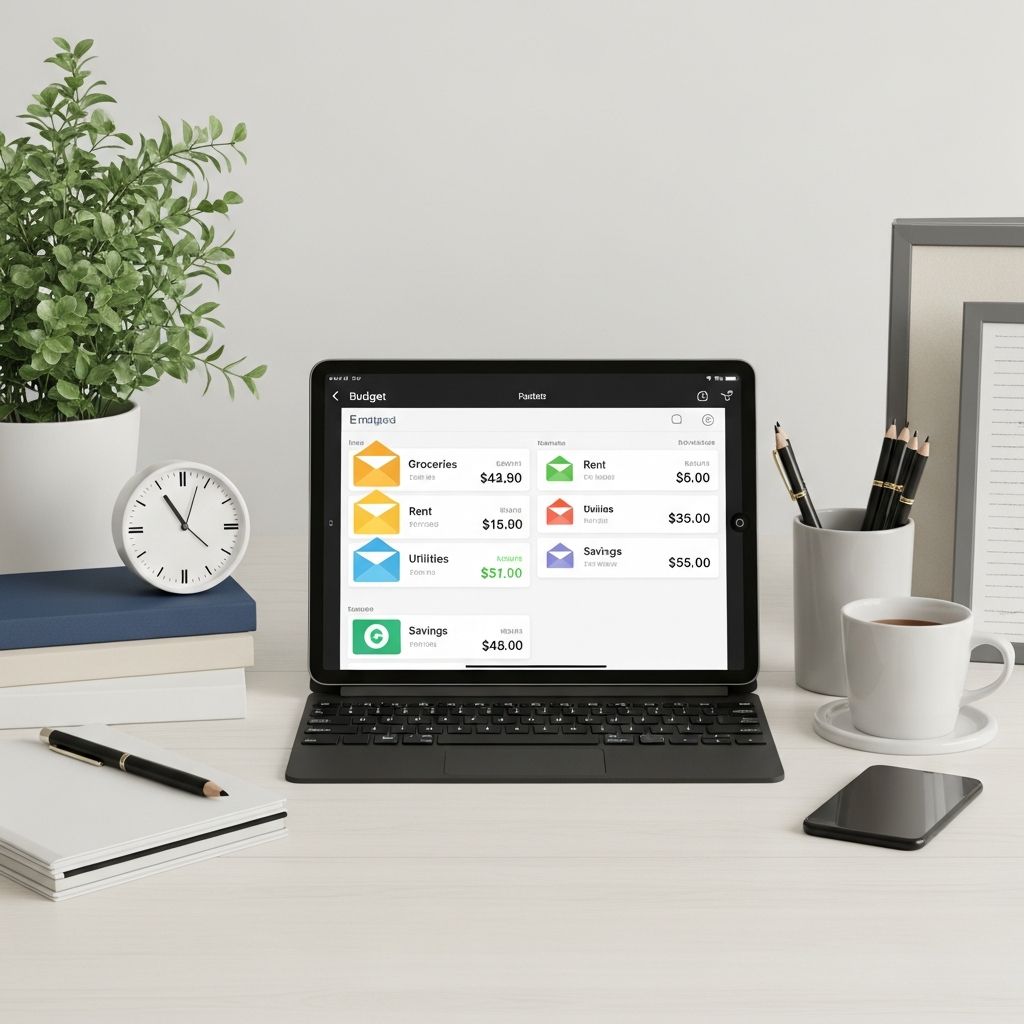
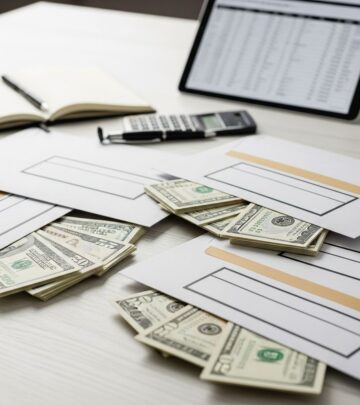
A digital envelope system is a modern, cashless way to use the classic envelope method so you can see where every dollar goes, avoid overspending, and stay on track with your financial goals.
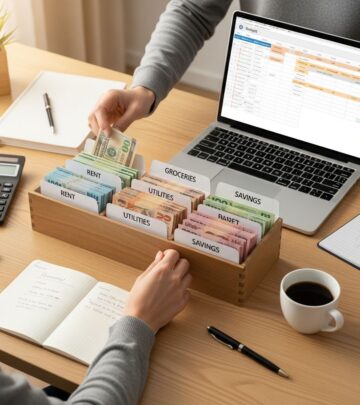
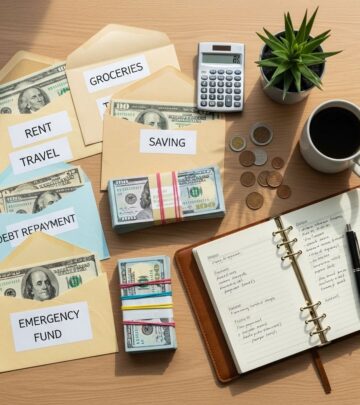
Instead of stuffing paper envelopes with cash, you assign your money to virtual “envelopes” using banking tools, spreadsheets, or budgeting apps. You get the same clarity and discipline of the traditional system, but with the convenience of digital payments and online shopping.
What is a digital envelope system?
The digital envelope system is a budgeting method where you divide your income into separate virtual spending categories—similar to physical envelopes—but track and manage them electronically.
Each category functions like an envelope designated for a specific purpose, such as:
- Groceries
- Gas and transportation
- Eating out and entertainment
- Household supplies
- Personal care
- Fun or hobbies
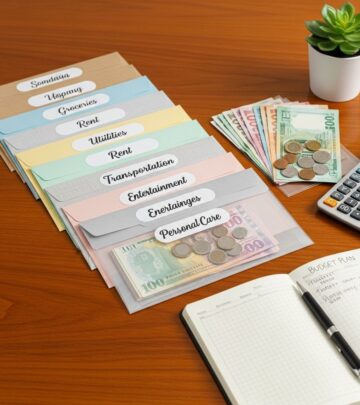
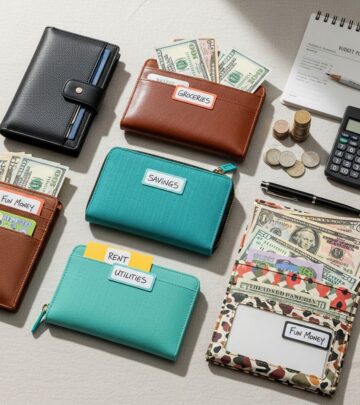
In the traditional cash version, you put actual bills into labeled envelopes and only spend from the relevant envelope until it is empty. In the digital version, you:
- Assign amounts to each category in an app, spreadsheet, or online banking subaccounts
- Track every purchase against its category
- Stop spending in that category when the balance reaches zero
The key idea is the same: once the money for a category is gone, you pause spending there until the next budget cycle, which helps you avoid relying on credit or impulse purchases.
Digital envelope system vs. traditional cash envelopes
| Feature | Traditional Cash Envelopes | Digital Envelope System |
|---|---|---|
| How it works | Put physical cash into paper envelopes for each category. | Use apps, spreadsheets, or bank tools to track category balances virtually. |
| Payments | Mostly in-person, cash transactions only. | Use debit card, credit card (with discipline), or digital payments while tracking spending. |
| Online shopping | Difficult, because online retailers rarely accept cash. | Easy, since you can allocate funds and then shop online within category limits. |
| Security | Risk of loss or theft of physical cash. | Funds remain in insured bank accounts or secure apps. |
| Tracking history | Manual notes on envelopes or separate logs. | Automatic or semi-automatic transaction history and reporting. |
| Who it suits | People who benefit from physically seeing and handling cash, or who avoid cards. | People who prefer digital tools, shop online, or don’t want to handle large amounts of cash. |
Who is the digital envelope system best for?
This approach can work for many types of budgets, but it is especially helpful if you:
- Struggle with swiping cards without thinking and losing track of spending
- Have mostly variable expenses (like groceries or eating out) that fluctuate each month
- Prefer the convenience of online banking and mobile apps to manage money
- Want clearer limits for discretionary categories so you can avoid lifestyle creep
- Are paying off debt or building savings and need a simple structure to follow
At the same time, a digital envelope system is usually not designed for your fixed expenses such as:
- Rent or mortgage payments
- Standard loan payments (car loans, student loans, etc.)
- Essential insurance premiums
- Standard utilities and basic bills
Those fixed bills are often paid directly from your bank account, while your digital envelopes focus on the spending that you can more easily adjust from month to month.
Benefits of using a digital envelope system
A well-designed envelope budget—whether cash or digital—can help you control spending and build better habits. The digital twist adds more flexibility. Key benefits include:
- Greater awareness of spending: You see category balances before you spend, which makes the cost of choices feel more real.
- Natural limits: When a category is empty, you stop or delay spending, instead of turning to more debt.
- Flexibility and convenience: You can shop online, pay bills electronically, and track anywhere with internet access.
- Better tracking of variable expenses: Categories like groceries, entertainment, and personal care become easier to manage.
- Supports goal-based budgeting: You can create envelopes for savings goals such as vacations, sinking funds, or annual bills.
Research on budgeting and self-control in consumer finance shows that pre-committing funds to specific mental or labeled accounts can help people spend more in line with long-term goals, a concept sometimes described as mental accounting in behavioral economics.
How to set up a digital envelope system step-by-step
Every budget is unique, but you can follow a repeatable process to launch your digital envelopes. Adjust the details based on your income schedule, lifestyle, and tools.
1. Know your income and essential expenses
First, clarify how much money you actually have to assign to envelopes. That means:
- Calculating your take-home pay after tax and mandatory deductions
- Listing your fixed expenses such as housing, insurance, minimum debt payments, and basic utilities
Subtract your fixed expenses from your net income to find the amount available for variable categories and savings. This is the pool you will divide into your digital envelopes.
2. Choose your spending categories
Next, create categories that reflect what you truly spend money on. Common variable categories include:
- Groceries
- Transportation (gas, rideshare, transit)
- Restaurants and coffee
- Entertainment and going out
- Clothing and personal care
- Household supplies
- Kids or pets
- Gifts and holidays
- Miscellaneous or buffer
You can also create sinking fund–style envelopes for:
- Car maintenance
- Medical costs
- Annual subscriptions
- Travel or vacations
Keep your list simple at first. You can always split or refine categories later if you need more detail.
3. Set limits for each envelope
Once you have categories, decide how much money to allocate to each one. To do this realistically:
- Look back at 1–3 months of bank and card statements to see how much you actually spent in each area.
- Compare your current spending to your income, goals, and priorities.
- Adjust category targets downward or upward so that your total envelope allocations do not exceed your available amount.
For example, imagine you have $2,000 left after fixed expenses:
- Groceries: $500
- Transportation: $250
- Restaurants & coffee: $200
- Entertainment & fun: $150
- Personal care & clothing: $150
- Household supplies: $100
- Miscellaneous: $100
- Savings goals and sinking funds: $550
Your exact numbers will be different, but the idea is the same: give every dollar a job, and make sure the total does not exceed your remaining income.
4. Pick your digital tools
You can run a digital envelope system with simple tools or specialized apps. Common options include:
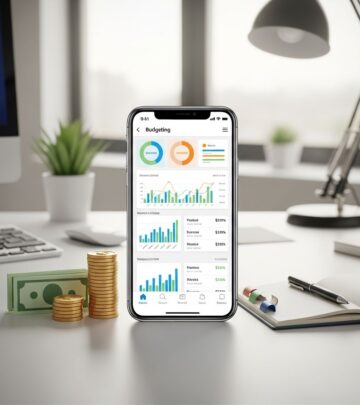
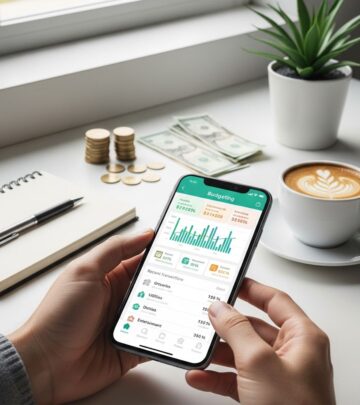
- Budgeting apps with envelope features such as Goodbudget, EveryDollar, or YNAB (You Need a Budget), which let you assign and track category balances digitally.
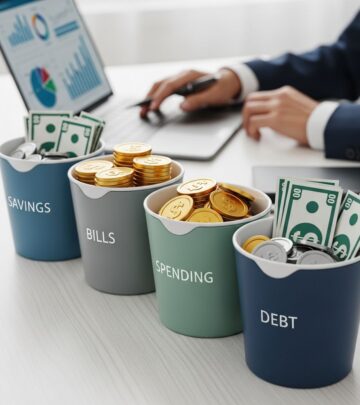
- Bank subaccounts or buckets, where you open multiple savings or checking subaccounts and nickname each one for a category.
- Spreadsheets in Excel or Google Sheets, where you maintain a running balance for each envelope and manually log transactions.
- Prepaid or budgeting cards tied to a mobile app that allow you to set category limits and monitor spending in real time.
Choose the combination that fits your comfort level and the time you are willing to spend on tracking.
5. Fund your envelopes on a schedule
Once you know your category limits, decide how often you will “stuff” your digital envelopes:
- Every paycheck: Allocate funds each time your income arrives.
- Once a month: If your income is predictable, you can fund all categories at the start of your budget month.
- Twice a month: Many people split funding between two major paydays to smooth cash flow.
Use your app, subaccounts, or spreadsheet to record how much goes into each category at the start of the cycle. From that point on, treat those numbers as the total you are allowed to spend.
6. Track your spending and stick to the limits
During the month, you make purchases using your normal payment methods (debit card, credit card paid in full, mobile wallet, etc.), but you track every purchase in the correct category:
- Enter each transaction into your app or spreadsheet soon after you spend.
- Check your envelope balances before making non-essential purchases.
- When a category hits zero, stop spending in that area or move money from another category intentionally.
Some apps will sync with your bank and auto-categorize transactions, but you may still need to review and correct categories for accuracy.
7. Review, adjust, and reset each month
At the end of the month or budget cycle, review how you did:
- Compare what you planned to spend vs. what you actually spent in each envelope.
- Identify categories that were consistently over or under budget.
- Adjust limits or category definitions for the next month to better match your real life.
You will likely need a few cycles before the system feels natural. Over time, many people find they gain much clearer insight into their habits and can redirect more money toward savings and debt repayment.
What to do with leftover money in your digital envelopes
Some months, you will have categories where you spend less than planned. Instead of letting that money disappear into general spending, you can give it a job:
- Pay off debt faster: Direct extra funds to high-interest debt repayments to reduce interest costs and reach freedom sooner.
- Boost savings: Add leftover amounts to emergency savings, sinking funds, or investment accounts.
- Roll it to next month: If you are still fine-tuning your categories, carrying over small surpluses can help smooth future spending, especially for irregular costs.
- Build a buffer: You can set up a dedicated buffer envelope for unexpected small expenses or price increases.
Decide on a default rule so you do not have to reconsider this every month. For example, you might always send leftover restaurant and entertainment money to debt, while rolling over grocery surplus to the next month.
Common mistakes to avoid with digital envelopes
To keep your system effective, watch out for these frequent pitfalls:
- Too many categories: An overcomplicated structure is hard to maintain. Start simple and add detail only when needed.
- Not updating transactions: If you fall behind on entering or reviewing expenses, category balances become unreliable.
- Constantly moving money around: If you regularly bail out categories from others, you lose the benefit of clear limits.
- Ignoring fixed bills: While envelopes are for variable spending, you still need a separate, solid plan for rent, debt payments, and essential utilities.
- Using credit without a payoff plan: If you use a credit card for rewards but do not pay it off in full, interest can quickly wipe out your progress.
Simple example: A month using a digital envelope system
Here is a streamlined example of what using this system might look like in practice:
- Start of month: Your take-home pay is $3,500. Fixed bills total $1,800, leaving $1,700 for envelopes.
- Create envelopes: Groceries $450; Transportation $200; Eating out $200; Entertainment $150; Personal care $100; Household supplies $100; Miscellaneous $100; Savings goals $400.
- Fund envelopes: You enter these amounts into your app and label subaccounts for savings goals.
- During the month: Each time you shop, you categorize the transaction. At mid-month, you notice eating out is already at $150 of $200, so you decide to cook at home more.
- End of month: You have $40 left in groceries and $30 left in entertainment. You decide to send the $70 to your debt payoff envelope and reset all other envelopes to your planned amounts for next month.
Frequently Asked Questions (FAQs)
Q: Is a digital envelope system better than using cash envelopes?
A: Neither is inherently better; the right choice depends on your habits and preferences. Cash envelopes can create a strong psychological effect because you physically see money leaving your hands, while digital envelopes offer more convenience, better online compatibility, and easier tracking.
Q: Can I use credit cards with a digital envelope system?
A: Yes, many people use credit cards for rewards but track each purchase against their digital envelopes and pay the card in full every month. The key is to treat your envelope balances as the true limit, not your card limit, so you avoid carrying interest-bearing debt.
Q: How many envelopes should I have?
A: For most people, starting with 6–10 envelopes is manageable. You want enough categories to see where money is going, but not so many that updating and reviewing becomes overwhelming. You can always split a broad category later if you need more detail.
Q: How long does it take for the system to feel natural?
A: Many people need at least 2–3 months to get used to envelope-style budgeting and to refine their category limits. As you collect more data on your real spending, it becomes easier to predict needs and stick to the system.
Q: Can a digital envelope system help with saving goals?
A: Yes. You can create dedicated savings envelopes for emergencies, vacations, annual bills, and other goals, then transfer a set amount into them every month. This approach, sometimes called using sinking funds, helps you prepare for irregular costs without disrupting your regular budget.
References
- Envelope budget system: What it is & how to start cash-stuffing — Thrivent. 2023-07-18. https://www.thrivent.com/insights/budgeting-saving/envelope-budget-system-what-it-is-how-to-start-cash-stuffing
- How to use the cash envelope system to master your budget — Clever Girl Finance. 2023-05-02. https://www.clevergirlfinance.com/how-to-use-the-cash-envelope-system/
- The 4 best budgeting methods to try — Clever Girl Finance. 2022-06-15. https://www.clevergirlfinance.com/how-to-budget/
- Cash stuffing: The budgeting trend that everyone’s talking about — MMBB. 2025-08-01. https://www.mmbb.org/resources/e-newsletter/2025/august/cash-stuffing-the-budgeting-trend-that-everyone-s-talking-about
Similar Articles








Read full bio of Sneha Tete