Digital Bank Statements: Benefits and Drawbacks
Explore the advantages of going digital with bank statements while understanding key challenges to make an informed switch.
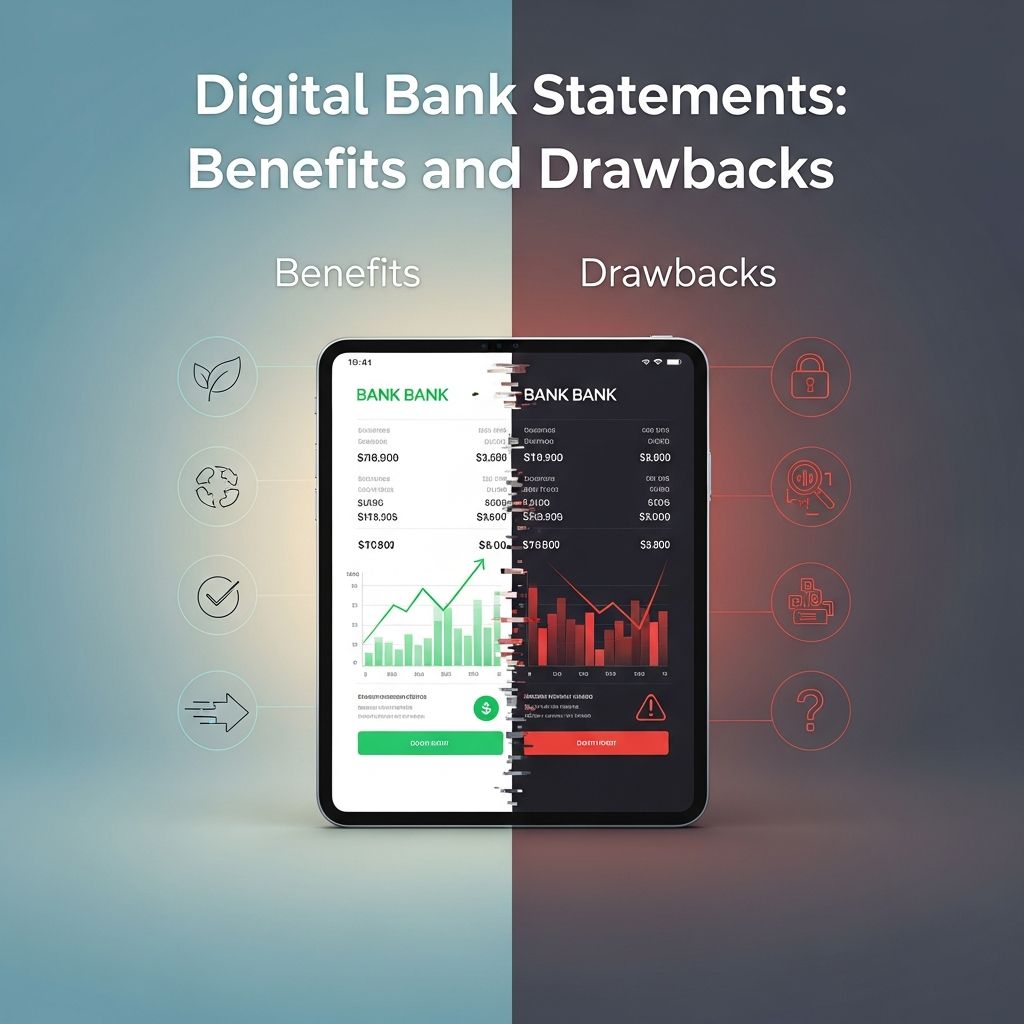
Switching to digital bank statements represents a major shift in how individuals manage their finances in the modern era. Instead of receiving stacks of paper in the mail, electronic versions arrive via email notifications or secure online portals, offering immediate access through banking apps or websites. This transition aligns with broader trends toward sustainability and efficiency but introduces new considerations for security and usability.
Why Digital Statements Are Gaining Popularity
Banks and financial institutions increasingly promote digital statements to cut costs and minimize environmental impact. Consumers benefit from streamlined record-keeping, but the decision hinges on personal circumstances like tech comfort and storage needs. Understanding both sides ensures better financial organization.
Key Advantages of Electronic Banking Records
Adopting digital formats transforms routine banking tasks. Here are the primary benefits:
- Environmental Sustainability: Eliminating paper use helps preserve forests and reduces waste. By forgoing printed statements, users contribute to lower resource consumption across the banking sector.
- Instant Accessibility: View statements the moment they post, without mail delays. Mobile apps enable checks from anywhere, ideal for travelers or busy professionals.
- Space Savings: No more overflowing file cabinets or cluttered desks. Digital files occupy minimal storage on devices or cloud services.
- Cost Reductions: Many banks waive fees for paper statements when opting digital, potentially saving $1–$5 monthly per account.
- Enhanced Searchability: Keywords quickly locate transactions across years, simplifying tax prep or audits.
These perks make digital statements appealing for most users, particularly those comfortable with technology.
Potential Challenges with Going Paperless
Despite the upsides, digital statements aren’t ideal for everyone. Common drawbacks include:
- Cybersecurity Vulnerabilities: Emails or accounts can be hacked, exposing sensitive data. Strong passwords and two-factor authentication are essential mitigations.
- Limited Historical Access: Banks archive statements for 2–7 years, but older ones may require fees or requests. Businesses needing long-term records face hurdles.
- Tech Dependency: Reliable internet and devices are required; outages or poor connectivity disrupt access.
- Overlooking Details: Without physical copies, users might miss fraud or errors, especially with autopay.
- Digital Hoarding: Unmanaged downloads create virtual clutter, mirroring paper piles.
Comparing Paper and Digital: A Side-by-Side Analysis
To clarify trade-offs, consider this comparison table:
| Aspect | Paper Statements | Digital Statements |
|---|---|---|
| Accessibility | Mail delays; home storage | Instant via app/web |
| Security | Mail theft risk | Hacking risk; better encryption |
| Storage | Physical space needed | Digital files; limited archives |
| Cost | Often fees | Usually free |
| Environment | High paper use | Low impact |
| Searchability | Manual review | Keyword search |
This overview highlights why many opt digital, but paper suits those prioritizing tangibility.
Security Best Practices for Digital Finance
Protecting electronic statements demands vigilance. Use unique passwords—avoid reuse across sites. A 2022 survey showed over 50% reset passwords monthly, underscoring frustration but necessity. Enable multi-factor authentication everywhere. Regularly review accounts for anomalies and download statements to encrypted local storage. Banks employ robust encryption, reducing mail theft risks compared to physical delivery.
Organizing Your Digital Financial Archive
Effective management prevents chaos:
- Download monthly and rename files (e.g., “BankName_YYYY-MM”).
- Store in dedicated folders by year or account.
- Use cloud backups like Google Drive or Dropbox with encryption.
- Delete bank portal copies after local save to minimize breach exposure.
- Set calendar reminders for reviews and tax retention (typically 3–7 years).
Tools like Adobe Acrobat or bank apps aid PDF merging for compact records.
Who Should Stick with Traditional Paper?
Not all profiles fit digital perfectly. Seniors or low-tech users may struggle with logins. Those in rural areas with spotty internet or small business owners needing indefinite records benefit from paper. Caregivers handling estates without login details face barriers too. Hybrid approaches—digital for current, printed for archives—offer balance.
Environmental and Cost Impacts Explored
Paperless reduces banking’s footprint: one tree yields ~8,333 statements, per industry estimates. Banks save on printing/mailing, passing savings via fee waivers. Consumers avoid postage for bill pay, compounding benefits.
Steps to Seamlessly Switch to E-Statements
Transition smoothly:
- Log into online banking.
- Navigate to preferences or notifications.
- Select “go paperless” and confirm email.
- Test access post-enrollment.
- Update records systems immediately.
Most changes take effect next cycle.
Frequently Asked Questions
Are digital statements as secure as paper?
They mitigate mail theft but require user safeguards against cyber threats. Banks use advanced protocols.
How long do banks keep e-statements?
Typically 2–7 years; varies by institution. Download for permanence.
Can I revert to paper later?
Yes, contact your bank to reinstate mailing, possibly incurring fees.
What if I lose internet access?
Apps offer offline views for recent; plan printed backups for essentials.
Do paperless save money?
Often yes, via avoided fees; check your bank’s policy.
Making the Right Choice for Your Finances
Weigh lifestyle, tech skills, and needs. Digital excels for most, blending convenience and eco-friendliness, but hybrids suit edge cases. Informed decisions optimize control.
References
- Understanding Paperless Bank Statements: Advantages and Disadvantages — O1ne Mortgage. 2023. https://o1nemortgage.com/understanding-paperless-bank-statements-advantages-and-disadvantages/
- Paperless Credit Card Statements: How It Works, Pros And Cons — Bankrate. 2024-05-15. https://www.bankrate.com/credit-cards/advice/paperless-credit-card-statements-pros-cons/
- Going Paperless With Credit Card Statements: Pros, Cons and Tips — NerdWallet. 2024. https://www.nerdwallet.com/credit-cards/learn/tips-for-managing-credit-card-e-statements
- Pros and Cons of a Paperless Business — Wojeski & Company. 2023-08-10. https://www.wojeskico.com/content-library-blog/pros-and-cons-of-a-paperless-business
- Paper vs. paperless: Unpacking the myths — Union Bank & Trust. 2024. https://www.ubt.com/learning-center/blogs/paper-vs-paperless-unpacking-myths
Similar Articles








Read full bio of medha deb