Credit Card Won’t Swipe: Causes and Fixes
Discover why your credit card fails to swipe and learn proven troubleshooting steps to get back to smooth transactions quickly and securely.
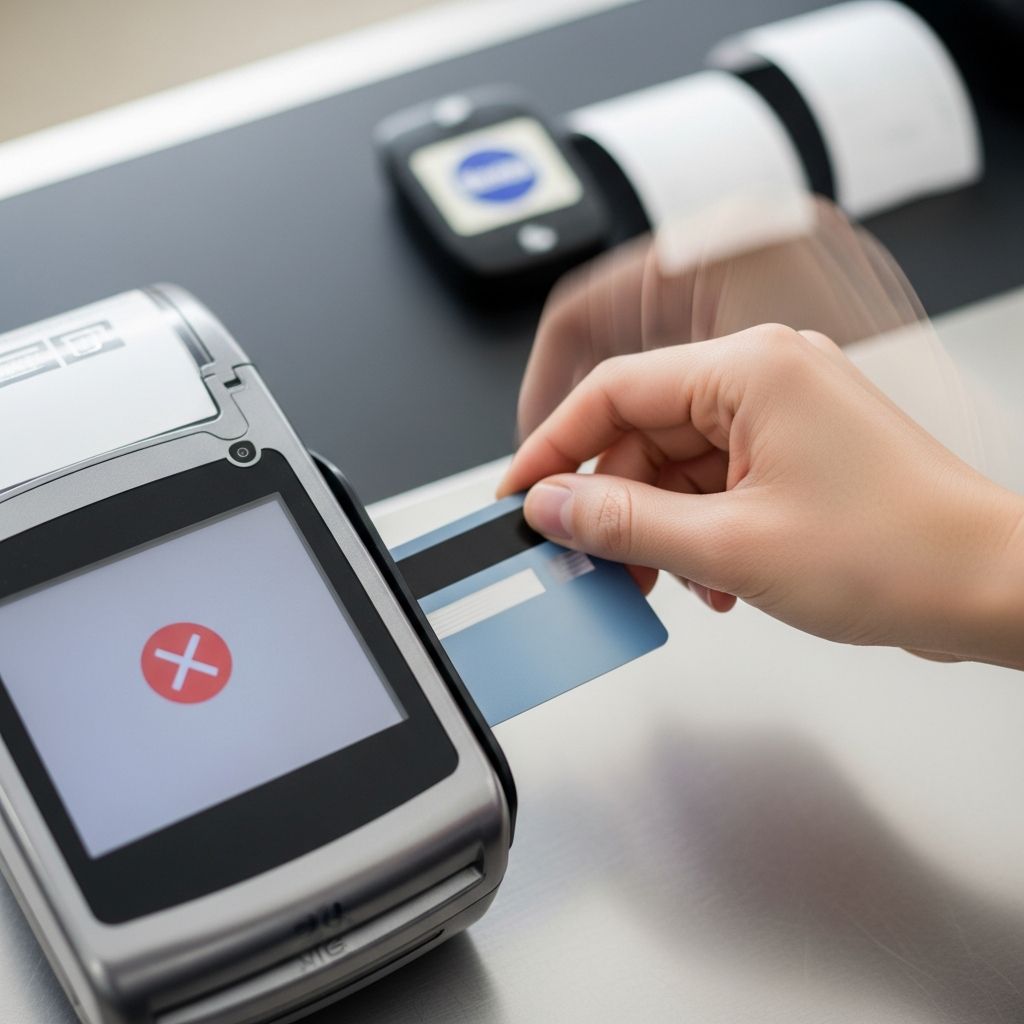
When you’re at the checkout and your credit card refuses to swipe, it can halt your day and spark frustration. This issue stems from a mix of card conditions, user habits, terminal glitches, and evolving payment tech. Understanding these factors empowers you to resolve problems swiftly or switch methods seamlessly.
Understanding How Credit Card Swipes Work
Credit cards rely on a magnetic stripe—a black band encoding account details in iron oxide particles. Swiping aligns this stripe past a reader head that detects magnetic fluctuations to decode data. Speed, angle, and contact precision matter greatly. Modern shifts to EMV chips and contactless NFC reduce stripe dependence but don’t eliminate it entirely.
Stripe data includes card number, expiration, and security codes. Readers transmit this to processors for authorization. Any disruption—like debris or misalignment—blocks the signal, triggering errors.
Primary Reasons Your Card Fails to Swipe
Several culprits cause swipe failures. Identifying them quickly determines your next move.
- Damaged or Worn Magnetic Stripe: Frequent use erodes the stripe, rendering it unreadable. Scratches from wallets or pockets accelerate this.
- Dirt and Debris Buildup: Dust, grime, or residue on the stripe or reader interferes with signal clarity.
- Incorrect Swiping Technique: Too fast, too slow, wrong direction, or improper orientation confuses the reader.
- Faulty Terminal Reader: Clogged slots, wear, or power issues prevent all cards from reading.
- Environmental Interference: Magnets, heat, or static can demagnetize stripes temporarily.
Quick Troubleshooting for Swipe Failures
Don’t panic—systematic checks often fix the problem on the spot. Start simple and escalate as needed.
| Issue | Solution | Why It Works |
|---|---|---|
| Swipe too fast/slow | Swipe steadily at moderate speed; try opposite direction | Optimal speed (about 10-30 inches/second) ensures clear signal capture |
| Dirty stripe | Wipe with dry cloth or sleeve; avoid licking | Removes debris without residue; licking risks moisture damage |
| Reader clogged | Clean slot with dry card or napkin | Clears obstructions for better contact |
| Multiple cards fail | Reboot terminal (power off/on) | Resets glitches and reconnects systems |
Pro tip: Test with another card. Success points to your card’s stripe; failure implicates the terminal.
Advanced Fixes for Persistent Stripe Problems
If basics fail, try these vetted workarounds, used by merchants and consumers alike.
- Wrap the stripe in thin paper, receipt, or dollar bill for a smoother glide and noise reduction.
- Apply clear tape over the stripe sparingly—it can buffer worn areas but risks jamming readers.
- Use a plastic bag snugly around the card to adjust signal distance slightly.
Caution: These are temporary. Overuse damages equipment. Replace damaged cards promptly via your issuer.
Navigating Chip Card Insertion Errors
EMV chips—gold contacts on cards—offer superior security by generating unique transaction codes. Insert fully with chip facing up until the terminal beeps or lights up. Common pitfalls:
- Incomplete insertion or wrong angle.
- Dirty/worn chip surface.
- Terminal chip reader malfunction.
Troubleshoot by reinserting firmly, cleaning gently, or falling back to swipe if allowed. Test other chips to isolate issues.
Contactless Payments as Swipe Backup
NFC-enabled cards, phones, or watches tap for instant reads. Ideal for quick buys under limits. If swipes fail, tap instead—most terminals support it. Ensure your device is NFC-ready and limits aren’t exceeded.
Terminal and Merchant-Side Problems
Not always your card. Merchants face:
- Outdated software missing card format patches.
- Connection drops (WiFi/LAN).
- Debris in high-traffic slots.
Politely suggest rebooting or trying another terminal. Peak hours amplify glitches.
Security Risks: Skimmers and Swipe Scams
Beware tampered readers—skimmers steal data via overlays. Inspect for loose parts, misaligned logos, or odd colors. Decline prompts might mask fraud; verify declines directly with your issuer, not the site.
- Shield PIN entry.
- Use contactless or chip where possible.
- Report suspicious terminals to staff.
Preventing Future Swipe Failures
Proactive habits extend card life:
- Store cards chip/stripe protected in sleeves.
- Clean regularly with microfiber cloths.
- Practice proper swipe technique.
- Request replacements for worn cards yearly.
- Adopt chip/contactless defaults.
Update billing info promptly—mismatches block even good swipes.
When to Contact Your Card Issuer
Persistent issues signal deeper problems. Call if:
- Card works elsewhere but not at one merchant.
- Stripe/chip damage is evident.
- Fraud suspected.
Issuers replace cards free, often expedited. Monitor statements for unauthorized charges.
FAQ
Q: Why does my new card not swipe?
A: New cards may have protective coatings or manufacturing variances; clean and retry, or use chip.
Q: Can heat damage my card?
A: Yes, extremes warp plastic and demagnetize stripes; store at room temp.
Q: Is manual entry safe if swipe fails?
A: Use cautiously; prefer chip/contactless for encryption.
Q: How often should I replace my card?
A: Every 3-5 years or at first wear signs.
Q: What if no terminal works?
A: Try digital wallets or cash; contact merchant support.
References
- Tricks for Credit Card Swipes — Tampa Bay Times. 2011-09-05. https://www.tampabay.com/archive/2011/09/05/tricks-for-credit-card-swipes/
- Card Swipe or Insertion Errors — Bank of America Merchant Help. N/A. https://merchanthelp.bankofamerica.com/Card_Swipe_or_Insertion_Errors
- Troubleshooting Common Issues with Credit Card Machines — Teya. N/A. https://www.teya.com/blog-new/troubleshooting-common-issues-with-credit-card-machines/
- Declined: How to Avoid the Credit Card Swipe Scam — YouTube (Consumer Investigator). N/A. https://www.youtube.com/watch?v=9JGaaL5guuk
- What Causes a Credit Card to Stop Working? — Money Management. N/A. https://www.moneymanagement.org/blog/what-causes-a-credit-card-to-stop-working
- Ten Tips to Prevent Card Skimming Fraud — 1st United Credit Union. N/A. https://www.1stunitedcu.org/more-for-you/financial-wellness/ten-tips-to-prevent-card-skimming-fraud
Similar Articles








Read full bio of medha deb