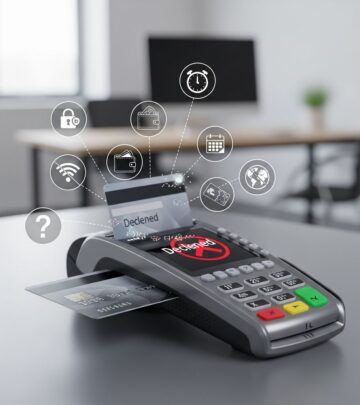
Credit Card Chip Not Working: Troubleshooting Guide
Learn why your credit card chip fails and discover practical solutions to fix chip reading issues.
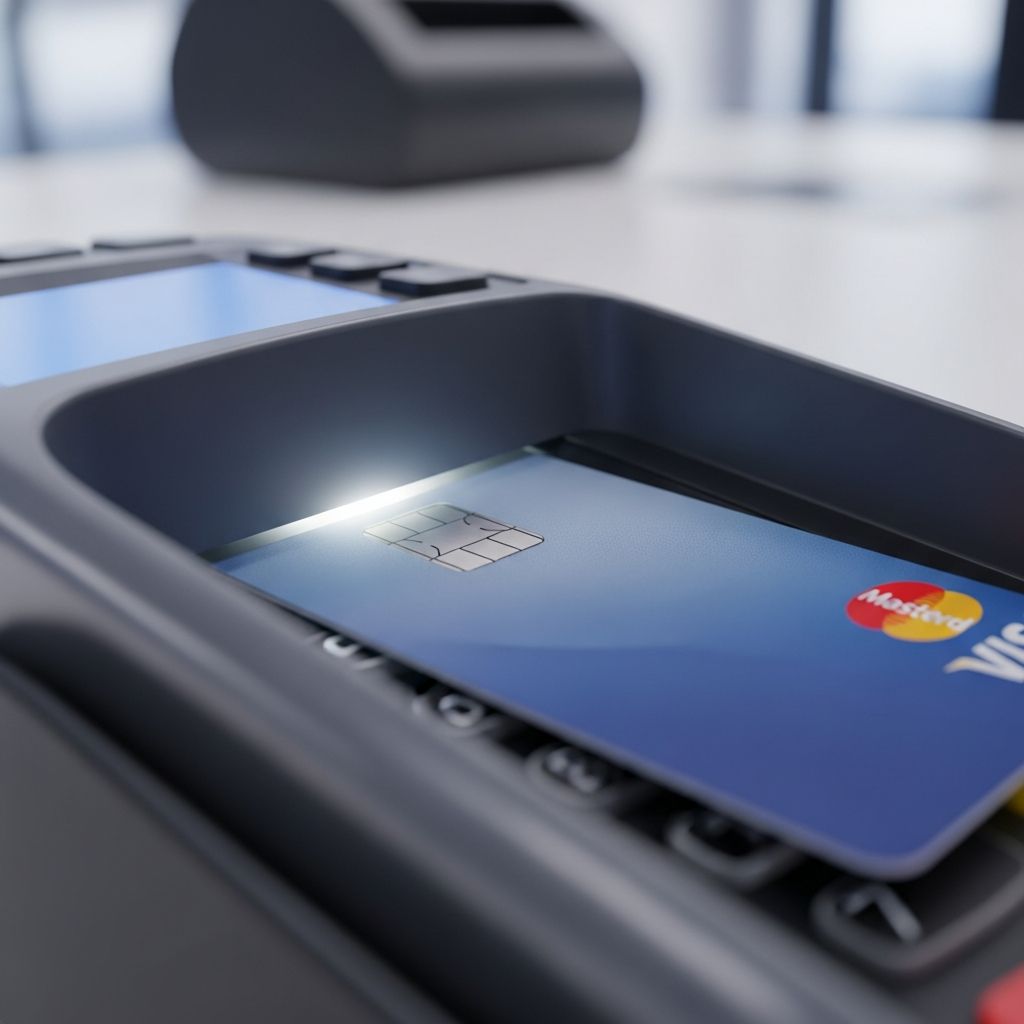
Credit Card Chip Not Working: Complete Troubleshooting Guide
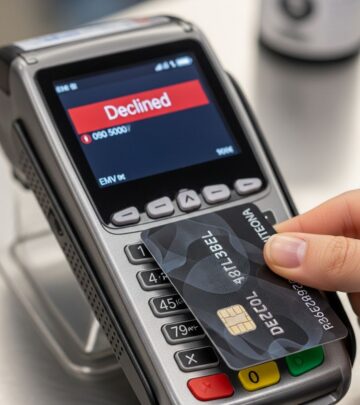
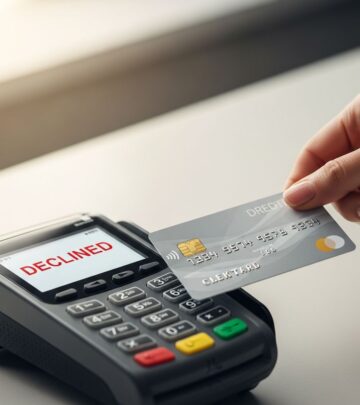
Credit card chips have become the standard for secure payment transactions across the globe. These tiny electromagnetic microchips embedded in your cards are designed to provide enhanced security and fraud protection compared to traditional magnetic stripe cards. However, like any technology, EMV chips can occasionally malfunction or fail to work properly. When your card chip isn’t reading at a payment terminal, it can be frustrating and inconvenient. The good news is that most chip-related issues can be resolved with some basic troubleshooting steps.
Understanding EMV Chip Technology and Common Problems
EMV stands for Europay, Mastercard, and Visa, the three companies that developed this chip card standard. The chip stores encrypted payment information and creates a unique code for each transaction, making it significantly more secure than magnetic stripe technology. However, when a chip card fails to read, it can stem from various causes ranging from simple cleanliness issues to more complex terminal problems.
Research shows that chip card recognition failures account for approximately 60% of EMV chip malfunctions, making it the most common issue consumers and merchants encounter. Software or processing errors represent about 15% of chip failures, while the remaining issues involve hardware damage, terminal misalignment, or compatibility problems.
Step 1: Clean Your Credit Card Chip
The most straightforward solution to chip reading problems is often the simplest: cleaning your card. Dirt, dust, and debris can accumulate on the chip’s metallic surface over time, preventing proper electrical contact between your card and the terminal’s reader.
How to properly clean your chip:
- Use a soft, dry cloth to gently wipe the chip surface
- Apply light pressure to avoid scratching the gold-colored contact points
- For stubborn residue, slightly dampen the cloth with distilled water
- Avoid using harsh chemicals, solvents, or abrasive materials
- Allow the chip to air dry completely before using the card
If your card has visible damage, scratches, or the chip appears physically deteriorated, cleaning alone won’t resolve the issue. In such cases, contact your card issuer to request a replacement card.
Step 2: Check the Payment Terminal
Sometimes the problem isn’t with your card at all—it’s with the payment terminal itself. Card readers can accumulate dust and debris in their card slots, preventing proper chip recognition. Additionally, the terminal may have software glitches or hardware issues.
Inspect the card reader slot:
- Look inside the chip reader slot for visible dust or debris
- Gently clean the slot using a dry cloth or business card
- You can also purchase specialized card reader cleaning cards from office supply stores
- Ensure nothing is obstructing the slot opening
If the terminal still won’t read your chip after cleaning, ask the merchant or cashier to try processing your card again. Sometimes a single failed transaction is just a temporary glitch. If problems persist across multiple terminals, the issue likely lies with your card rather than the readers.
Step 3: Insert Your Card Correctly
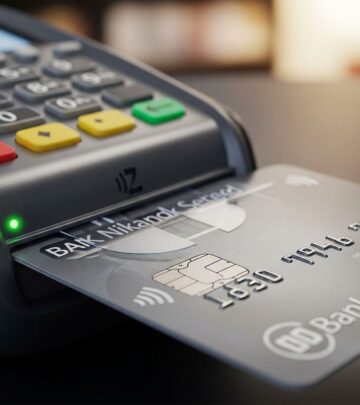
Proper chip card insertion is crucial for successful transactions. Many chip reading failures result from incorrect insertion or incomplete contact between the chip and the reader.
Proper insertion technique:
- Insert the card firmly into the chip slot with the chip facing the correct direction
- Keep the card inserted until the terminal prompts you to remove it
- Don’t remove the card prematurely, as this interrupts the transaction
- Follow on-screen prompts from the terminal
- Wait for the transaction to complete or fail before removing your card
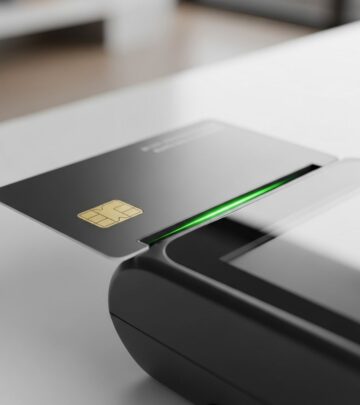
Most modern terminals display a green chip icon when a card is properly recognized and inserted. If you don’t see this indicator, remove the card and try again, ensuring it’s fully inserted into the slot.
Step 4: Try Swiping or Contactless Payment
If chip insertion repeatedly fails, most payment terminals offer alternative payment methods. Nearly all chip cards also retain a magnetic stripe on the back, allowing you to swipe as a fallback option.
Alternative payment methods:
- Magnetic stripe swiping for older-style readers
- Contactless payment using tap technology if your card supports it
- Manual entry of card details by the merchant
- Mobile payment options if you’ve linked your card to a digital wallet
However, note that using these fallback methods may provide less fraud protection than chip transactions. If your card consistently fails to read via chip at multiple merchants, contact your bank to discuss replacement options.
Step 5: Restart the Payment Terminal
Technical glitches can prevent terminals from properly reading chip cards. A simple reboot often resolves these software-related issues.
How to restart a payment terminal:
- Power off the terminal completely
- Disconnect the power source or remove batteries if applicable
- Wait at least 30 seconds for the system to fully shut down
- Reconnect power and turn the terminal back on
- Wait for the terminal to fully boot up before attempting another transaction
This restart clears temporary memory issues and resets system configurations. A reboot resolves many chip reading problems caused by minor software glitches or processing errors. If problems continue after restarting, contact the merchant’s payment processor or your bank for additional support.
Step 6: Address Power Supply Issues
Insufficient or unstable power supply can cause payment terminals to operate irregularly or fail to read cards properly. Power surges, inadequate voltage, or improper electrical connections can damage hardware or trigger malfunctions.
Ensure proper power setup:
- Connect the terminal to a surge protector rather than directly to a wall outlet
- Avoid using extension cords or power strips when possible
- Check that power cables are properly connected and undamaged
- Ensure the outlet itself is functioning correctly by testing other devices
- Keep the terminal away from other equipment that might cause electrical interference
If you’re a merchant experiencing frequent chip reading failures, evaluate your electrical infrastructure. Unstable power can gradually damage terminal hardware and cause recurring issues.
Step 7: Check Network Connectivity
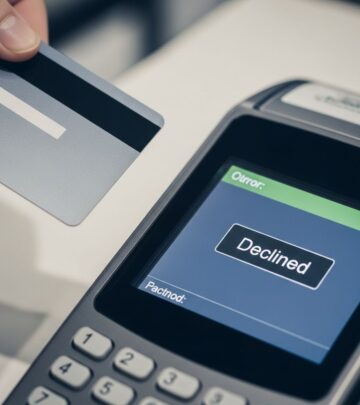
Modern payment terminals require stable internet or network connections to process chip transactions. Connectivity issues can result in declined transactions, error messages, or chip reading failures.
Troubleshoot network problems:
- Verify that the terminal is connected to WiFi or Ethernet
- Check that the network connection is stable and active
- Try switching to an alternative network if available
- Restart your router or cable modem
- Verify network settings are properly configured in the terminal
If connectivity is interrupted during a transaction, the chip reader may fail or transactions may be declined. Ensure your merchant or payment processor maintains reliable network infrastructure.
Step 8: Update Terminal Software and Firmware
Outdated software can cause compatibility issues between your card and the terminal. Payment processors regularly release firmware updates to improve chip reading accuracy, add new features, and fix known bugs.
Check for software updates:
- Contact your payment processor about available updates
- Check the terminal’s settings menu for update options
- Perform updates during non-peak business hours when possible
- Ensure the terminal has stable power during software installation
- Restart the terminal after updating to apply changes
If your terminal hasn’t been updated in several months, outdated software could be causing chip reading problems. Regular updates help maintain compatibility with evolving card technologies.
When to Seek Professional Help
If you’ve attempted all troubleshooting steps and your chip still won’t read, it’s time to contact professionals for assistance.
Contact your bank if:
- Your card chip won’t read at multiple different merchants
- The chip appears visibly damaged or deteriorated
- Cleaning and proper insertion don’t resolve the issue
- You frequently receive error messages related to chip reading
- Alternative payment methods also fail consistently
Contact your payment processor or merchant service provider if:
- Your terminal won’t read any chip cards from any customer
- The terminal won’t turn on after troubleshooting attempts
- You’re experiencing frequent network disconnections
- The chip slot appears physically damaged or obstructed
- Error codes persist despite software updates and rebooting
- The terminal has been exposed to water, heat, or potential surge damage
Professional support can diagnose complex hardware issues, arrange terminal repairs or replacement, and ensure your payment processing continues smoothly.
Preventing Future Chip Reading Problems
Taking preventive measures helps minimize chip-related issues and extends your card’s lifespan.
Card maintenance tips:
- Store your card in a protective sleeve to prevent physical damage
- Keep your card away from extreme temperatures and magnetic fields
- Clean your chip occasionally with a soft, dry cloth
- Avoid bending, flexing, or dropping your card
- Never expose your card to water or moisture
Terminal maintenance for merchants:
- Regularly clean card reader slots to remove dust and debris
- Keep terminals in climate-controlled environments
- Perform routine maintenance checks on all equipment
- Update firmware regularly as updates become available
- Protect terminals from power surges with quality surge protectors
Frequently Asked Questions
Q: Why isn’t my chip card working when my magnetic stripe still functions?
A: The chip and magnetic stripe operate through different technologies and can fail independently. A dirty or damaged chip doesn’t necessarily affect the stripe, and vice versa. Try cleaning your chip first, and if it continues to fail, your card’s chip may need repair or replacement through your bank.
Q: Can I fix a damaged chip myself?
A: You should not attempt to repair a physically damaged chip, as this could void warranties or cause further damage. Contact your bank to request a replacement card. Minor cleaning is fine, but anything beyond gentle cleaning should be handled by professionals.
Q: How often should I clean my credit card chip?
A: Clean your chip whenever you notice dirt or residue, typically every few months with regular use. Regular gentle cleaning prevents buildup that can interfere with chip reading.
Q: What should I do if a terminal repeatedly rejects my chip?
A: First, try the card at another terminal to determine if the issue is with your card or that specific reader. If the chip fails at multiple terminals, contact your bank. If only one terminal rejects your chip, inform the merchant so they can address potential reader maintenance issues.
Q: Are chip cards more reliable than magnetic stripe cards?
A: Yes, chip cards are more secure and generally reliable, but they can still experience technical issues. The chip’s encryption provides superior fraud protection, making occasional technical problems worth the enhanced security benefits.
Q: Can extreme temperatures damage my card’s chip?
A: Yes, extreme heat or cold can damage the chip’s microelectronics. Avoid leaving your card in hot cars, direct sunlight, or freezing conditions. Store it in a wallet or protective sleeve at moderate temperatures.
References
- EMV Chip Malfunction: Causes, Solutions, and Statistics — IntelliPay. 2024. https://intellipay.com/emv-chip-malfunction-causes-solutions-and-statistics/
- Troubleshooting Common Credit Card Machine Issues — CreatePay. 2024. https://www.createpay.com/troubleshooting-common-credit-card-machine-issues/
- Credit Card Machine Not Working – Common Issues and Fixes — IntelliPay. 2024. https://intellipay.com/credit-card-machine-not-working-common-issues-and-fixes/
- Card Swipe or Insertion Errors — Bank of America Merchant Help. 2024. https://merchanthelp.bankofamerica.com/Card_Swipe_or_Insertion_Errors
- Device is Not Reading or Accepting Cards — Payments Insider Support. 2024. https://support.mypaymentsinsider.com/s/article/Device-is-Not-Reading-or-Accepting-Cards
- EMV Troubleshooting Guide for ATM Owners and Operators — U.S. Payments Forum. November 2017. https://www.uspaymentsforum.org/wp-content/uploads/2017/11/EMV-Troubleshooting-Guide-for-ATM-Owners-and-Operators-Final-Nov-2017.pdf
Similar Articles








Read full bio of medha deb