Credit Card Autopay Explained
Discover how credit card autopay simplifies payments, boosts your credit score, and avoids fees while managing potential pitfalls effectively.
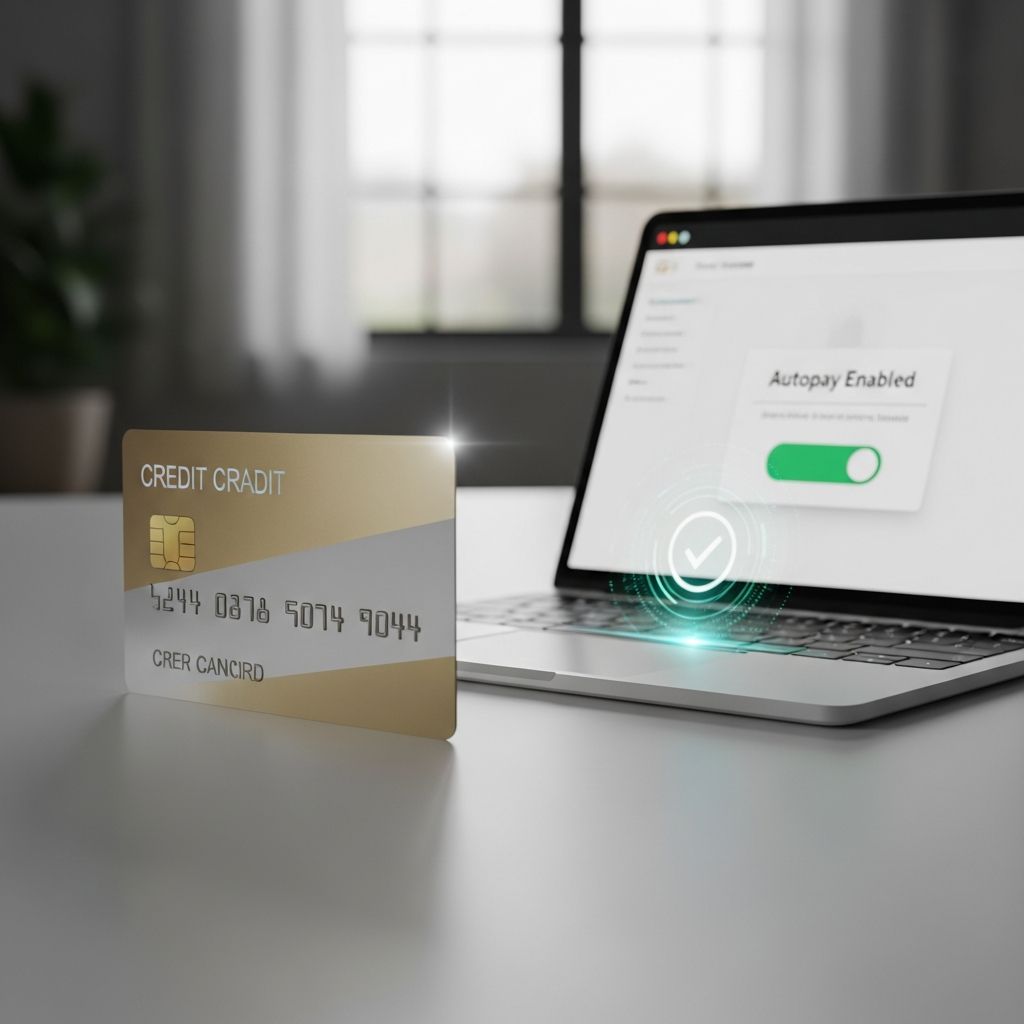
Credit card autopay automates monthly payments from a linked bank account to your credit card, ensuring timely settlements without manual intervention. This feature, available from most issuers, helps maintain payment history—a key factor in credit scoring—while reducing the risk of oversight.
Understanding the Mechanics of Autopay
Autopay functions by authorizing your credit card issuer to withdraw funds directly from your designated bank account on a predetermined date, typically aligning with or preceding your statement due date. Once enrolled, the process operates seamlessly: the issuer initiates an electronic transfer request to your bank, which processes the payment automatically.
This electronic authorization remains active until you cancel it, providing a reliable method for recurring obligations. Unlike manual payments, autopay eliminates the need for repeated logins, checks, or reminders, making it ideal for busy individuals.
Available Payment Options in Autopay
Most credit card providers offer flexibility in autopay configurations, allowing you to select from several payment structures:
- Minimum Payment: Covers only the required minimum due, preventing late fees but accruing interest on the remaining balance. Useful for cash flow management, though not ideal long-term due to compounding costs.
- Full Statement Balance: Pays off the entire billed amount each month, avoiding interest charges entirely. This promotes debt-free usage and supports optimal credit health.
- Fixed Amount: Sets a consistent dollar figure, such as $100 monthly, regardless of balance. Helpful for budgeting specific expenses or making progressive payments toward debt.
Some issuers permit multiple autopays per cycle or custom schedules, enhancing control over cash flow.
Step-by-Step Guide to Setting Up Autopay
Establishing autopay is straightforward and can be done via online portals, mobile apps, or customer service lines. Here’s a general process:
- Log into your credit card account through the issuer’s website or app.
- Navigate to the ‘Payments’ or ‘Billing’ section and locate ‘Autopay’ or ‘Automatic Payments’.
- Link your bank account by entering routing and account numbers.
- Choose your payment amount (minimum, full, or fixed) and select the withdrawal date.
- Review and confirm the authorization; activation is often immediate.
| Issuer | Setup Methods |
|---|---|
| American Express | Online, app, or phone |
| Bank of America | Online Bill Pay or transfers |
| Capital One | Website, app, or call |
| General | Most support all three |
Always verify sufficient funds in your linked account to avoid issues.
Key Advantages of Using Credit Card Autopay
Adopting autopay yields significant benefits for financial discipline:
- On-Time Payments: Guarantees payments post before due dates, safeguarding against late fees (often $30–$40) and negative credit reporting.
- Credit Score Enhancement: Payment history comprises 35% of FICO scores; consistent autopay builds a strong profile, potentially raising scores over time.
- Effortless Management: Frees mental bandwidth from tracking due dates, ideal for multiple cards or irregular schedules.
- Interest Savings: Full-balance autopay prevents carryover debt, eliminating high APR costs (average 20%+).
Users report reduced stress and improved financial habits through this automation.
Potential Drawbacks and Risks to Consider
While beneficial, autopay isn’t without challenges:
- Overdraft Risks: Insufficient funds trigger bank overdraft fees ($35 typical) plus issuer return fees; monitor balances closely.
- Reduced Oversight: Automation may lead to unnoticed spending spikes or billing errors, fostering debt accumulation.
- Minimum Payment Trap: Only paying the minimum extends debt timelines with substantial interest—e.g., $1,000 at 20% APR takes years to clear.
- Cancellation Hurdles: Stopping requires proactive action via app, site, or call; some face delays.
Balance convenience with vigilance by reviewing statements monthly.
Best Practices for Effective Autopay Management
Maximize autopay’s value with these strategies:
- Opt for full-balance payments if feasible to sidestep interest.
- Schedule withdrawals early in your pay cycle and a few days before the due date.
- Maintain a buffer in your bank account—aim for 1.5x the typical payment.
- Enable statement alerts for unusual activity or changes.
- Periodically reassess setups, especially after lifestyle or income shifts.
- Use tools like budgeting apps to track alongside autopay.
For debt reduction, combine fixed autopays with manual extras targeting high-interest balances.
Common Myths About Credit Card Autopay Debunked
Several misconceptions deter users:
- Myth: Autopay is irreversible. Fact: Cancel anytime through account settings or support.
- Myth: It hurts credit by over-relying on minimums. Fact: Proper use (full payments) bolsters scores; minimums merely maintain status quo.
- Myth: No need to check statements. Fact: Fraud or errors still require review.
Autopay Across Different Card Issuers
Features vary slightly:
| Feature | Common Availability |
|---|---|
| Minimum Pay | Nearly all |
| Full Balance | Most major issuers |
| Fixed Amount | Widespread |
| Custom Dates | Many, e.g., PNC, Capital One |
| Multiple Payments | Select banks |
Check your issuer’s terms for specifics.
Frequently Asked Questions (FAQs)
What happens if my bank account lacks funds on autopay date?
The payment fails, potentially incurring overdraft and return fees from both bank and issuer. Refunds aren’t automatic; contact support promptly.
Can I change autopay amount mid-cycle?
Yes, most allow adjustments before the next withdrawal; confirm with your issuer.
Does autopay affect my credit utilization?
No direct impact, but full payments keep utilization low (under 30%), aiding scores.
Is autopay available for all credit cards?
Most, but verify with your provider; business cards may differ.
How do I cancel autopay?
Via app/online settings, or call customer service; written confirmation may be needed.
Advanced Tips for Power Users
For optimized use:
- Link multiple accounts for failover.
- Align with zero-based budgeting.
- Integrate with rewards tracking to ensure value.
- For high earners, use for travel rewards cards with full payoff.
Autopay evolves with fintech; expect AI-driven adjustments soon.
References
- Should I Set Up Automatic Payments for My Credit Card? — PNC Bank. 2023. https://www.pnc.com/insights/personal-finance/spend/should-i-set-up-autopay-for-credit-card.html
- Guide to Automated Credit Card Payments — SoFi. 2024. https://www.sofi.com/learn/content/automated-credit-card-payments/
- How do automatic payments from a bank account work? — Consumer Financial Protection Bureau (CFPB). 2021. https://www.consumerfinance.gov/ask-cfpb/how-do-automatic-payments-from-a-bank-account-work-en-2021/
- Credit Card Autopay Explained — Bankrate. 2024. https://www.bankrate.com/credit-cards/advice/autopay-explained/
- Set Up Automatic Credit Card Payments, Forget the Late Fees — NerdWallet. 2024. https://www.nerdwallet.com/credit-cards/learn/how-to-set-up-automatic-credit-card-payments
Similar Articles








Read full bio of medha deb