Cover Letter Format: 12 Essential Rules To Follow
Master professional cover letter formatting with essential structure, layout tips, and best practices.
Understanding Cover Letter Format
A cover letter is a formal document that accompanies your resume when applying for a job. Proper formatting is essential because it demonstrates professionalism, attention to detail, and respect for the hiring manager’s time. The way you present your cover letter can significantly impact whether your application gets serious consideration or ends up in the rejection pile. Unlike your resume, which is primarily a chronological summary of your qualifications, a cover letter allows you to tell your story in a narrative format and explain why you are the ideal candidate for a specific position.
The format of your cover letter should follow standard business letter conventions while being adapted for modern professional communication. Whether you are submitting your letter electronically or printing it for mail delivery, maintaining consistent formatting ensures that your document appears polished and professional. This guide will walk you through every aspect of cover letter formatting to help you create a document that makes a strong first impression.
The Essential Structure of a Cover Letter
A well-formatted cover letter consists of distinct sections that work together to create a cohesive, persuasive document. Understanding each component and how they fit together is crucial for creating an effective cover letter.
Header and Contact Information
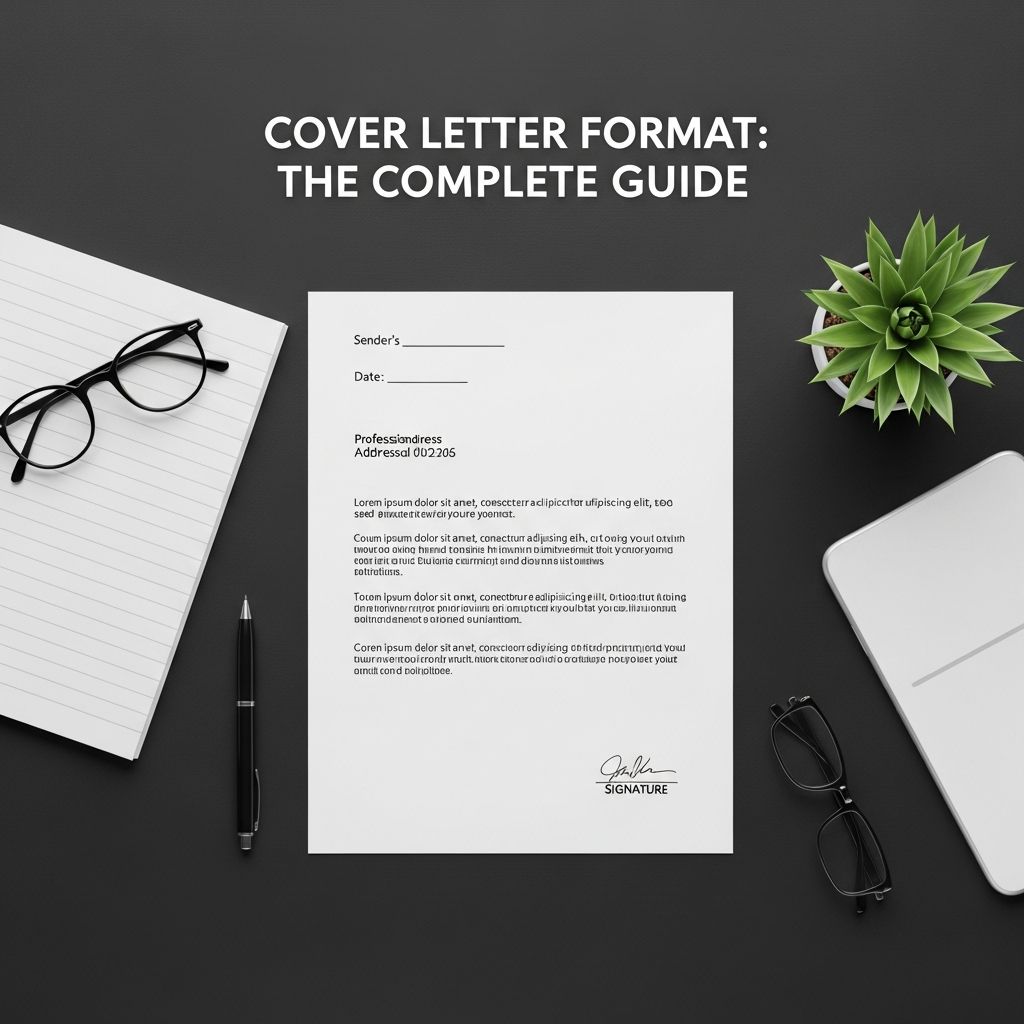
Your cover letter should begin with a clearly laid out letterhead that communicates who you are and how to contact you. This is your first opportunity to make a professional impression. Start by placing your full name and surname at the top of the page, followed by your complete contact details. Include your address, phone number, and email address in that order. If you have multiple phone numbers, distinguish them by labeling them as “home” and “mobile” as appropriate.
When including your email address, use plain text format rather than converting it into a hyperlink, as this ensures better readability across different devices and email systems. If your email address auto-formats as a hyperlink, right-click and select “remove link” to maintain clean formatting. For modern applications, you may also consider including your LinkedIn profile URL or a link to your professional portfolio if relevant to the position.
A helpful formatting tip is to use an invisible table in your letterhead. Insert a 2×4 table and place your contact details in the first row (right box), the addressee name and job title in the second row (left box), the date in the third row (left box), and vacancy reference details in the fourth row (left box). This approach keeps your letterhead organized and visually appealing while maintaining professional alignment.
Recipient Information and Date
Following your contact information, include the name and address of the person you are writing to. Always address your letter to a specific individual if possible; this shows you have done your research and are genuinely interested in the position. Include the job title, job description, or vacancy reference number if available, as this helps the hiring manager quickly identify which position you are applying for.
Place the date on its own line below the recipient’s information. Using the full date format (for example, “November 29, 2025”) is more professional than abbreviated versions. The date serves as an official record of when you submitted your application.
Spacing and Alignment Guidelines
Proper spacing is critical for creating a document that is easy to read and professionally formatted. The correct use of white space makes your cover letter appear organized and shows that you understand business communication conventions.
Vertical Spacing
Leave two line spaces between the date and the body of the letter. This creates a clear visual separation between the formal header section and the main content. Between paragraphs in the body of your letter, leave one line space. Do not indent the first line of paragraphs, as this creates a more modern and contemporary appearance. This spacing approach applies whether you are submitting your letter electronically or in print.
At the end of your letter, the spacing differs depending on how you will submit it. If you are sending your letter electronically, leave two blank lines above your name where a handwritten signature would appear. If you are printing the letter and sending it by mail, allow four lines of space for an actual handwritten signature. This formatting accommodates both digital and traditional submission methods.
Text Alignment
The main body of text should be justified alignment. Justified alignment automatically adjusts the spacing between words so that each line runs to the straight edge of the text on both sides, creating a neat and professional appearance. In Microsoft Word, you can achieve this by selecting your text and pressing “CTRL + J.” This alignment style creates a polished, traditional business letter appearance that hiring managers expect to see.
Typography and Font Selection
Your choice of font communicates professionalism and readability. Stick with standard, widely recognized fonts that are available on most computers to ensure your letter displays correctly regardless of the system used to open it.
Font Family and Size
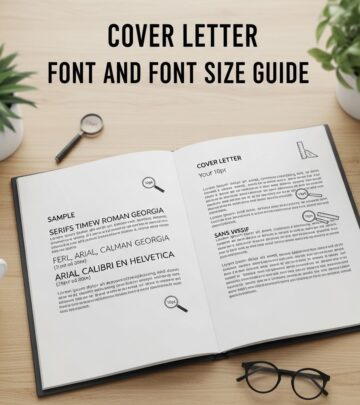
Use a standard font such as Times New Roman, Arial, or Calibri. These fonts are universally recognized and display consistently across all devices and email clients. Avoid decorative, script, or unusual fonts that may appear unprofessional or difficult to read. Set your font size to 12 points, which is the standard for business correspondence. Larger font sizes will not look good and may appear as though you are trying to artificially fill space. Smaller font sizes can be detrimental to readability and may discourage hiring managers from reading your entire letter, particularly if they are reviewing multiple applications.
Margins and Page Length
Your cover letter should be limited to one A4 page or standard letter-size page in length. Anything longer than one page is generally considered excessive and suggests you cannot communicate concisely. Set your margins at a standard width all around; typically one inch on all sides provides good balance. Ensure your letterhead is inviting and easy to read, not cramped or dense-looking. Use wide margins to create visual breathing room and make your letter more approachable.
Formatting the Body of Your Letter
The body of your cover letter is where you sell yourself to the employer. Proper formatting of this section ensures that your message is easy to scan and understand.
Paragraph Structure
Write concise paragraphs of just a few lines each. Aim for no more than three to four sentences per paragraph. A typical cover letter should contain three to four paragraphs total: an introduction, one to two body paragraphs, and a closing paragraph. Avoid excessively long sentences that are difficult to read and understand. Break complex ideas into simpler, more digestible statements.
While you can use bullet points and numbering in your cover letter, keep any lists extremely concise. Detailed lists belong in your resume or CV, not in your cover letter. If you do use bullet points, ensure they support your main arguments and enhance readability rather than cluttering your letter.
Writing Style and Tone
Write in a formal and professional style, but try to remain engaging and punchy. Your tone should demonstrate both competence and personality without being arrogant or overly casual. Use active voice and power words to describe your work and accomplishments. Words like “accomplished,” “achieved,” “led,” “created,” “increased,” and “identified” convey strength and initiative. Highlight specific achievements and successes that demonstrate how you can add value to the organization.
Balance your tone carefully so that you convey your personality and subject matter expertise without sounding smug or like a know-it-all. Remember that the letter should focus on how you would be an asset to the organization if hired, not just on your personal accomplishments or preferences.
Essential Cover Letter Components
A great cover letter includes four primary parts that work together to create a complete, persuasive document.
The Header
The header contains your name, address, contact information, and the company name and hiring manager’s name if known. Include the company’s address and the date you are sending the letter. Center your contact information at the top of the document for a professional appearance.
The Introduction
Your opening paragraph is your first impression and determines whether the hiring manager will continue reading. An uninteresting first paragraph may be the only one they read. Make your opening compelling by stating who you are, the position you are interested in, and a brief summary of your relevant work experience. Clearly communicate why you are a great candidate for the position right from the start.
The Body
The body of the letter is the longest section of your one-page document. Use this space to describe why you are applying for the job and why the reader should consider you for the position. This is your opportunity to sell yourself by connecting your skills and experiences to the specific needs of the role and organization. Reference specific requirements from the job posting and explain how your background makes you an ideal fit.
The Closing
Conclude your letter with a call to action that expresses your enthusiasm for the position and indicates your availability for further discussion. Always finish your letter professionally with a closing phrase such as “Yours sincerely” or “Best regards,” followed by your name. If you are mailing a printed copy, leave space for your handwritten signature between the closing and your typed name. Reference any enclosed documents, such as your resume, before your signature line.
What NOT to Include in Your Cover Letter
Just as important as knowing what to include is understanding what to avoid in your cover letter.
Topics to Avoid
Do not mention money or discuss salary in your cover letter. Salary negotiations are appropriate for later stages of the interview process. Avoid exaggerating or mentioning job skills and qualifications you do not currently possess. Dishonesty can easily be discovered during interviews or background checks and will damage your credibility.
Try not to focus excessively on the past. While you can mention skills or qualifications gained in previous jobs and briefly explain any career changes, it is better to shift your focus to what you can bring to the table in the future. Employers want to know what value you will add going forward, not just what you have done previously.
Tone and Content Issues
Avoid writing a boring cover letter, as this significantly decreases your odds of getting a callback. Your letter should be catchy, interesting, and engaging. Avoid bringing up sensitive topics like benefits or specific work arrangements unless the employer has specifically asked about them. Do not be arrogant, but do show confidence in what you have to offer and explain why it is in the employer’s interest to hire you.
Pre-Submission Checklist
Before sending your cover letter, take time to review and verify the following elements:
- Address the letter to the right person
- Clearly and concisely express your message
- Ensure your letter has a clear structure with beginning, middle, and end
- Target your letter specifically to the job and organization
- Use active, powerful words to describe your achievements
- Highlight specific accomplishments and successes
- Include your full contact details
- State clearly which job position you are applying for
- Ensure your opening paragraph is interesting and compelling
- Make your case confidently without being arrogant
- Check spelling, grammar, and punctuation
- Verify proper formatting and spacing throughout
Frequently Asked Questions
Q: What is the ideal length for a cover letter?
A: A cover letter should be limited to one A4 page or standard letter-size page. This length is sufficient to introduce yourself, highlight relevant qualifications, and express interest in the position without overwhelming the reader. Anything longer suggests you cannot communicate concisely.
Q: Should I use a specific font for my cover letter?
A: Yes, use standard, professional fonts such as Times New Roman, Arial, or Calibri at 12-point size. These fonts are universally recognized and display consistently across all devices. Avoid decorative or unusual fonts that may appear unprofessional or difficult to read.
Q: How should I format spacing in my cover letter?
A: Leave two line spaces between the date and the body, one line space between paragraphs, and do not indent paragraph beginnings. For electronic submission, leave two blank lines before your name; for mailed letters, leave four lines for your signature. Use justified alignment for the main body text.
Q: Should I address my cover letter to a specific person?
A: Yes, always try to address your letter to a specific individual whenever possible. If you cannot find a name, address it to “Dear Hiring Manager” or “Dear [Department] Team.” Addressing a specific person shows you have done your research and are genuinely interested in the position.
Q: Can I use bullet points in my cover letter?
A: Yes, you can use bullet points and numbering, but keep any lists extremely concise. Detailed lists belong in your resume. Use bullet points only when they enhance readability and support your main arguments.
Q: What closing phrase should I use for my cover letter?
A: Professional closing phrases include “Yours sincerely,” “Best regards,” “Sincerely,” or “Thank you for your consideration.” Choose a closing that feels appropriate for the industry and organization you are applying to.
Q: Should I include my LinkedIn profile or portfolio link in my cover letter?
A: Yes, including your LinkedIn profile URL or a link to your professional portfolio in the header is appropriate, especially if relevant to the position. This provides hiring managers with quick access to additional information about your background and work.
Q: How important is proper cover letter formatting?
A: Proper formatting is very important because it demonstrates professionalism, attention to detail, and respect for the hiring manager’s time. A well-formatted letter is easier to read and scan, increasing the likelihood that your message will be clearly understood and your application will receive serious consideration.
References
- How to Write a Cover Letter – Templates and 40+ Must-Know Tips — Moneyhub New Zealand. 2025. https://www.moneyhub.co.nz/how-to-write-a-cover-letter.html
- How to Write a Cover Letter for a Job — Money.com. 2025. https://money.com/how-to-write-a-cover-letter/
- How to Write a Cover Letter: Your Full Guide — The Muse. 2025. https://www.themuse.com/advice/how-to-write-a-cover-letter-31-tips-you-need-to-know
- Write a Compelling Cover Letter — Rotman Commerce, University of Toronto. 2020. https://rotmancommerce.utoronto.ca/current-students/
- Queen’s Best Cover Letters — Queen’s University Career Services. 2023. https://careers.queensu.ca/
Similar Articles








Read full bio of Sneha Tete