Undefined Contactless Payments Explained: What To Know In 2025
Discover how tap-to-pay revolutionizes secure, speedy transactions with NFC technology and digital wallets.
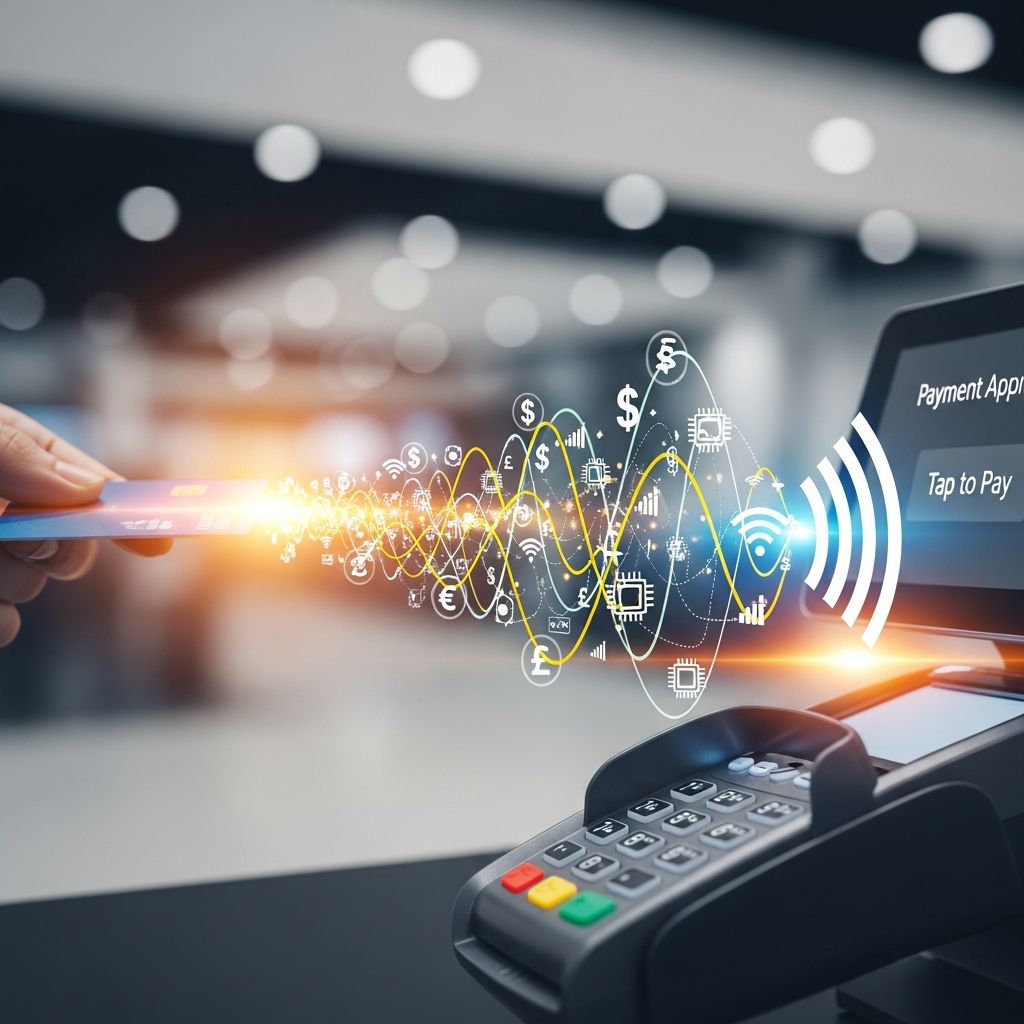
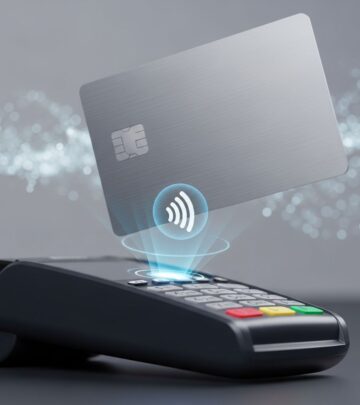
Contactless payments enable users to complete transactions by simply tapping a card, phone, or wearable device near a payment terminal, leveraging near-field communication (NFC) technology for secure, rapid exchanges without physical insertion or swiping.
The Rise of Tap-to-Pay in Modern Commerce
In an era demanding efficiency and hygiene, contactless payments have transformed retail interactions. Introduced widely in the mid-2000s, this method now dominates low-value purchases, typically under $25 or equivalent limits set by issuers, allowing seamless checkouts in stores, transit, and vending machines. The technology’s adoption surged during public health crises, emphasizing touch-free options, and continues to grow with smartphone integration.
Merchants benefit from shorter queues, as transactions process in under a second, boosting throughput during peak hours. Consumers appreciate the convenience, ditching wallets for phones or watches. Globally, billions of such payments occur annually, signaling a shift from cash and traditional cards.
Core Technology Powering Contactless Transactions
At the heart lies NFC, a subset of radio-frequency identification (RFID) operating at 13.56 MHz over short distances—usually two inches or less—to prevent unauthorized intercepts. Embedded chips in cards or devices house payment data, antennas facilitate communication, and encryption ensures protection.
EMV standards govern most implementations, where a smart chip authenticates via cryptographic exchanges with the terminal. For mobile setups, a Device Account Number (DAN) akin to a tokenized card number is generated, paired with private keys for verification.
| Technology Component | Description | Range |
|---|---|---|
| NFC Chip | Enables data transfer via radio waves | <2 inches |
| EMV Standard | Secures chip-to-terminal authentication | N/A |
| Tokenization | Replaces card details with one-time codes | N/A |
Step-by-Step: Executing a Contactless Payment
The process is intuitive and swift:
- Locate the symbol: Look for the contactless indicator (four curved lines) on cards, devices, or terminals.
- Prepare device: For phones, unlock and open the digital wallet app; cards need no activation.
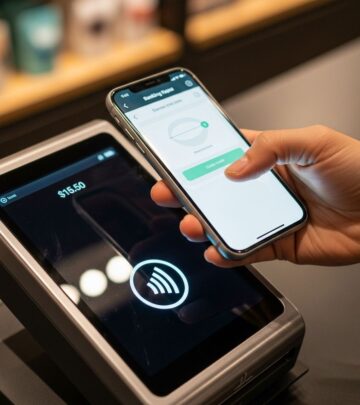
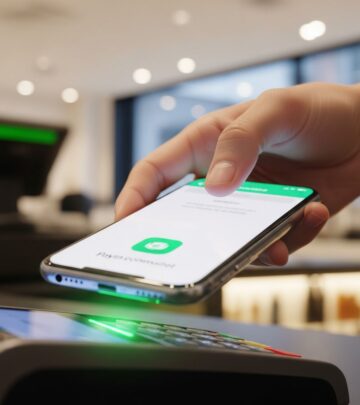
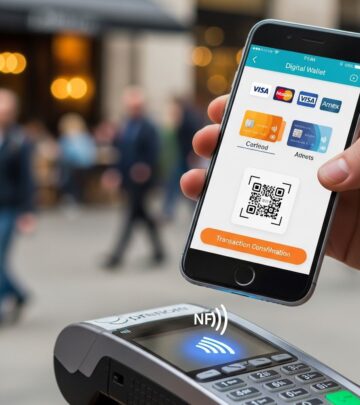
- Tap or hover: Position within inches of the reader; NFC initiates a secure link.
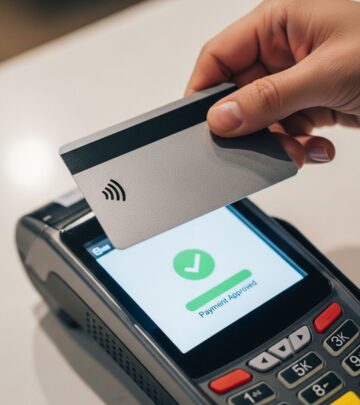
- Confirm transaction: A beep, vibration, or screen checkmark signals completion—no PIN for small amounts.
Behind the scenes, the NFC chip generates a unique, encrypted token transmitting only necessary data. The terminal relays this to the issuer for approval, often pre-authorizing based on spending limits.
Digital Wallets: The Mobile Frontier of Contactless
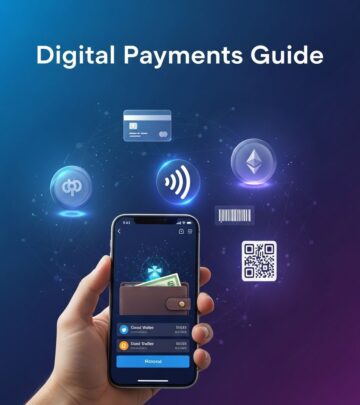
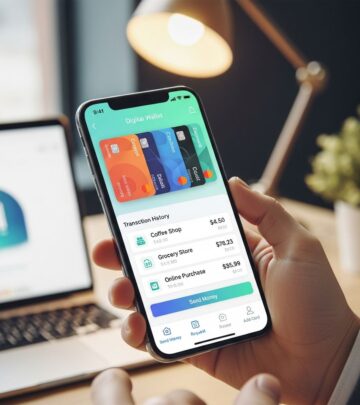
Apps like Apple Pay, Google Pay, and Samsung Pay store card details securely, using the device’s NFC for payments. Setup involves scanning or entering card info, followed by bank verification. Biometrics—fingerprint or face ID—add layers before transactions.
Tokenization shines here: actual card numbers stay on servers, replaced by dynamic tokens per purchase, minimizing breach risks. Users can select default cards or switch mid-transaction, enhancing flexibility. Wearables like smartwatches extend this to wrists, ideal for runners or cyclists.
Security Measures That Build Trust
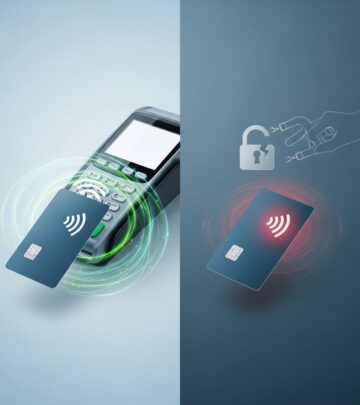
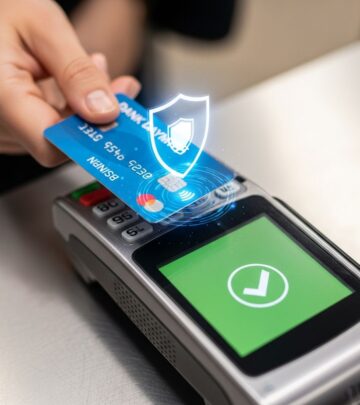
Concerns over skimming persist, but safeguards abound. Each tap uses a one-time code, rendering intercepted data useless. Limits cap no-PIN transactions, prompting verification for larger sums. Device-specific keys and biometrics thwart theft—even if lost, unauthorized use requires unlock.
Compared to magstripe swipes, contactless fraud rates are lower due to encryption and short range. Issuers monitor patterns, freezing suspicious activity instantly. Tokenization, mandated in many standards, ensures merchants never handle full card details.
| Security Feature | Benefit |
|---|---|
| Dynamic Tokens | One-use codes prevent reuse |
| Biometric Locks | Requires user verification |
| Spending Limits | Triggers PIN for high amounts |
| Encryption | Protects data in transit |
Advantages for Shoppers and Businesses
For consumers: Speed trumps fumbling for cash; hygiene avoids germy terminals; security rivals or exceeds chips-and-PIN. No wallet needed—phone suffices.
For merchants: Faster lines mean happier customers and higher volumes. Lower fraud costs, simpler hardware upgrades. Integration with POS systems is straightforward, supporting Ethernet, WiFi, or cellular.
In transit like buses or trains, tap-on-tap-off cuts dwell times. Vending and parking meters modernize with contactless.
Limitations and Common Hurdles
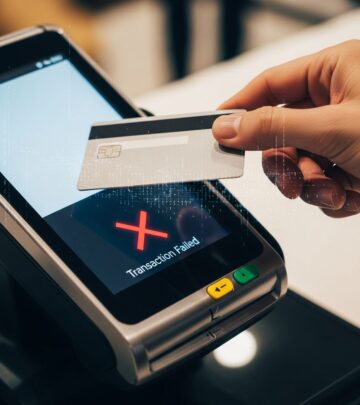
Not universal: Older terminals lack readers; rural areas lag. Transaction caps vary—$50 in some regions, lower elsewhere—necessitating fallback methods. Battery-dependent mobiles fail if dead, though cards don’t.
Interoperability issues arise across networks, though EMVCo unifies standards. Privacy worries about tracking exist, but tokens anonymize.
Global Adoption Trends and Future Outlook
By 2025, contactless dominates urban retail, with digital wallets proliferating. Emerging markets leapfrog to mobile-first systems. Innovations like in-car payments and IoT devices loom.
Expect higher limits, broader acceptance, and AI-driven fraud detection. As 5G enhances NFC, ultra-secure, instant global transfers beckon.
Frequently Asked Questions
What is the maximum amount for contactless payments without a PIN?
Limits vary by issuer and region, often $25–$100 for low-risk transactions; higher amounts prompt PIN entry.
Is my phone compatible with contactless payments?
Most smartphones post-2014 with NFC hardware support digital wallets like Apple Pay or Google Pay.
Are contactless payments safe from hacking?
Yes, tokenization, encryption, and biometrics make them highly secure, with fraud rates below traditional methods.
Can I use contactless on public transport?
Many systems worldwide accept taps for fares, speeding boarding.
What if my card doesn’t have the contactless symbol?
It’s not enabled; use chip, swipe, or upgrade via your bank.
References
- What Is Contactless Payment and How Does it Work (2025) — Square. 2025. https://squareup.com/us/en/the-bottom-line/starting-your-business/what-is-a-contactless-payment
- Tapping into the future: A guide to contactless payments — Marqeta. N/A. https://www.marqeta.com/blog/tapping-into-the-future-a-guide-to-contactless-payments
- Contactless Payment | Research Starters — EBSCO. N/A. https://www.ebsco.com/research-starters/business-and-management/contactless-payment
- Contactless payment — Wikipedia. N/A. https://en.wikipedia.org/wiki/Contactless_payment
- Contactless payments technology — how it works and how to work it — PayAnywhere. N/A. https://www.payanywhere.com/blog/contactless-payments-technology-how-it-works-and-how-to-work-it
- Contactless 101: What you need to know about tap and go — Mastercard. 2025. https://www.mastercard.com/us/en/news-and-trends/Insights/2025/what-you-need-to-know-about-tap-and-go.html
Similar Articles








Read full bio of Sneha Tete