Cashback Monitor Guide: Maximize Your Rewards
Master Cashback Monitor to compare shopping portals and earn maximum rewards effortlessly.
What Is Cashback Monitor?
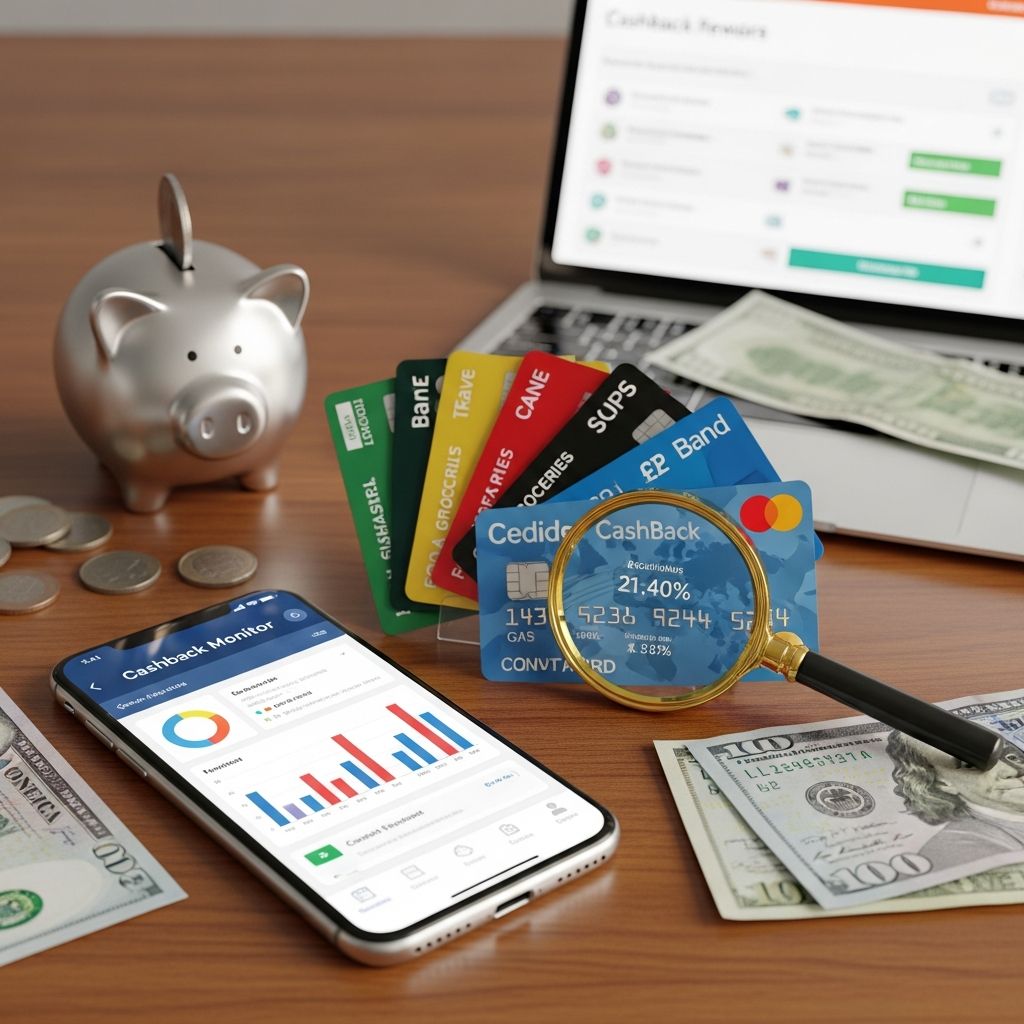
Cashback Monitor is a comprehensive website that tracks earning rates across dozens of online shopping portals and cash back sites, making it remarkably easy to see which platform earns the most points, miles, or cash back at any particular retailer. Rather than manually comparing bonus rewards rates across multiple shopping portals, using an aggregator like Cashback Monitor saves you significant time and effort, allowing you to maximize earnings on purchases you’re already making without adding complexity to your shopping experience.
The platform serves as a bridge between your favorite shopping destinations and your rewards credit cards, helping you identify the highest-earning opportunities available at any given moment. This streamlined approach to rewards management has become increasingly valuable as the number of shopping portals and cash back sites continues to grow.
How Cashback Monitor Works
Understanding the mechanics of Cashback Monitor is straightforward, making it accessible for both seasoned rewards enthusiasts and casual shoppers looking to earn more. The platform presents information in an intuitive way that requires minimal navigation skills.
Navigating the Homepage
When you first visit Cashback Monitor, the homepage is organized into two main columns designed to help you quickly identify the best current offers:
The Most Viewed Stores: The first column displays the best rates available at the most-viewed stores that day, giving you an overview of the most popular deals at any given time. This section is particularly useful if you’re browsing for inspiration or want to see what other shoppers are prioritizing.
Stores Sorted by Rewards: The second column shows each store’s best rate sorted by the estimated value of the rewards currency issued, whether that’s cash back, points, or miles. This organization helps you quickly identify which portals offer the most valuable returns in your preferred currency format.
Rates are updated at least once a day, typically in the morning, ensuring you always have access to the most current information when planning your purchases.
Searching for Your Retailer
Although you can browse stores and brands by rewards type, the most efficient way to use Cashback Monitor for your next online purchase is to enter your retailer of choice into the search bar at the top of the site’s homepage. For example, if you’re planning to purchase from Walgreens, simply type the store name into the search function.
The search results page lists all current earning rates for purchases made through any of the 45 shopping portals Cashback Monitor tracks. The site organizes rewards by type—cash back, travel rewards, credit card points, and other rewards—with the best deals and bonuses at the top of each column, enabling you to compare portal offers side by side and make an informed decision about where to shop.
Looking Up Rewards Rate History
Cashback Monitor includes several additional tools to help you get more value from the platform. Similar to how rotating category credit cards change their bonus categories seasonally, many shopping portals vary bonus offers throughout the year. By clicking on “View Best Rate History” on the search results page, you can see all the earnings opportunities at a retailer over the previous 15 months.
This historical data is invaluable when you’re trying to decide whether to take advantage of today’s best offer or wait for a higher rate to return. If you know from experience that a particular retailer typically offers higher rates at certain times of year, you can time your purchases accordingly to maximize your rewards.
Customizing Your Cashback Monitor Experience
While Cashback Monitor is useful right out of the box, the platform becomes significantly more powerful when you customize it to match your shopping habits and preferences.
Setting Your Reward Currency Values
One of the most helpful features is the ability to assign a cash value to any reward currency. To access this feature, you’ll need to create a Cashback Monitor account, but once you do, you can specify the exact value you place on different rewards currencies. This means you can assign a point value based on your typical redemption rate, making it easier to compare different reward types on equal footing.
For example, if you typically redeem airline miles at 1.5 cents per mile, you can assign that value to all airline miles shown on the platform, making it easier to see whether a portal offering miles is actually better than one offering cash back.
Customizing Your Interface
A less-crowded interface lets you identify the best deals more easily and ignore portals you don’t shop through anyway. To access this customization feature, select the “My Monitor” tab and log in to your account, then select “Config My Monitor.”
Within this customization area, you can pick up to eight shopping portals and up to 20 retailers to monitor. By limiting the information displayed to only the portals you actually use and the stores where you regularly shop, you can make the platform much more actionable and relevant to your specific situation.
Setting Up Rate Alerts
Once you’ve customized your monitor, you can set up alerts to get notified whenever a rewards rate at one of your favorite retailers reaches a specific threshold in a specific shopping portal. This feature is especially handy if you’ve been ready to make a non-urgent purchase but have opted to wait for a more lucrative offer to better maximize your earnings.
For instance, if you’re planning to buy a new laptop but want to wait for a portal offering at least 8% cash back, you can set an alert and receive a notification as soon as that rate becomes available.
Maximizing Your Earnings Strategy
The true power of Cashback Monitor emerges when you combine it with a strategic approach to credit card selection and usage.
Combining Shopping Portals with Rewards Credit Cards
Let’s say you start your shopping in the TrueBlue shopping portal and use your JetBlue Card to pay for your purchases at Walgreens. In addition to the 2X points you’ll earn in the portal, according to Cashback Monitor data, you’ll also earn 1X points with the card itself. This stacking of rewards means you’re earning points from multiple sources on the same purchase.
By strategically selecting which portal to use and which credit card to pay with, you can substantially increase your rewards earning rate on every purchase. The key is matching the portal’s strengths with your credit card’s benefits.
Using the Browser Extension
If earning the most rewards possible is your goal, you can also install the Cashback Monitor Bookmarklet, a free browser extension available for Chrome, Firefox, and Safari. This extension takes you from whatever retail site you’re shopping on directly to Cashback Monitor with just one click, so you can quickly compare all the current offers for that store to make sure you’re getting the best deal before completing your purchase.
This seamless integration into your shopping workflow removes any friction from the optimization process, making it genuinely simple to maximize your earnings.
Key Takeaways
Understanding how to effectively use Cashback Monitor can transform your approach to earning rewards. Here are the essential points to remember:
- Cashback Monitor offers a snapshot of earning rates across dozens of shopping portals, so you can easily see which site offers the most cash back, points, or miles
- You can customize the Cashback Monitor site to show your preferred shopping portals and other features, though you need to sign up for an account to unlock customization options
- Using a shopping portal with higher earnings combined with your favorite rewards credit card can boost your earning potential with minimal effort
- The platform tracks rates for 45 different shopping portals, giving you comprehensive comparison options
- Historical rate data helps you decide whether to purchase now or wait for better offers
- Browser extensions and alerts make it convenient to monitor rates and take advantage of them
Frequently Asked Questions
Q: Do I need to pay to use Cashback Monitor?
A: No, Cashback Monitor is completely free to use. Basic features like searching for retailers and viewing current rates don’t require an account. However, you’ll need to create a free account to access advanced features like customization, rate history, alerts, and the ability to set reward currency values.
Q: How often are the rates updated on Cashback Monitor?
A: Rates are updated at least once per day, typically in the morning. This ensures you have access to current information, though rates can change throughout the day as shopping portals adjust their offers.
Q: Can I use Cashback Monitor on mobile devices?
A: Yes, you can access Cashback Monitor on mobile devices through your web browser. The browser extension is available for desktop browsers like Chrome, Firefox, and Safari, but the website itself is accessible from any device with internet access.
Q: How many shopping portals does Cashback Monitor track?
A: Cashback Monitor tracks earning rates across 45 different shopping portals, providing comprehensive comparison options for most major retailers.
Q: What happens if I reach the spending cap on a portal’s offer?
A: Many portals have spending caps before their bonus rates drop to a lower percentage. Cashback Monitor’s historical data can help you understand typical spending patterns for each portal, and the platform clearly indicates when caps exist so you can plan accordingly.
Q: Can I set multiple alerts on different retailers?
A: Yes, you can set up multiple alerts across your customized selection of up to 20 retailers and 8 shopping portals. This allows you to monitor various shopping opportunities simultaneously.
Q: How do I customize which portals appear in my Cashback Monitor?
A: Log into your Cashback Monitor account, select the “My Monitor” tab, and then click “Config My Monitor.” You can choose up to eight shopping portals and up to 20 retailers to display in your personalized view.
Q: What’s the best way to combine Cashback Monitor with credit card rewards?
A: The most effective strategy is to identify both the shopping portal offering the highest rate and the credit card that earns bonus rewards at that retailer, then use both together. For example, if a portal offers 5% cash back and your credit card offers 3% at that same retailer, you could earn 8% total (subject to any spending caps).
The Bottom Line
If your goal is saving more money, using a site like Cashback Monitor can create a path for super simple savings. This site quickly shows you which shopping portals offer the most rewards, whether you’re looking for cash back, points, or miles. You can take advantage of the sites with larger payouts and combine them with your favorite credit card, which means you can save more with minimal effort.
The beauty of Cashback Monitor lies in its simplicity combined with depth. You don’t need to be a rewards expert to benefit from it—simply entering a retailer name gives you valuable information. But for those willing to invest time in customization and strategy, the platform enables sophisticated optimization that can translate into hundreds of dollars in additional rewards annually.
By incorporating Cashback Monitor into your shopping routine and combining it with a strategic credit card portfolio, you can transform everyday purchases into significant rewards without fundamentally changing your shopping habits. Whether you’re a casual shopper or a rewards enthusiast, Cashback Monitor provides the tools you need to maximize your earnings efficiently.
References
- Cashback Monitor Guide — Bankrate. 2025. https://www.bankrate.com/credit-cards/cash-back/cashback-monitor-guide/
- How to Maximize Your Credit Card Rewards with Shopping Portals — Bankrate. 2025. https://www.bankrate.com/credit-cards/rewards/maximize-credit-cards-online-shopping-portal/
- How to Maximize Cash Back With Your Credit Card — Bankrate. 2025. https://www.bankrate.com/credit-cards/cash-back/maximize-cash-back-strategy/
- How Does Cash Back Work? — Bankrate. 2025. https://www.bankrate.com/credit-cards/cash-back/how-cash-back-works/
- Cashback Monitor — Cashback Monitor. 2025. https://www.cashbackmonitor.com/
Similar Articles








Read full bio of Sneha Tete