Biometrics vs Passwords: Security Showdown
Discover why biometrics often outshine passwords in security and convenience, yet both have unique roles in modern authentication strategies.
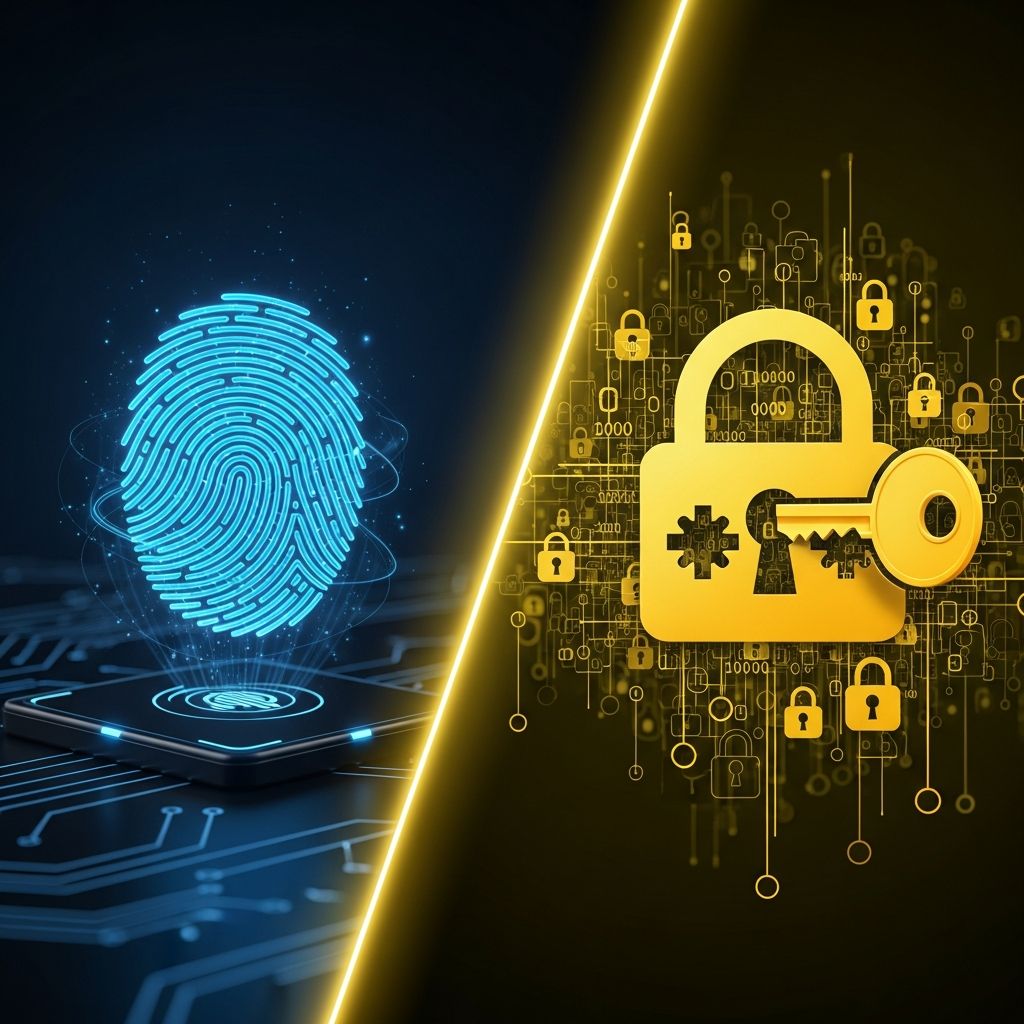
Authentication methods define the front line of digital security. Traditional passwords have long served as the gatekeeper to our online lives, but biometrics—using unique physical traits like fingerprints or facial scans—are rapidly gaining ground. This analysis dives deep into their comparative strengths, vulnerabilities, and ideal applications, drawing on expert insights to reveal which method truly safeguards your data best.
Understanding the Fundamentals of Authentication
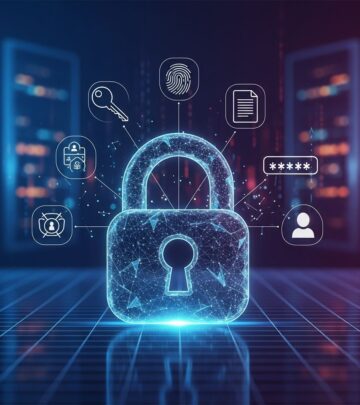
At its core, authentication verifies identity through factors: something you know (passwords), something you have (tokens), or something you are (biometrics). Passwords rely on memorized strings, while biometrics leverage inherent biological uniqueness, such as iris patterns or voice timbre. This distinction fundamentally alters security dynamics, as biometrics cannot be shared or forgotten in the same way.
Modern systems often blend these approaches. For instance, smartphones frequently default to biometric unlocks but fallback to passwords, ensuring accessibility even if a fingerprint reader fails due to moisture or injury. This hybrid model underscores that no single method is foolproof.
Strengths of Biometric Authentication
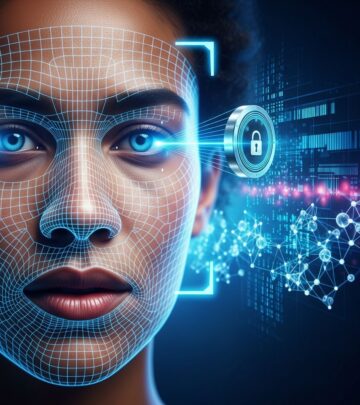
Biometrics excel in providing robust, user-centric security. Their primary advantage lies in inherent uniqueness: no two individuals share identical fingerprints or retinal scans, making replication extraordinarily difficult. Advanced systems incorporate liveness detection, thwarting spoofing attempts with photos, masks, or recordings.
- Seamless User Experience: Authentication takes seconds—no typing complex phrases. This reduces friction, boosting adoption rates in high-traffic environments like banking apps.
- Scalability for MFA: Biometrics integrate effortlessly into multi-factor setups, combining with device possession for layered defense.
- Resistance to Common Attacks: Unlike passwords, biometrics evade phishing and brute-force exploits, as physical traits cannot be socially engineered.
Statistics highlight their efficacy: biometric systems reduce unauthorized access by up to 90% in controlled tests, per industry benchmarks.
Limitations and Risks of Biometrics
Despite advantages, biometrics are not invincible. Privacy looms large, as stored templates of sensitive data (e.g., facial maps) become prime targets if breached. Unlike passwords, compromised biometrics cannot be ”reset”—your face remains yours forever.
- False Acceptance/Rejection Rates: Dirty sensors or environmental factors can lock out legitimate users (false negatives) or admit imposters (false positives), though modern algorithms minimize this to under 1%.
- Hardware Dependency: Deployment requires specialized scanners, escalating costs for enterprises.
- Spoofing Vulnerabilities: Sophisticated attacks, like 3D-printed fingerprints, demand ongoing countermeasures.
Regulatory scrutiny intensifies these concerns, with frameworks like GDPR mandating stringent data handling for biometrics.
Why Passwords Persist: Key Advantages
Passwords endure due to their simplicity and flexibility. They demand no extra hardware, making them ubiquitous across legacy systems and low-resource settings. Users retain full control, resetting credentials instantly via email or security questions.
| Aspect | Passwords | Biometrics |
|---|---|---|
| Cost | Low (software-only) | High (hardware + setup) |
| Revocability | Easy (change anytime) | Impossible |
| Familiarity | Universal | Device-specific |
| Deployment Speed | Immediate | Requires integration |
This table illustrates passwords’ practicality for broad accessibility. Their ”something you know” nature also pairs well with other factors in MFA.
Password Pitfalls: Why They’re Failing
Passwords falter under modern threats. Over 80% of breaches stem from weak or stolen credentials, fueled by reuse across sites and predictable patterns like ”password123”. Phishing tricks users into divulging secrets, while brute-force tools crack short combinations in minutes.
- Memory Overload: Managing dozens of accounts leads to weak choices or notes, amplifying risks.
- Credential Stuffing: Leaked data from one breach enables attacks elsewhere.
- No Inherent Uniqueness: Shared or guessed passwords grant instant access.
Recent reports confirm: password-related incidents cost businesses billions annually.
Head-to-Head: Biometrics Outmatch Passwords in Security
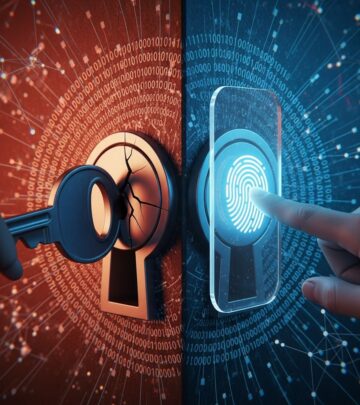
Direct comparisons favor biometrics for core security. They resist replication far better, with uniqueness baked in versus passwords’ human-engineered flaws. When paired with MFA, biometrics slash breach risks dramatically.
However, passwords’ revocability provides a safety net—change one if compromised, unlike immutable biometrics. The consensus: biometrics lead in convenience and strength, but hybrids prevail.
Real-World Implementations and Case Studies
In finance, banks like those using biometric MFA report 50% fewer fraud cases. Apple’s Face ID exemplifies success, blocking unauthorized access even with high-quality photos. Conversely, the 2019 Suprema BioStar breach exposed 27 million biometric records, highlighting storage perils.
Enterprises balance this by encrypting templates and using on-device processing, minimizing central vulnerabilities.
Future Directions: Toward Passwordless Worlds
Trends point to passwordless futures via FIDO2 standards, emphasizing biometrics and passkeys. By 2026, projections show 30% adoption in consumer apps. AI enhancements will refine accuracy, while quantum-resistant encryption protects data.
Quantum threats loom for all methods, but biometrics’ physical basis offers resilience.
Best Practices for Robust Protection
- Use unique, complex passwords (20+ characters, manager-stored) everywhere.
- Enable biometric MFA on supported devices.
- Keep software updated for patches.
- Avoid biometric-only reliance; layer defenses.
- Monitor for breaches via tools like Have I Been Pwned.
Frequently Asked Questions (FAQs)
What if my biometric scan fails?
Fallback to passwords or PINs ensures access; maintain strong alternatives.
Can biometrics be hacked?
Possible but rare with liveness checks; encrypt data rigorously.
Are passwords obsolete?
Not yet—essential backups and for non-biometric systems.
Which is cheaper long-term?
Biometrics save on support despite upfront costs.
Privacy laws for biometrics?
Strict under GDPR/CCPA; opt for local storage.
References
- Biometric vs Password Authentication — LoginRadius. 2023-05-15. https://www.loginradius.com/blog/identity/biometric-vs-password-authentication
- Biometrics vs Passwords: Understanding Authentication Methods — Techlocity. 2024-02-20. https://www.techlocity.com/blog/biometrics-vs-passwords
- Biometric Authentication vs Password Authentication — AuthX. 2024-08-10. https://www.authx.com/blog/biometric-authentication-vs-password-authentication/
- Biometric MFA vs Traditional Passwords — Avatier. 2023-11-05. https://www.avatier.com/blog/biometric-mfa-vs-passwords/
- Which is Safer: Biometrics or Passwords? — Experian. 2024-01-12. https://www.experian.com/blogs/ask-experian/biometrics-vs-passwords-which-is-safer/
Similar Articles








Read full bio of Sneha Tete