Best Money Tips: How to Get Free Wi-Fi at the Airport
Master proven strategies to access free airport Wi-Fi and save money while traveling.
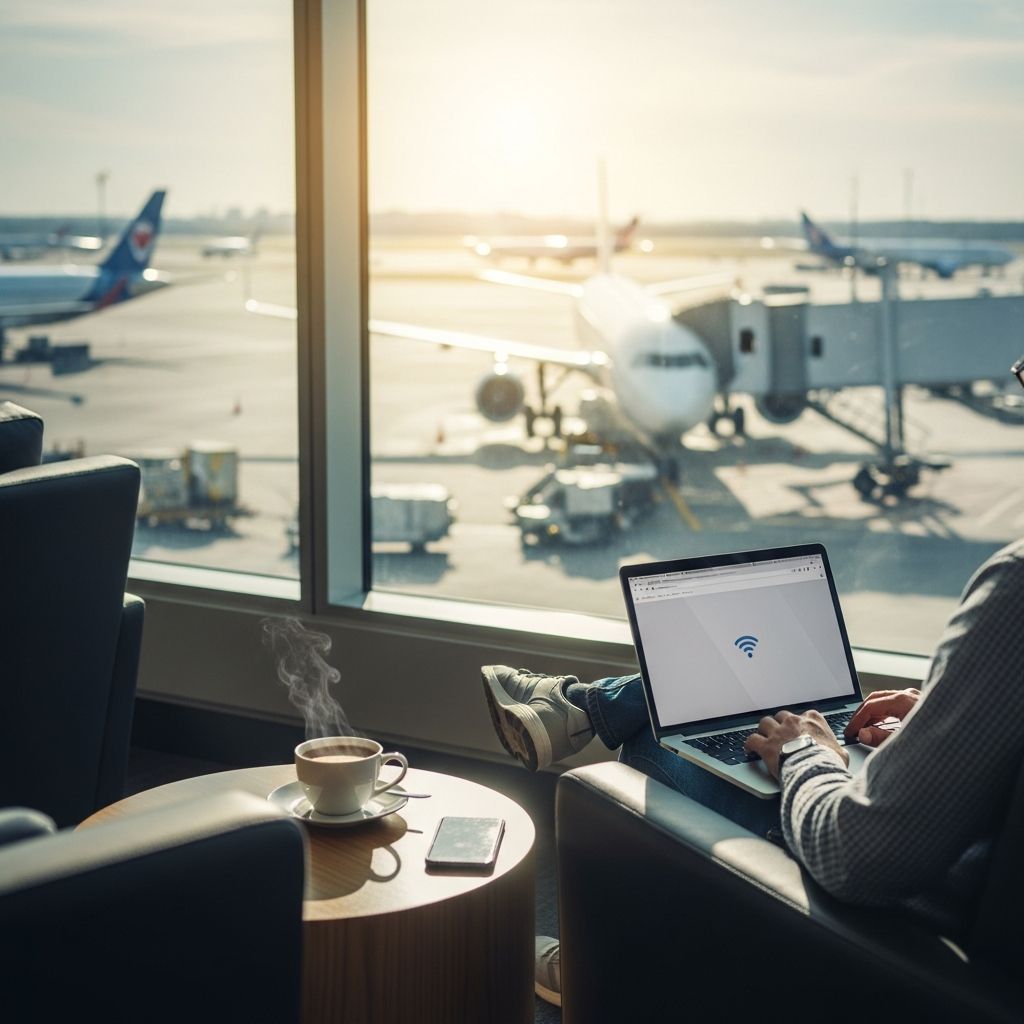
One of the most frustrating aspects of air travel is dealing with expensive and unreliable airport Wi-Fi connections. When you’re stranded between flights without an international cell phone plan or waiting for a delayed departure, having internet access becomes essential. Whether you need to work, stay in touch with loved ones, or simply pass the time, paying for airport Wi-Fi can quickly add up. Fortunately, numerous strategies exist to access free Wi-Fi at airports around the world without spending a dime.
The challenge isn’t that free Wi-Fi doesn’t exist at airports—many offer it freely. The real difficulty lies in navigating the restrictions, time limits, and technical barriers that often accompany these services. This guide explores the most effective and practical methods to secure free internet access at airports, regardless of which terminal or country you’re traveling through.
Ask at the Gift Shop for Free Wi-Fi Passes
One of the simplest yet most overlooked methods to obtain free airport Wi-Fi is asking at the airport gift shop. Many airport retailers offer complimentary Wi-Fi passes or coupons that provide 15 to 30 minutes of free internet access to customers. These passes are often given away as promotional items or customer appreciation gestures, making them completely free to acquire.
The process is straightforward: visit your airport’s gift shop and politely inquire about free Wi-Fi passes or coupons. Staff members are typically familiar with this request and can quickly provide you with the access codes or printed vouchers you need. This method works particularly well at airports that have implemented paid Wi-Fi systems, as retailers use the free passes as a way to encourage visitors to browse their stores.
The advantage of this approach is that it requires no technical knowledge, no apps, and no complicated workarounds. You simply walk in, ask, and walk out with free internet access. The disadvantage is that the duration is limited, though it’s usually sufficient for quick email checks, social media updates, or important messages.
Use Airport Lounge Access for Free Wi-Fi and More
Airport lounges represent one of the most comprehensive solutions for accessing free Wi-Fi during travel. Most premium airport lounges offer complimentary high-speed internet access alongside comfortable seating, free refreshments, and a calm environment away from the hustle and bustle of the terminal.
Ways to Access Airport Lounges
- Premium credit cards: Many high-end credit cards, particularly those marketed toward frequent travelers, include complimentary airport lounge access as a cardholder benefit.
- Frequent flyer memberships: Elite status with airline loyalty programs often grants lounge access to members.
- Priority Pass memberships: This program provides access to over 1,000 lounges worldwide, though it requires a membership fee or credit card tie-in.
- Day passes: If you don’t have membership, many lounges sell day passes for $25 to $50, providing access to Wi-Fi plus meals and beverages.
- Airline partnerships: Some airlines offer complimentary lounge access to first-class or business-class passengers.
When planning to use lounge access, remember to bring the appropriate credentials—whether that’s your credit card, membership card, or digital version on your phone—along with your boarding pass. Policies vary by lounge regarding guest privileges and age restrictions for children, so it’s wise to verify these details before your visit.
Location is another critical consideration. Before relying on lounge access, confirm that the lounge is located in your terminal and accessible within your layover time. Some lounges require passing through unsecured areas, which would necessitate clearing security again—something you may not have time for on a tight connection.
Access the Boingo Partner Network
Boingo is one of the world’s largest airport Wi-Fi providers, operating hotspots at hundreds of airports and hotels globally. While Boingo typically requires paid subscription or day passes, the company maintains a partner network with free browsing capabilities that savvy travelers can leverage.
Here’s how the strategy works: Instead of attempting to access standard Boingo Wi-Fi, navigate to Boingo’s homepage and locate their partner section, often labeled as “The Good Stuff” or similar branding. This section lists partner businesses that offer free browsing capabilities. Click on one of these partner links and leave the website open in your browser. Once you’ve accessed a partner page, the network often permits general browsing without requiring additional authentication.
While this workaround doesn’t always succeed—Boingo’s network security occasionally prevents this technique—it’s worth attempting if you find yourself connected to Boingo’s network. The worst that can happen is the method fails and you’re back to considering alternative options. Some American Express cardholders also receive complimentary Boingo access as a cardholder benefit, so if you carry this card, check your benefits documentation before paying for access.
Change Your Device’s MAC Address
Many airports implement time limits on free Wi-Fi, typically restricting usage to 30 minutes, one hour, or similar windows. These restrictions are tracked using your device’s MAC address—a unique identifier stored on your network card that the airport’s system uses to monitor your connection duration.
If you understand how MAC addresses function, you can theoretically extend your free Wi-Fi time by changing your device’s MAC address. This makes the airport’s system recognize your device as a different computer, effectively resetting your usage timer. On Windows computers, tools like Technitium MAC Address Changer can facilitate this process. Mac users can employ LinkLiar for the same purpose.
However, this method comes with significant caveats. It requires technical knowledge and comfort with device settings, making it impractical for many travelers. Additionally, airport networks increasingly employ more sophisticated tracking methods that make this workaround less reliable than it once was. Unless you’re particularly tech-savvy, other methods are likely more efficient for your situation.
Try the “?.jpg” URL Trick
This is an older method that works less reliably today but remains worth attempting. Some airport Wi-Fi networks block access to certain content categories but may inadvertently allow images to load without triggering their redirect authentication page. By adding “?.jpg” to the end of a URL you want to visit, you may trick the system into thinking you’re requesting an image file.
For example, if you want to visit example.com, you would enter example.com?.jpg in your browser’s address bar. The network’s filtering system might permit this request, allowing you to bypass restrictions and access the full website.
The key limitation is that this technique relies on older network configurations. Modern airport Wi-Fi systems have largely closed this vulnerability, making it unreliable for most contemporary airports. Still, it’s simple enough to attempt—if it doesn’t work, you’ve lost nothing but a few seconds.
Use Wi-Fi Mapping Applications
Technology offers a practical solution through dedicated Wi-Fi mapping applications designed specifically for finding free Wi-Fi access points worldwide. WiFi Map is one of the most popular options, featuring a crowdsourced database of Wi-Fi passwords for more than 100 million hotspots globally. The app allows you to search for nearby networks, view passwords shared by other users, and rate network quality and reliability.
These applications prove particularly valuable because they leverage community contributions, constantly updating with current information about airport Wi-Fi availability and access methods. When you arrive at an unfamiliar airport, you can quickly search for available networks and access instructions directly from your phone.
You can also find Wi-Fi password information in the comments section of location-based services like Foursquare. Many travelers share useful access tips and current working passwords in these community forums, creating an informal resource network.
Consult the Global Airport Wi-Fi Password Map
A particularly comprehensive resource exists in the form of a constantly updated Google Map dedicated to collecting free Wi-Fi passwords at airports around the world. This map is maintained by the travel community and includes access information for hundreds of airports, even including remote locations like McMurdo Air Station in Antarctica.
To use this resource, simply search for the map online and navigate to your specific airport. The map displays the available networks at that location along with passwords needed to connect. The crowdsourced nature of the map means information is continually refreshed as travelers update entries with current, working passwords.
Adjust Your Computer’s System Clock
Another workaround that might extend your free Wi-Fi session involves adjusting your computer’s system clock backward. Some airport networks track session time based on your system’s internal clock rather than their own servers. By manually turning back your computer’s time, you might convince the network that you haven’t reached your time limit.
This method is unreliable and works inconsistently across different airport networks. Modern systems typically employ more sophisticated tracking that makes clock manipulation ineffective. Additionally, changing your system time can interfere with other computer functions and isn’t worth the potential technical complications for most users.
Consider Your Cellular Options
While not technically “free” Wi-Fi, purchasing a local SIM card in certain destinations provides an alternative to airport internet. In many countries, you can purchase inexpensive prepaid SIM cards at cellular stores, convenience stores, or even airport retailers. These cards often include data allowances that provide internet access throughout your stay, potentially working out cheaper than airport Wi-Fi if you’re traveling for several days.
Important Security Considerations
Regardless of which method you use to access free airport Wi-Fi, it’s crucial to prioritize security. Free, public Wi-Fi networks expose your device to potential security risks, including data interception and malware distribution. Consider these protective measures:
- Use a Virtual Private Network (VPN): A VPN encrypts your internet traffic, protecting sensitive information from being intercepted on the public network.
- Avoid sensitive transactions: Refrain from accessing banking apps, entering passwords, or conducting financial transactions on public Wi-Fi.
- Disable auto-connect features: Turn off automatic Wi-Fi connection settings that might connect you to malicious hotspots.
- Use two-factor authentication: Enable two-factor authentication on important accounts to protect them even if passwords are compromised.
Frequently Asked Questions
Q: How long can I typically use free airport Wi-Fi?
A: Duration varies significantly by airport. Some provide unlimited free Wi-Fi, while others limit free sessions to 15-60 minutes. Check the specific airport’s website or ask at customer service for exact limitations.
Q: Will these methods work at all airports?
A: No, airport Wi-Fi systems vary widely. Methods that work at one airport may not work at another due to different network configurations and providers. It’s best to research your specific airport in advance or be prepared with multiple strategies.
Q: Is it legal to change my MAC address to extend Wi-Fi access?
A: While changing your MAC address itself is legal, using it to bypass airport terms of service could be considered a violation of those terms. Airports’ policies on this vary, and some may take issue with the practice.
Q: Can I use a lounge day pass if I’m not a frequent flyer?
A: Yes, most lounges offer day passes to anyone willing to pay the fee, typically ranging from $25-$50. This can be a worthwhile investment if you have a long layover and need reliable internet and comfortable amenities.
Q: What should I avoid doing on public airport Wi-Fi?
A: Avoid accessing banking information, entering passwords, making purchases with credit cards, or viewing sensitive personal data without a VPN. Treat public Wi-Fi as inherently insecure.
Q: Are airport gift shop Wi-Fi passes really free?
A: Yes, many airport gift shops genuinely offer free Wi-Fi passes or coupons without requiring a purchase, though they may offer them to customers as well.
Conclusion
Accessing free Wi-Fi at airports doesn’t require paying premium prices or settling for unreliable connections. By combining strategies—asking at gift shops, researching lounge access options, exploring app-based resources, and understanding various workarounds—you can maintain internet connectivity throughout your travels without unexpected charges. Remember to prioritize security by using a VPN and avoiding sensitive transactions on public networks. With careful planning and the right approach, free airport Wi-Fi is entirely achievable.
References
- How to Get Free WiFi in (Almost) Any Airport — FlyerTalk. Accessed January 2026. https://www.flyertalk.com/articles/get-wifi-in-any-airport-with-these-wifi-hacks.html
- How to Get the Most Out of Airport Lounge Access — Wise Bread. Accessed January 2026. https://www.wisebread.com/how-to-get-the-most-out-of-airport-lounge-access
- 15 Airport Hacks From Professional Travelers — Wise Bread. Accessed January 2026. https://www.wisebread.com/15-airport-hacks-from-professional-travelers
Similar Articles








Read full bio of medha deb