Budget Templates: 10 Best Tools To Master Your Money
Discover 10 powerful budget templates and tools to track income, cut expenses, and stay on top of your money with less stress.
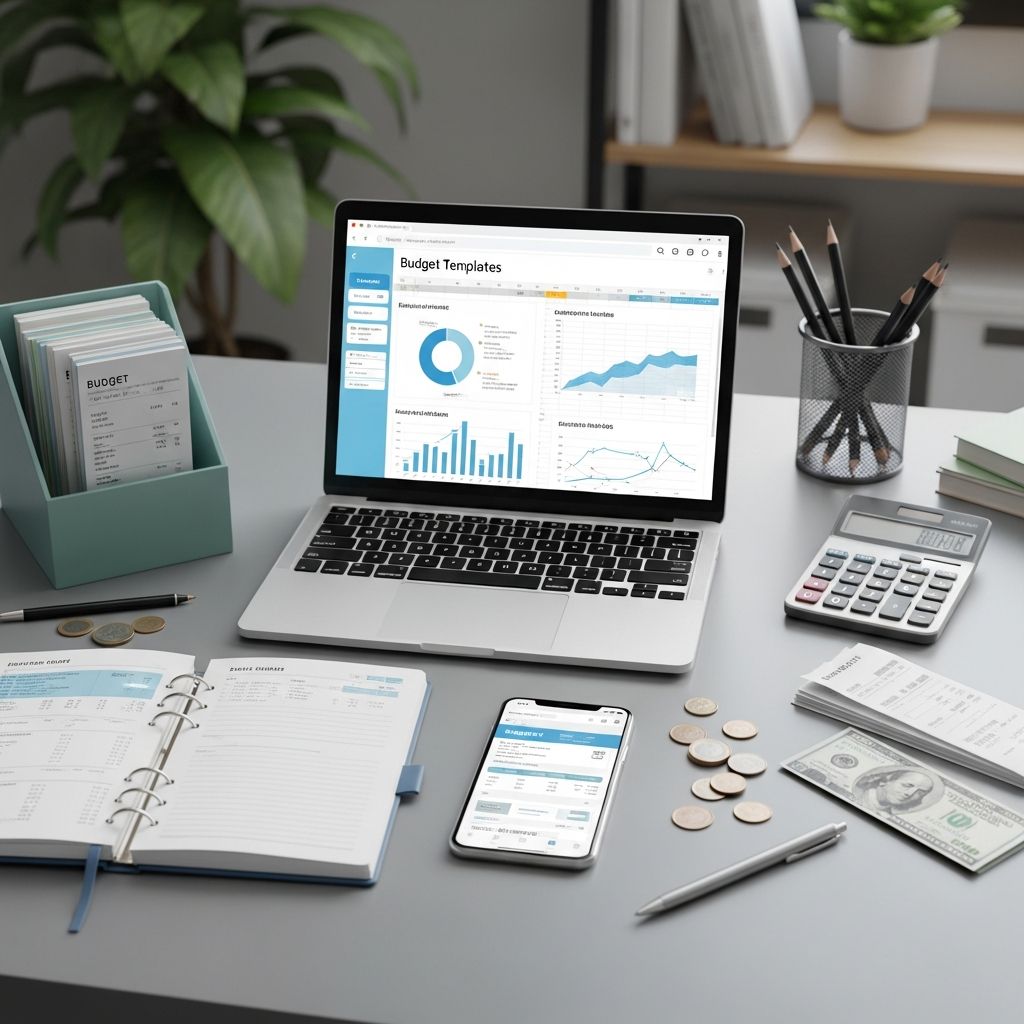
Having a clear, simple way to track your income and expenses can make the difference between feeling overwhelmed and feeling in control of your money. A budget template gives you that structure so you always know where your money is going and what you can afford.
This guide walks through what a budget template is, the best spreadsheet and app-based templates, how to choose the right one for you, and the key features every good budgeting system should include.
What Is A Budget Template?
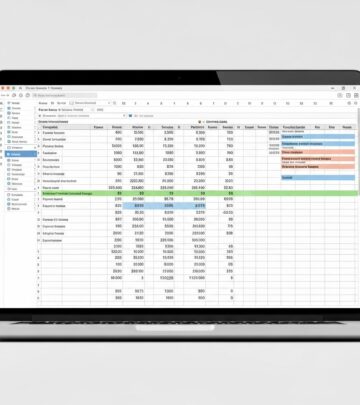
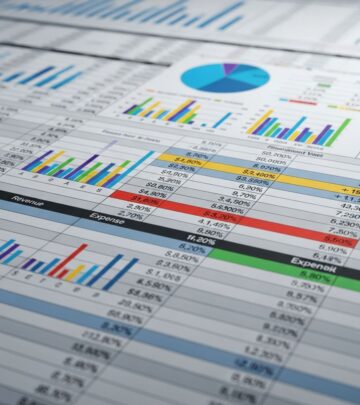
A budget template is a pre-built format—usually a spreadsheet or app screen—that helps you organize and track your finances. It typically includes sections for income, fixed bills, variable expenses, savings, and debt payments so you can see your full financial picture at a glance.
Instead of starting from scratch, you plug your numbers into a layout that is already designed to do the math and highlight patterns. Many templates let you budget on a weekly, biweekly, or monthly basis, depending on how you get paid.
- Income tracking: Paychecks, side hustles, freelance work, benefits, and other cash inflows.
- Expense categories: Housing, transportation, food, debt, savings, and discretionary spending.
- Built-in formulas: Automatic totals, balances, and sometimes charts.
- Customizable fields: Ability to add or rename categories to match your life.
Using a consistent template helps you spot patterns, like higher spending during holidays or seasonal bills, so you can plan ahead instead of reacting at the last minute.
The Best Budget Templates: Spreadsheets
Spreadsheet-based budget templates are ideal if you like a hands-on, numbers-focused approach. They allow a high level of customization and make it easy to see how changing one line item impacts your overall plan. They do require manual data entry, but that can also make you more mindful of your spending.
1. Clever Girl Finance Free Budget Template
The Clever Girl Finance free budget template is designed for people who want a practical, holistic overview of their money. It typically comes in both printable and digital formats, so you can choose whether to work on paper or in a spreadsheet.
- Helps you set up clear budget categories for income, bills, savings, and debt.
- Includes space for multiple income streams, such as side hustles or freelance work.
- Encourages you to review spending each month so you can adjust categories that are consistently over or under budget.
- Prompts you to think about where you might cut back or increase income to meet your goals.
This type of template works especially well if you are building a budgeting routine from the ground up and want a simple but thorough starting point.
2. Google Sheets Budgeting Templates
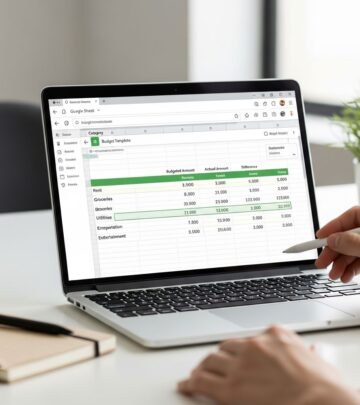
Google Sheets offers several free budgeting templates that are great for those who like cloud-based, accessible-from-anywhere tools. You can start with the basic monthly budget template and customize it heavily to fit your personal categories.
- Free to use with a Google account.
- Accessible on desktop and mobile, with automatic cloud backup.
- Formulas and charts can help you visualize spending trends over time.
- Easy to share with a partner if you are budgeting together.
To use the official Google Sheets budget template, you typically make a copy into your own account. From there, you can rename categories, add extra sheets for annual planning, or create separate tabs for different savings goals.
3. Microsoft Excel Budget Template
Microsoft Excel also provides built-in budget templates, especially if you have a Microsoft 365 subscription. These templates function similarly to Google Sheets but can include additional features like more advanced charts and formatting options.
- Ideal if you already use Excel at work or school and know basic formulas.
- Multiple template styles: simple monthly budgets, family budgets, and debt payoff trackers.
- Can be used offline, which is useful if you have limited internet access.
- Highly customizable for people comfortable with spreadsheet formulas and functions.
Many people use Excel to log their purchases throughout the month, then compare actual spending to their planned budget so they can see where they went over or under.
Spreadsheet Budget Templates: Pros And Cons
| Spreadsheet Type | Pros | Cons |
|---|---|---|
| Clever Girl Finance Template | Structured categories, beginner-friendly, focused on goals and debt. | Requires manual updates and regular check-ins. |
| Google Sheets | Free, cloud-based, shareable, customizable charts. | Manual entry unless paired with add-ons or scripts. |
| Microsoft Excel | Powerful features, works offline, many template styles. | Requires Excel access; learning curve for advanced features. |
The Best Budget Templates: Apps
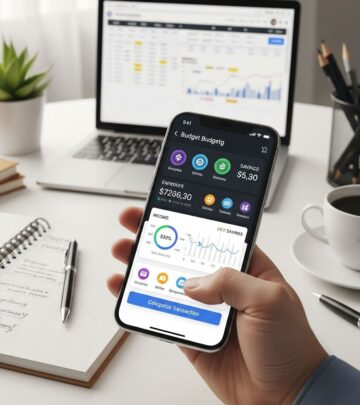
If you prefer automation and real-time updates, budget apps may be a better fit than spreadsheets. Many apps can connect to your bank and credit card accounts, categorize transactions automatically, and send alerts when you are close to overspending.
Below are some of the most popular budgeting tools and features to look for. Note that availability, pricing, and specific features can change over time, so always verify details directly on each provider’s official site or documentation.
4. Classic Envelope-Style Budgeting Apps
Envelope-style budgeting apps use a digital version of the cash envelope method: you allocate a set amount of money to different spending “envelopes” (categories) each month. When an envelope is empty, you stop spending in that category.
- Helps you give every dollar a job before the month begins.
- Encourages intentional spending and limits impulse purchases.
- Useful for categories like groceries, eating out, and fun money.
Envelope-based budgeting has been shown to help people reduce overspending because it sets firm boundaries on each category instead of just tracking after the fact.
5. Goal-Focused Budgeting Apps
Some budgeting apps emphasize long-term goals more than day-to-day minutiae. With these tools, you typically input goals like paying off a certain amount of debt, building an emergency fund, or saving for a large purchase. The app then helps you allocate money each month to stay on track.
- Visual progress trackers that show how close you are to each goal.
- Flexible categories that adjust as your goals change.
- Automated reminders to move money into savings or make extra debt payments.
Goal-based planning aligns with recommendations from consumer finance educators, who emphasize setting clear, measurable financial goals as a foundation for behavior change.
6. Simple Tracker Apps
Other apps focus on simplicity: they may not have advanced automation, but they make it very fast to log purchases and see your daily or weekly totals.
- Minimal features to reduce overwhelm for beginners.
- Quick manual entry for cash and card purchases.
- Basic charts or summaries so you know how much is left to spend.
These apps work well if you like a phone-based system but do not want to link your bank accounts or manage complex settings.
7. Bank-Integrated Budget Tools
Many banks and credit unions now include basic budget tools in their online banking platforms. These tools categorize transactions, show spending trends, and sometimes allow you to create budgets by category.
- Convenient because your transactions are already imported.
- Basic charts that highlight where most of your money goes.
- Useful alerts for low balances or large transactions.
While bank-integrated tools are often less customizable than standalone apps, they can be a good starting point if you are new to budgeting and want to use what you already have access to.
Apps vs. Spreadsheets: Quick Comparison
| Option | Best For | Strengths | Limitations |
|---|---|---|---|
| Spreadsheets | Hands-on planners who like full control. | Highly customizable, works offline, transparent formulas. | Manual entry, no built-in alerts, more effort to maintain. |
| Apps | Busy users who value automation. | Bank sync, automatic categorization, on-the-go access. | Less flexible categories, may have subscription fees. |
Expert Tip: Find A Budget Template That Works For You
The most effective budget template is the one you will actually use consistently. It does not matter whether it is a printable worksheet, a fancy spreadsheet, or a phone app—your success depends primarily on whether you keep coming back to it month after month.
To find your best fit, experiment with different formats for a few weeks:
- Try a simple spreadsheet if you want full visibility and control.
- Test a basic app if you are often on the go and prefer quick inputs.
- Combine both: use a spreadsheet for high-level planning and an app for day-to-day tracking.
Consumer research shows that people who regularly monitor their finances and adjust their budget are more likely to build savings and manage debt effectively. Consistency matters more than perfection.
What Are Some Key Features To Look For In A Budget Template?
When evaluating templates or apps, pay attention to the features that will make your life easier and help you stick with the process.
- Clear income tracking: Separate lines for each income source (salary, side gigs, support payments, etc.).
- Expense categories that match your life: Housing, transportation, food, childcare, healthcare, debt, savings, and fun money.
- Goal sections: Areas dedicated to emergency funds, sinking funds, or specific savings goals.
- Automatic totals: Built-in formulas that calculate category totals and remaining balances.
- Space for irregular expenses: Annual bills, holidays, back-to-school costs, and other non-monthly expenses.
- Notes or reflection area: A place to jot down what worked, what did not, and what to adjust next month.
Many financial educators recommend separating expenses into needs, wants, and savings/debt to make trade-offs clearer and keep your priorities front and center.
How Often Should I Update My Budget Template?
Your budget only works if it reflects reality, so you need a rhythm for updating it. A practical approach is to combine regular, small check-ins with a deeper monthly review.
- Weekly: Log transactions, check category balances, and make small adjustments.
- Each payday: Allocate income to bills, savings, and spending categories before you start spending.
- Monthly: Review last month’s numbers, compare plan vs. actual, and adjust categories or goals.
Many people find that tracking weekly—not every single day—gives a good balance between staying aware and not burning out on budgeting.
Is It Better To Use A Budget Spreadsheet Or App?
Neither option is universally better; it depends on your preferences, lifestyle, and comfort with technology.
Consider these questions:
- Do you like detailed control and customizing formulas? A spreadsheet may be best.
- Do you want automation and minimal manual entry? An app that connects to your accounts might be ideal.
- Are you often offline or prefer paper? Printable templates or offline spreadsheets could be a better match.
- Do you share finances with a partner? Cloud-based tools like Google Sheets or shared apps can make collaboration easier.
What matters most is choosing a system that supports your long-term habits rather than one that looks impressive but feels overwhelming.
Articles Related To Budgeting
Once you have chosen a template or app, the next step is building a routine around it and learning strategies to get the most from your budget. Related topics that can help include:
- How to set realistic financial goals and align your budget with them.
- Creating a monthly budgeting routine that you can sustain.
- Using a biweekly budget if you are paid every two weeks.
- Strategies for tracking cash spending alongside digital transactions.
- Ways to reduce variable expenses without feeling deprived.
Leverage These Budget Templates To Better Manage Your Finances
Budget templates are not about restriction; they are about awareness and choice. When you know where every dollar is going, you can decide whether your spending matches your values and long-term goals.
By testing a few different templates—both spreadsheets and apps—you can discover a system that fits your personality and lifestyle. Over time, consistent use of a budget can help you reduce debt, build savings, and feel calmer and more confident about your money.
Frequently Asked Questions (FAQs)
Q: Do I really need a budget template if I already check my bank balance?
A: Checking your balance tells you how much is in your account today, but a budget template helps you plan for upcoming bills, goals, and irregular expenses. It turns your finances from reactive to proactive, which research links to better financial outcomes over time.
Q: Which type of budget template is best for beginners?
A: Beginners often do well with a simple, pre-built spreadsheet or a very basic app that focuses on just income, bills, groceries, and a few flexible categories. As you get comfortable, you can add more detail—like sinking funds or specialized savings goals.
Q: How many categories should my budget have?
A: You need enough categories to understand your spending patterns, but not so many that updating your budget feels unmanageable. Many people find that 10–20 categories strike a good balance, grouped under broader headings like housing, transportation, food, insurance, debt, savings, and personal spending.
Q: What if my income is irregular?
A: If your income varies, build your budget around a conservative estimate—such as your lowest typical monthly income—and then add extra income toward savings or debt when you earn above that amount. Maintaining a larger cash buffer is especially important for people with variable income.
Q: How long does it take to see results from budgeting?
A: Many people notice increased awareness and reduced anxiety within the first month or two. Measurable changes—like paying down debt or growing an emergency fund—often accumulate over several months, but consistent budgeting is associated with improved financial resilience over time.
References
- Consumer Financial Protection Bureau: Your money, your goals toolkit — Consumer Financial Protection Bureau. 2024-01-10. https://www.consumerfinance.gov/practitioner-resources/your-money-your-goals/
- Financial Literacy and Education Commission: 2020 U.S. National Strategy for Financial Literacy — U.S. Department of the Treasury. 2020-04-01. https://home.treasury.gov/system/files/136/US-National-Strategy-Financial-Literacy-2020.pdf
- The secret to financial security isn’t a secret — FINRA Investor Education Foundation. 2018-01-01. https://www.finrafoundation.org/knowledge-we-gain/share-what-we-learn/secret-financial-security-isnt-secret
- Budgeting and saving — MyMoney.gov (Federal Financial Literacy and Education Commission). 2023-03-15. https://www.mymoney.gov/save-invest/budget
- My Realistic Monthly Budgeting Routine (A Breakdown) — Clever Girl Finance. 2024-05-02. https://www.clevergirlfinance.com/monthly-budgeting-routine/
- Inside Clever Girl Finance: Tools, Tips, and Resources for Your Money Goals — Clever Girl Finance. 2023-11-20. https://clevergirlfinance.substack.com/p/inside-clever-girl-finance-tools
- How to Create an Effective Biweekly Budget! — Clever Girl Finance (YouTube). 2022-06-21. https://www.youtube.com/watch?v=Jk2hG5lGMPw
Similar Articles








Read full bio of Sneha Tete