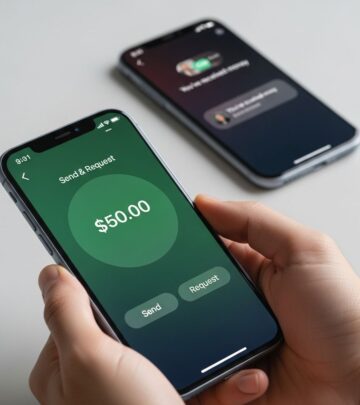
Apple Pay Safety: Security, Privacy, and Spending Risks
Understand Apple Pay's cybersecurity strengths and privacy concerns before you tap to pay.
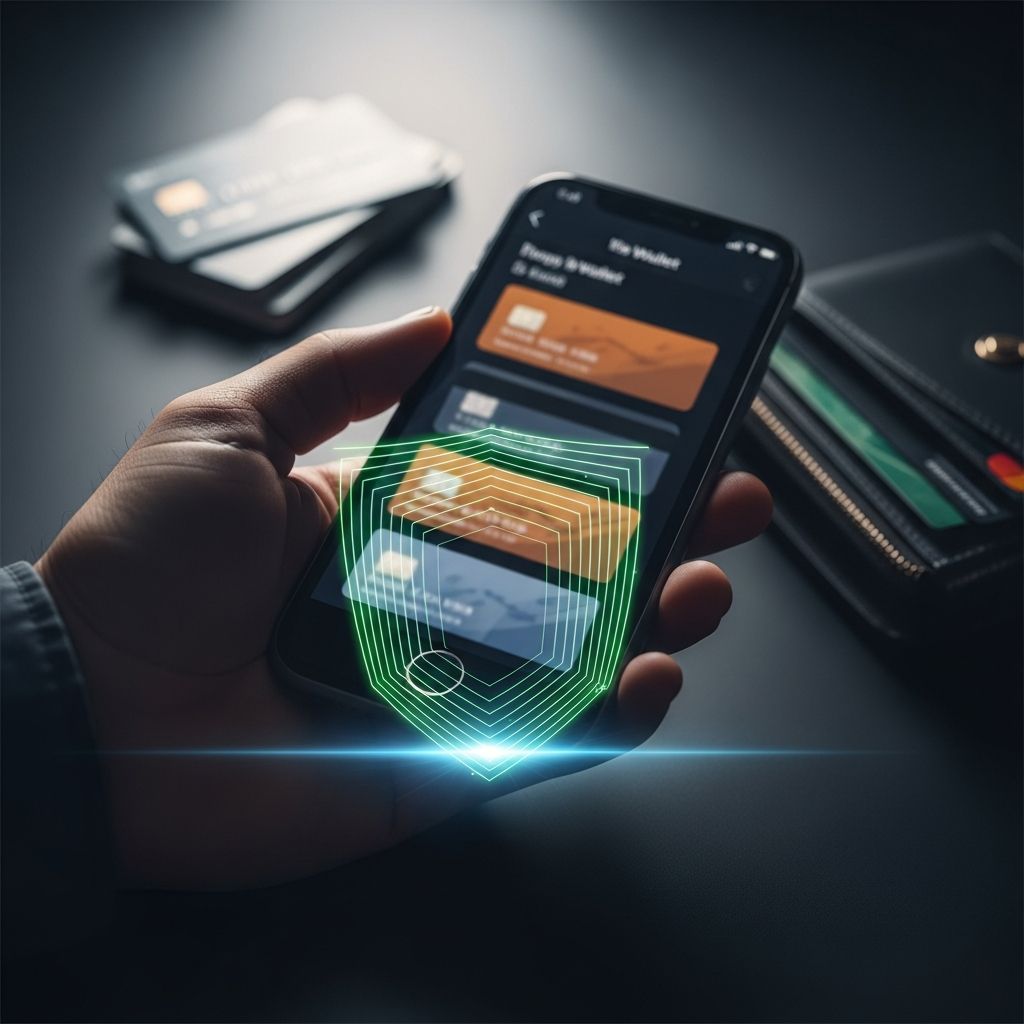
Apple Pay Safety: Is This Mobile Payment Method Really Secure?
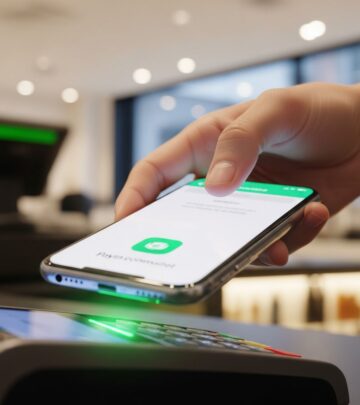
Apple Pay has become ubiquitous in modern commerce. From upscale retailers to neighborhood bodegas, contactless payment terminals are everywhere, and the convenience of simply waving your phone to complete a transaction is undeniable. The service is now accepted at approximately 85% of retailers across the United States. Yet beneath this veneer of convenience lies a more complex question: Is Apple Pay truly safe? The answer, according to cybersecurity experts, is nuanced. While Apple Pay presents near-airtight cybersecurity protections, significant concerns exist regarding privacy and consumer spending behavior.
Understanding Tokenization: The Foundation of Apple Pay Security
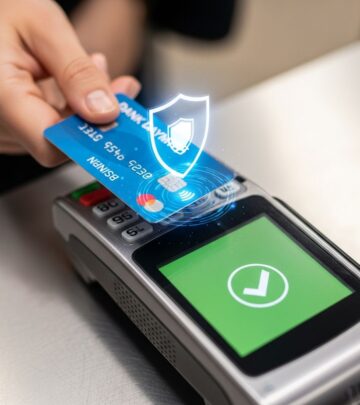
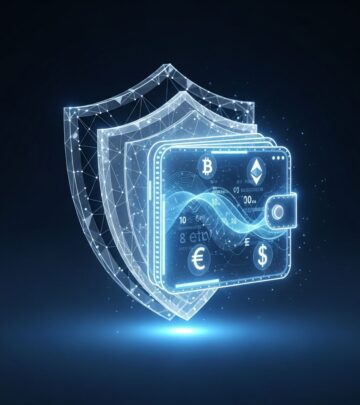
When you set up Apple Pay, you enter your credit and debit card information into your device. However, Apple does not store your full card numbers anywhere on your phone or servers. Instead, the service employs a sophisticated technology called tokenization. This process replaces your actual card number with a unique token—a different number that Apple uses to validate each transaction without exposing your real financial data.
Cybersecurity expert Travis Taylor explains the significance of this approach: “You’re not actually handing over your credit card number to the merchant,” which means the system can intercept a substantial amount of credit card fraud before it occurs. This fundamental architectural advantage provides immediate protection that traditional card transactions cannot match.
Protection Against Common Fraud Methods
Tokenization offers particular advantages against traditional fraud techniques. Card skimmers—physical devices that criminals attach to payment terminals to steal card numbers with each insertion—become useless when no actual card number is transmitted. Since Apple Pay never shares your card information with merchants or payment processors, skimming attacks are essentially neutralized. This eliminates an entire category of fraud that has plagued physical card payments for decades.
Biometric Security and Device Protection
To use Apple Pay, you must establish a passcode on your device. Face ID and Touch ID are optional but recommended security layers. According to cybersecurity experts, these biometric authentication methods are particularly robust because manipulating biometric information requires sophisticated equipment and technical expertise that deters average thieves.
However, a critical vulnerability exists: if someone steals your phone and your passcode is something simple like “1111,” they can immediately access your Apple Pay without additional obstacles. The strength of your passcode directly determines the effectiveness of your device security. Complex, difficult-to-guess passwords are essential for maintaining the protective benefits that Apple Pay’s architecture provides.
Recommended Security Best Practices
Security consultant Viviana Wesley from HALOCK Security Labs recommends following best practices if you use Apple Pay or its Android counterpart, Google Pay. These include:
- Maintaining a strong, complex passcode on your device
- Enabling biometric authentication (Face ID or Touch ID) as an additional security layer
- Activating features that allow you to pause Apple Pay if your device is lost
- Using remote data-wiping capabilities to protect your information if your iPhone is stolen
- Regularly monitoring your financial accounts for unauthorized transactions
The Privacy Paradox: Security Versus Data Collection
While Apple Pay achieves near-perfect cybersecurity, a significant privacy concern undermines its overall safety profile. When you use Apple Pay, you provide Apple with substantial personal information: your name, bank details, and complete records of your purchases. Apple’s official position is clear: the company “doesn’t store, sell or use any of that information.” Yet cybersecurity experts express skepticism about these claims.
Travis Taylor provides an apt analogy: telling someone you won’t sell the contents of your diary if they’ll simply hand it to you doesn’t mean they won’t read it. Apple possesses your payment data and can analyze it to construct a detailed behavioral profile. Using this information, Apple builds what Taylor describes as a “reasonably-sized portfolio” on your shopping habits, preferences, and financial behaviors. While Apple may be relatively trustworthy compared to other technology companies, the fundamental reality remains troubling: you’re essentially handing over access to your financial life.
The Spending Temptation Factor
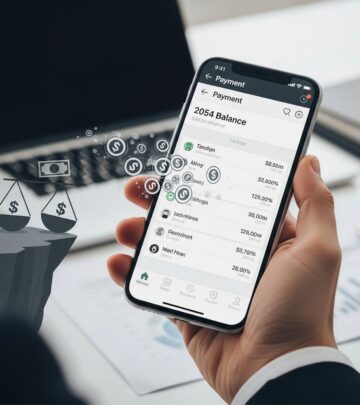
Beyond the binary question of cybersecurity, perhaps the most significant risk associated with Apple Pay involves your own spending behavior. The frictionless nature of the service—the ability to complete transactions with a simple tap—fundamentally alters how consumers make purchasing decisions.
Shopping and consumer expert Lisa Lee Freeman explains this psychological impact: “Using a credit card has always been problematic that way: The spending is invisible. This supercharges that … you don’t even need a wallet, you don’t need a credit card, you [just] tap your phone.” The absence of physical friction in the payment process leads to less deliberate decision-making about whether you actually need the items you’re purchasing.
Additionally, you cannot physically observe your wallet’s cash diminishing, which economists and behavioral scientists identify as an important psychological brake on excessive spending. When you must hand over physical bills, you experience what researchers call “the pain of paying.” Digital and contactless payments eliminate this psychological cost, making spending feel abstract and consequence-free.
Buy Now, Pay Later Integration
Apple has amplified this spending temptation by introducing a buy now, pay later feature within Apple Pay. This functionality allows you to split purchases into four payments spread over six weeks, similar to services like Affirm. According to Freeman, this capability “makes it not only super easy to buy things but [also] to buy things even if you don’t have the money for it.” When combined with Apple Pay’s frictionless tap-to-pay interface, this feature can encourage overspending and financial overextension.
Balancing Security, Privacy, and Spending Control
The Security Assessment
From a cybersecurity standpoint, Apple Pay is genuinely secure. The combination of tokenization, biometric authentication, and device-level protections creates a fortress against traditional fraud and data theft. If you maintain a strong passcode and use Face ID or Touch ID, your financial information receives robust protection against criminals.
The Privacy Concern
Privacy presents a more troubling issue. Apple collects detailed information about your financial behavior, and while the company maintains it doesn’t misuse this data, the mere collection and analysis of such intimate information represents a significant privacy intrusion. Users must accept that they’re sharing detailed behavioral data with a major technology corporation.
The Spending Risk
The greatest risk for most consumers involves spending discipline. The convenience of Apple Pay, combined with the invisibility of digital payments and the integration of buy-now-pay-later options, creates an environment where impulsive and excessive spending flourishes. This risk varies depending on your personal financial discipline and awareness.
Frequently Asked Questions
Q: Is Apple Pay safer than using a physical credit card?
A: From a cybersecurity perspective, yes. Apple Pay’s tokenization prevents merchants from seeing your card number, and biometric authentication protects your device. However, the privacy implications and spending temptation factors present different risks that don’t exist with physical cards.
Q: What happens if someone steals my iPhone with Apple Pay enabled?
A: If your passcode is strong and you have biometric authentication enabled, they cannot access Apple Pay without your Face ID or fingerprint. If they obtain your passcode, they can access Apple Pay, but you can remotely pause the service or wipe your device if it’s lost.
Q: Does Apple sell my purchase data to third parties?
A: Apple officially states it doesn’t sell purchase data, but the company does collect and analyze this information internally to build behavioral profiles. This data collection represents a privacy concern even if direct sales don’t occur.
Q: Can I use Apple Pay safely without Face ID or Touch ID?
A: Technically yes, but a passcode alone is significantly less secure, especially if it’s simple or easy to guess. Biometric authentication adds an important security layer that deters casual theft.
Q: Does Apple Pay make me more likely to overspend?
A: Research and expert opinion suggest yes. The frictionless nature of contactless payments, combined with the invisibility of digital transactions and buy-now-pay-later options, creates conditions where excessive spending becomes more likely for many consumers.
Final Verdict: Is Apple Pay Safe?
Apple Pay is genuinely secure from a cybersecurity standpoint. The service’s architecture, featuring tokenization and biometric authentication, provides excellent protection against fraud and unauthorized access. If you use a strong passcode and enable Face ID or Touch ID, your financial information receives robust protection.
However, “safe” requires a more comprehensive definition than cybersecurity alone. The privacy implications of providing Apple with detailed behavioral data are significant. More importantly for most people, the ease of Apple Pay creates genuine risks around spending discipline and financial decision-making.
As Freeman concludes: “Apple Pay is great, but it’s also something you need to be in control of and have some discipline about. It’s hard to save when it’s so easy to spend.” The service is safe in the technical sense, but personal financial discipline remains essential. Apple Pay is an excellent tool for modern commerce, but it requires conscious effort to prevent it from becoming a conduit for financial mistakes.
References
- Dollar Scholar Asks: Is Apple Pay Safe? — Money Magazine. 2024. https://money.com/dollar-scholar-apple-pay/
- Apple Pay Security Overview — Apple Inc. Official Documentation. https://www.apple.com/apple-pay/
- Tokenization in Payment Processing: A Technical Overview — National Institute of Standards and Technology (NIST). https://www.nist.gov/
- Consumer Spending Behavior and Digital Payments — Journal of Consumer Psychology. 2023. https://www.wiley.com/en-us/journal-of-consumer-psychology
- Biometric Authentication Security Standards — International Organization for Standardization (ISO). https://www.iso.org/
Similar Articles








Read full bio of medha deb