Apple Pay and Apple Cash: Complete User Guide
Master Apple's payment solutions with our comprehensive guide to setup and usage.
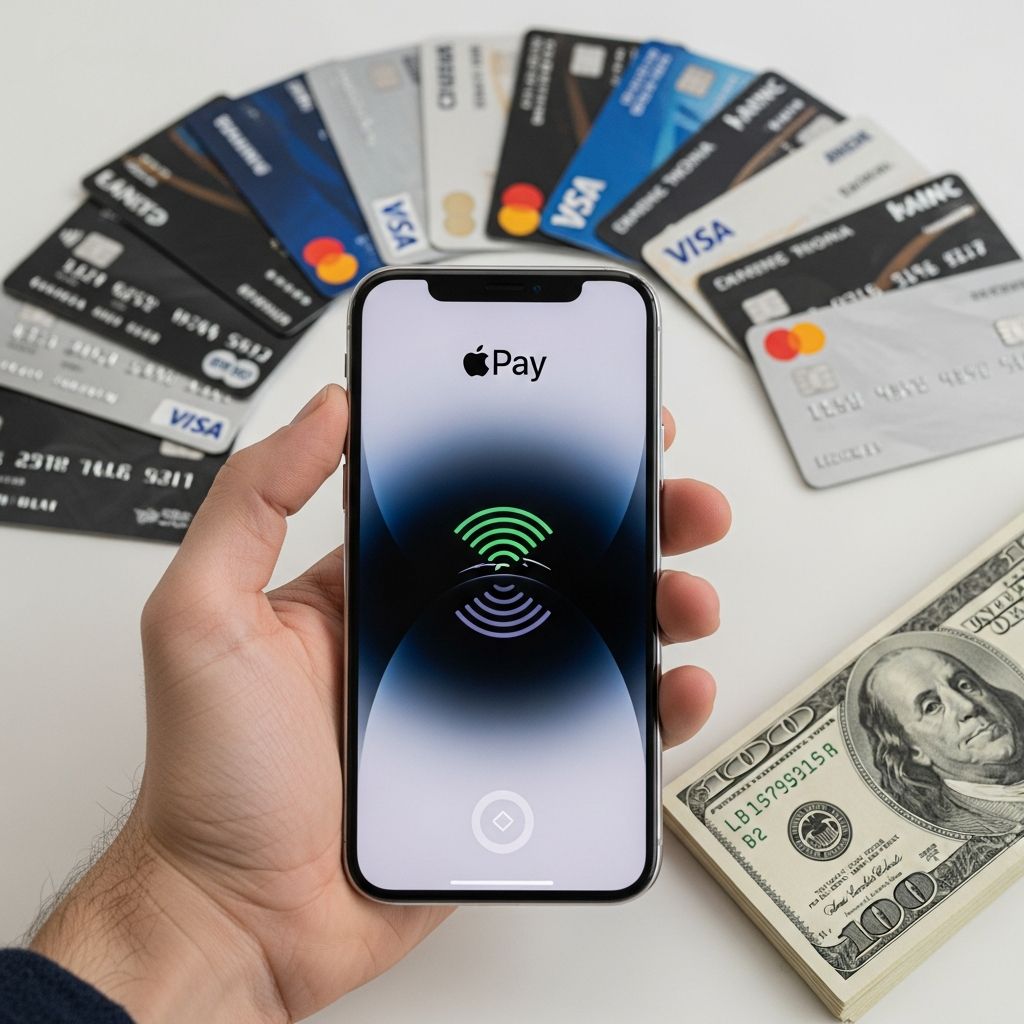
Apple’s payment ecosystem has revolutionized how millions of people shop and transfer money. Whether you’re buying your morning coffee or splitting rent with roommates, Apple offers two distinct yet complementary services designed to meet different financial needs. Understanding the differences between these tools and knowing how to use them effectively can streamline your daily transactions while enhancing your financial security.
Understanding the Fundamentals: Apple Pay Versus Apple Cash
At their core, Apple Pay and Apple Cash serve different purposes within Apple’s financial ecosystem. Apple Pay functions as a mobile payment service that enables contactless transactions at physical retailers, online stores, and within applications. In contrast, Apple Cash represents a digital financial account that facilitates money transfers between individuals and can also serve as a funding source for Apple Pay purchases.
The distinction becomes clearer when examining how each operates. Apple Pay acts as a bridge between your existing payment methods—credit cards, debit cards, and Apple Cash—and merchants or service providers. Apple Cash, meanwhile, operates as a standalone digital card issued through Green Dot Bank, functioning similarly to a prepaid debit card that lives exclusively within your Apple Wallet.
Getting Started: Setting Up Your Apple Payment Methods
Activating Apple Pay on Your Device
Setting up Apple Pay requires minimal effort and takes just a few minutes. Begin by opening the Wallet app on your iPhone, iPad, or Apple Watch. From there, tap the plus icon to add a new card. You’ll have the option to select either a credit card, debit card, or prepaid card from your financial institution. Follow the on-screen prompts, which typically require you to verify your card information and confirm details with your bank.
Once verified, your card is immediately ready for use. Apple Pay stores this information securely using tokenization technology, meaning your actual card numbers aren’t transmitted during transactions. Instead, a unique transaction code is generated for each purchase, protecting your financial data from exposure.
Creating Your Apple Cash Account
Apple Cash setup begins similarly within the Wallet app, but the process diverges slightly. Navigate to the Apple Cash card option and follow the account creation steps. You’ll need to verify your identity and provide personal information required for regulatory compliance. Once activated, your Apple Cash card appears in your Wallet, ready for funding.
To make your Apple Cash account fully functional, you’ll need to add funds. This happens by transferring money from your linked debit or prepaid card. Open your Apple Cash card, select the option to add money, specify the amount, and authorize the transfer. Funds typically appear in your Apple Cash balance immediately, though processing can sometimes take a few hours depending on your card issuer.
Making Purchases with Apple Pay
In-Store Shopping
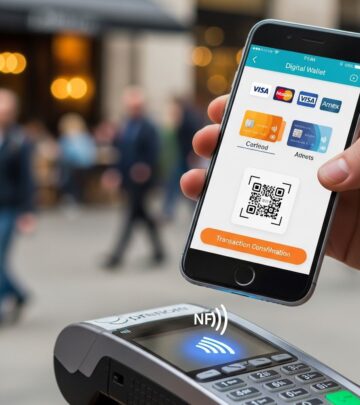
Using Apple Pay for physical retail purchases is remarkably straightforward. When you reach the checkout counter, look for the contactless payment symbol—typically displayed as a wireless signal icon. Hold your iPhone, iPad, or Apple Watch near the payment terminal and authenticate the transaction using Face ID, Touch ID, or your passcode. The entire process completes in seconds, eliminating the need to fumble with cards or cash.
This contactless approach provides advantages beyond convenience. By minimizing physical contact with terminals and payment surfaces, Apple Pay reduces exposure to germs and viruses—a benefit that resonates particularly in post-pandemic consumer behavior.
Online and In-App Transactions
E-commerce and app-based purchases leverage Apple Pay’s integration into digital storefronts. When checking out on a website or within an application, select Apple Pay as your payment method. Merchants displaying the Apple Pay icon can process your transaction instantly. Authentication remains consistent—Face ID, Touch ID, or passcode confirmation ensures that only you can authorize purchases.
This digital payment method proves particularly valuable for online shopping, as it eliminates the need to manually enter lengthy card numbers, expiration dates, and CVV codes. The simplified process reduces checkout friction and decreases the likelihood of cart abandonment.
Transferring Money with Apple Cash
Peer-to-Peer Transfers Through Messages
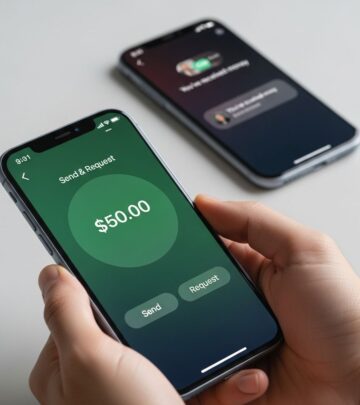
Apple Cash distinguishes itself through seamless peer-to-peer payment capabilities integrated directly into the Messages app. To send money, open a conversation with the intended recipient, tap the plus icon, and select Apple Cash. Enter the amount you wish to send, add an optional memo describing the transaction’s purpose, and confirm using your security method.
The recipient receives the payment notification instantly and can choose to accept or decline the transfer. Once accepted, funds appear in their Apple Cash balance, ready for spending or further transfer. This functionality transforms splitting bills, reimbursing friends, or sending gifts into actions as simple as sending a text message.
Requesting Money from Others
The reverse process—requesting funds from another person—works equally intuitively. Navigate to Messages, select the contact from whom you need funds, tap the plus icon, choose Apple Cash, and indicate that you’re requesting rather than sending money. Specify the amount and send your request.
Your recipient receives the request and can approve or deny it directly from the Messages thread. This feature proves invaluable for group expenses, landlord-tenant transactions, or any situation requiring financial reimbursement. The integrated nature of these features within Messages means users never need to switch applications or provide banking details.
Managing Your Apple Cash Balance
Checking Your Balance
Your current Apple Cash balance displays prominently when you open the Apple Cash card within Wallet. This real-time visibility helps you track spending and understand available funds for immediate use. The balance updates automatically as you receive money, make purchases, or transfer funds.
Spending Your Apple Cash
Your Apple Cash balance serves as a direct funding source for Apple Pay purchases. When checking out—whether online, in-app, or in stores—select Apple Cash as your payment method rather than a linked credit or debit card. Your balance decreases by the transaction amount, and your Apple Cash account handles the rest.
Additionally, some Apple users receive Daily Cash rewards when using the Apple Card. This cash-back feature automatically deposits rewards into your Apple Cash balance, providing a passive way to accumulate funds for future spending.
Transferring to Your Bank Account
When you need to move Apple Cash funds to your traditional bank account, navigate to your Apple Cash card and select the transfer option. You can transfer to an eligible debit card or bank account.
Transfer speeds vary depending on the destination:
- Debit card transfers: Typically instant if the card is a Mastercard or Visa debit card
- Bank account transfers: Generally take 1 to 3 business days to complete
Apple Cash requires a $1 minimum for transfers to bank accounts or debit cards. However, if your balance falls below $1, you can transfer the entire remaining amount.
Security Features Protecting Your Transactions
Authentication Methods
Both Apple Pay and Apple Cash employ multiple layers of security authentication. Every transaction—regardless of amount—requires biometric or passcode verification before completing. This means:
- Face ID: Your facial recognition provides secure, device-specific authentication
- Touch ID: Fingerprint scanning offers quick, seamless verification
- Passcode: A six-digit or longer security code serves as backup authentication
This mandatory authentication requirement prevents unauthorized use even if someone gains physical access to your device.
Fraud Protection and Dispute Resolution
Apple Pay transactions benefit from your card issuer’s existing fraud protection policies. If unauthorized charges appear on your bill, you report them directly to your credit card company, which handles investigation and refunds using standard credit card dispute procedures.
Apple Cash operates under different fraud protection mechanisms. Since Apple Cash is issued through Green Dot Bank, disputes are resolved through Apple Support rather than traditional card issuers. Your Apple Cash balance maintains protection up to FDIC insurance limits, ensuring that your digital funds receive the same governmental protection as traditional bank deposits.
Privacy Safeguards
Apple’s approach to transaction privacy differs significantly from traditional payment methods. When you pay with Apple Pay using a linked credit or debit card, Apple does not retain transaction information that could identify you personally. The company stores data only for legitimate operational purposes—troubleshooting, fraud prevention, and regulatory compliance.
This privacy-first approach means that Apple cannot build a profile of your spending habits or target you with behavioral advertising based on purchase history. Your financial transactions remain between you, the merchant, and your financial institution.
Comparing Key Features and Use Cases
| Feature | Apple Pay | Apple Cash |
|---|---|---|
| Primary Purpose | Make purchases at retailers, online, and in apps | Send and receive money between individuals |
| Funding Sources | Credit cards, debit cards, prepaid cards, Apple Cash | Debit cards, prepaid cards, received payments |
| Transaction Fees | No fees for regular purchases | Free for send/receive/request; fees apply for card transfers |
| Geographic Availability | Widely available in US and internationally | Currently available in US only |
| Transfer Capabilities | Cannot transfer to bank account | Can transfer to bank account or eligible debit card |
| Transaction Limits | Determined by card issuer | Daily and weekly sending limits apply |
Selecting the Right Payment Method for Your Situation
When to Use Apple Pay
Apple Pay serves as the optimal choice for everyday shopping scenarios. Whether you’re purchasing groceries, ordering coffee, shopping online, or subscribing to services, Apple Pay streamlines the checkout process while maintaining security. Its widespread merchant acceptance and international compatibility make it ideal for travelers and frequent shoppers who value convenience.
The contactless nature of Apple Pay transactions also appeals to security-conscious consumers who prefer minimal physical interaction with payment terminals. Additionally, if you want to preserve privacy by keeping your payment information separate from merchant records, Apple Pay’s tokenization approach aligns with those preferences.
When to Prioritize Apple Cash
Apple Cash excels in personal financial scenarios involving money transfers between friends, family, and acquaintances. If you regularly split rent, share meal expenses, or send gifts to people within your social circle, Apple Cash’s integration with Messages provides unmatched simplicity.
Apple Cash also becomes valuable if you maintain a balance for frequent Apple Pay shopping while wanting the flexibility to transfer excess funds to your bank account when needed. The ability to receive and hold money—including Daily Cash rewards from Apple Card purchases—makes Apple Cash useful as a financial hub within your digital wallet.
Frequently Asked Questions
Can I use Apple Cash for shopping at physical stores?
Yes. While Apple Cash is primarily designed for peer-to-peer transfers, your Apple Cash balance can fund Apple Pay purchases at any retailer accepting contactless payments. Simply select Apple Cash as your payment method during checkout.
What happens if I lose my iPhone before completing an Apple Cash transfer?
Find My iPhone features allow you to remotely lock your device, preventing unauthorized access to Apple Cash and other financial information. Additionally, Apple’s security protocols prevent Apple Cash transfers without biometric or passcode authentication, making it extremely difficult for others to misuse your account.
Are there fees for sending Apple Cash to family members?
Sending, receiving, and requesting money through Apple Cash carries no fees. However, transferring your Apple Cash balance to a bank account or debit card may incur fees depending on your financial institution and transfer method.
Can international users access Apple Cash?
Currently, Apple Cash operates exclusively within the United States. International users can still utilize Apple Pay for purchases, but peer-to-peer payment capabilities through Apple Cash remain unavailable outside the US.
How does Daily Cash work with Apple Cash?
Apple Card holders earn Daily Cash—a percentage cash-back reward—with every purchase. These rewards automatically deposit into your Apple Cash balance, providing an easy way to accumulate funds for future spending or transfers.
References
- Apple Cash vs Apple Pay: Complete Comparison Guide for 2025 — Remitly. 2025. https://www.remitly.com/blog/technology/apple-cash-vs-apple-pay/
- Apple Cash and Apple Pay Review: How They Stack Up — NerdWallet. 2025. https://www.nerdwallet.com/banking/learn/what-is-apple-pay-cash
- Apple Cash vs Apple Pay: How do they work? — Wise. 2025. https://wise.com/us/blog/apple-cash-vs-apple-pay
- Apple Pay — Apple Inc. 2026. https://www.apple.com/apple-pay/
Similar Articles








Read full bio of Sneha Tete