8 Smart Cable Alternatives To Cut Your TV Bill
Discover practical cable alternatives that lower your entertainment costs while keeping all your favorite shows and movies within reach.
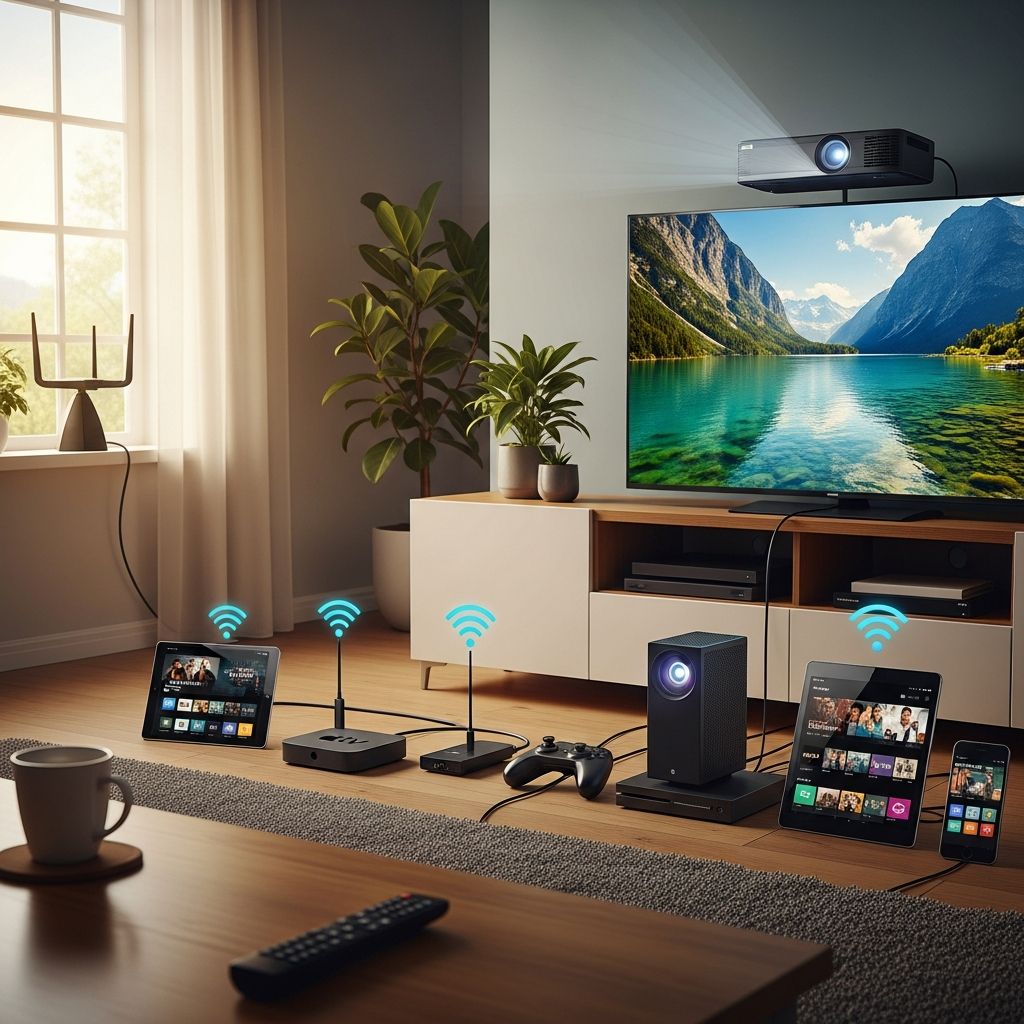
Traditional cable and satellite TV packages can be one of the most expensive monthly line items in your budget. As content has moved online and technology has improved, there are now many practical ways to enjoy movies, series, news, and sports without paying for a costly cable bundle. This guide walks you through eight effective cable alternatives, how they work, and tips to help you build an affordable, flexible entertainment setup that still fits your lifestyle.
Why consider cutting the cable cord?
Cable prices have steadily increased over the past decade, and many households now pay over $100 per month for TV packages loaded with channels they never watch.1 At the same time, internet-based services have become cheaper and more customizable, allowing you to pay for only the content you value most.2 Dropping cable can free up money for savings goals like building an emergency fund, paying off debt, or investing for the future.
Before you make changes, review the channels and shows you actually watch in a typical week, how often you watch live TV versus on-demand, and whether you need access to live sports or local news. This will help you choose the right mix of alternatives below.
1. Borrow DVDs and media from your local library
One of the most underrated cable alternatives is your public library. Many library systems offer an impressive collection of DVDs, Blu-rays, and sometimes even streaming access to movies and TV shows at no additional cost to cardholders.3
Common offerings include:
- Popular movies and classic films on DVD or Blu-ray
- Full seasons of TV series
- Documentaries, educational programs, and children’s shows
- Digital streaming access through partner apps like Kanopy or Hoopla
To get started, sign up for a free library card in your area, browse the catalog online, and place holds on the titles you want. While you may wait for new releases, the cost savings add up quickly. Many families can easily replace casual cable viewing with library rentals and a smart watchlist.
2. Install an antenna for free local channels
Over-the-air broadcasting still exists, and modern antennas can pull in free high-definition local channels for news, sports, and major network shows in many areas.4 This works especially well if you live within range of broadcast towers.
With a one-time antenna purchase and basic setup, you can often access:
- Major networks like ABC, CBS, NBC, FOX, and PBS (availability varies by region)
- Local news and weather
- Live sports carried on network television
- Specialty subchannels with classic TV, movies, or niche content
There are two main types of antennas:
| Type of antenna | Best for | Notes |
|---|---|---|
| Indoor antenna | Urban or suburban homes close to towers | Compact, easy to install, often placed near a window |
| Outdoor antenna | Rural areas or locations farther from towers | Requires mounting; can reach more channels if properly positioned |
Use online coverage maps from official broadcasters or regulators in your country to estimate which channels you can receive before buying equipment.4
3. Watch free content from TV networks online
Many networks post a selection of full episodes or clips from their shows on their official websites and apps. While you may not get every episode or full seasons, this can still provide a surprising amount of free entertainment and help you follow favorite shows without a paid TV subscription.
Typical options include:
- Recently aired episodes available for a limited time
- News clips and full news shows
- Short web-only series or bonus content
- Kids’ programming and educational shows
You can usually watch via a web browser or cast from your laptop or phone to your TV using a streaming device. Keep in mind that some content may require you to log in with a cable-provider account, but many networks still make a portion of programming available at no charge.
4. Use low-cost on-demand streaming services
The most popular replacement for cable is a mix of subscription video-on-demand (SVOD) services like Netflix, Hulu, Amazon Prime Video, or Disney+. These platforms provide large libraries of movies and series for a monthly fee, often well below the cost of a traditional cable package.2
Key advantages include:
- On-demand viewing with pause, rewind, and offline downloads on some plans
- Original series and films that are not available on cable
- Multiple user profiles in one household
- Lower, more predictable monthly costs
However, it is easy to oversubscribe. If you add several services at once, your total bill can creep close to the cable package you were trying to avoid. A common strategy is to rotate services: subscribe to one or two for a few months, watch what you want, then cancel and switch to another platform.
5. Consider live TV streaming packages
If you still want an experience similar to cable, with live channels and a guide, you can use live TV streaming services that deliver channel bundles over the internet. Examples include options like YouTube TV, Hulu + Live TV, and similar services in your region.2
These services typically offer:
- Live broadcast and cable channels (news, sports, entertainment)
- Cloud DVR functionality to record shows
- Multiple user profiles and simultaneous streams
- No long-term contracts in many cases
While these packages can still be expensive compared with basic on-demand subscriptions, they often cost less than a full cable bundle and are easier to cancel if your needs change. Carefully compare channel lineups and promotional pricing versus regular monthly rates before committing.
6. Rent or buy individual titles instead of paying for bundles
If you do not watch TV every day or tend to be selective with what you watch, it may be cheaper to pay per movie or season rather than subscribe to large bundles. Digital platforms such as official movie and TV storefronts let you rent or buy individual titles to stream.
This approach works well if:
- You watch a few movies per month and rarely watch series
- You mainly want access to new releases
- You are comfortable rewatching a library of purchased titles
To keep costs under control, set a monthly entertainment budget and track rentals just as you would any other expense. Pairing occasional rentals with free library resources and an inexpensive streaming service can still come out far cheaper than cable.
7. Take advantage of free ad-supported streaming
Another powerful option is free, ad-supported streaming television (FAST). These services offer on-demand shows or curated channels at no subscription cost, supported by advertising instead of monthly fees.2
These platforms often include:
- Classic TV series and older movies
- News channels and lifestyle content
- Genre-based channels (crime, comedy, reality, etc.)
- Kids’ and family-safe programming
Because they are free, content libraries may not be as current as paid services, and you can expect commercial breaks. However, they make an excellent foundation for a very low-cost entertainment plan when combined with a library card and an antenna.
8. Explore bundled and discounted streaming deals
To attract and retain subscribers, many providers offer bundles and discounts when you combine multiple services or when streaming is paired with another product (for example, a wireless plan or internet package). When used thoughtfully, these deals can help you access more content at a lower price than paying for each service individually.
Look out for:
- Discounted packages that combine two or three streaming platforms
- Student, military, or other special pricing tiers
- Free trial months that let you test before you commit
- Limited-time promotions tied to devices or internet plans
Always check when promotional pricing ends and what the regular rate will be afterward, then add renewal dates to your calendar. This helps you reassess whether the bundle still fits your budget before the price increases.
How to choose the best mix of cable alternatives for you
With so many choices, it can feel overwhelming to design a new entertainment setup. Use these steps to narrow down your options and avoid replacing one oversized bill with another.
Clarify your viewing priorities
Start by listing your must-have content and your viewing habits:
- Channels or shows you consider essential
- How often you watch live sports and which leagues matter most
- Whether you need local news and weather on TV
- How many people in your household watch at the same time
Once you see what truly matters, you can look for the simplest, cheapest combination of services and tools that meets those needs.
Compare costs and create an entertainment budget
Next, set a clear monthly entertainment budget. Many households aim to keep TV and streaming costs under a percentage of take-home pay, but the right number depends on your income and other goals. Research from consumer spending surveys shows that housing, transportation, food, and healthcare generally consume the largest shares of household budgets, so discretionary areas like entertainment are good places to look for savings when money is tight.5
Use a simple table to compare options:
| Option | Estimated monthly cost | Primary benefits |
|---|---|---|
| Antenna + library DVDs | One-time antenna cost; library usually free | Local channels plus movies and series at very low cost |
| One SVOD service | Low monthly fee | Large on-demand library and originals |
| Live TV streaming bundle | Moderate to high monthly fee | Live channels, DVR, sports, and news |
| Free ad-supported apps | Free | Additional movies and shows with ads |
Combine only what you truly need and keep the total under your chosen budget. Revisit your setup every few months to cancel anything you are not using.
Common mistakes to avoid when replacing cable
Switching away from cable can save a lot of money, but certain pitfalls can reduce or erase those savings. Watch out for these common mistakes:
- Subscribing to too many services at once. It is easy to say yes to every free trial and forget to cancel. Track all sign-ups in your calendar.
- Ignoring your internet plan. Streaming relies heavily on your home internet connection. Compare providers and plans to avoid overpaying for speed you do not need or facing data caps that lead to extra fees.2
- Not accounting for equipment costs. Streaming devices, antennas, and routers are usually one-time expenses, but they still affect your short-term budget.
- Keeping cable during a trial. Overlap for a short time if needed, but set a hard date to cancel cable once you know your alternatives work.
Frequently Asked Questions (FAQs)
Q: How much money can I save by canceling cable?
A: Savings vary by household, but many people cut monthly TV costs from well over $100 to a fraction of that by using a mix of antennas, one or two streaming services, and free options. Over a year, this can add up to several hundred dollars or more, which you can redirect toward savings or debt repayment.
Q: Do I need a fast internet connection to stream TV?
A: Streaming platforms typically recommend minimum download speeds between about 3 Mbps for standard definition and 15–25 Mbps for 4K video for a single stream.2 If multiple people stream at once, you may need higher speeds. Check your current plan and run an online speed test to confirm it meets those guidelines.
Q: Can I still watch live sports without cable?
A: In many cases, yes. Some local games and major events air on broadcast networks, which you can receive with an antenna. Other leagues and sports may appear on live TV streaming services or league-specific streaming packages. The exact options depend on your location and the sports you follow, so review schedules and channel coverage before canceling cable.
Q: Is it complicated to set up streaming on my TV?
A: Setting up streaming is usually straightforward. Most modern TVs are smart TVs with built-in apps. If yours is not, you can plug in an external streaming device, connect it to Wi-Fi, and sign into your chosen services. After the initial setup, using the apps is similar to using a smartphone or tablet.
Q: What if I decide I miss cable?
A: One advantage of switching to streaming is flexibility. Most services are month-to-month, so you can adjust or cancel anytime. If you later decide a traditional or streaming cable-like bundle suits you better, you can sign up again—but this time with a clearer understanding of your viewing habits and what you are willing to pay.
References
- Annual Survey of Cable Prices: Report on Cable Industry Prices — Federal Communications Commission. 2019-01-16. https://www.fcc.gov/document/annual-survey-cable-prices-report-cable-industry-prices
- Household Broadband Guide — Federal Communications Commission. 2021-02-05. https://www.fcc.gov/consumers/guides/household-broadband-guide
- Public Libraries in the United States Survey — Institute of Museum and Library Services. 2019-03-01. https://www.imls.gov/research-evaluation/data-collection/public-libraries-united-states-survey
- DTV Reception Maps — Federal Communications Commission. 2023-06-01. https://www.fcc.gov/media/engineering/dtvmaps
- Consumer Expenditures — 2023 — U.S. Bureau of Labor Statistics. 2024-09-10. https://www.bls.gov/news.release/cesan.nr0.htm
Similar Articles








Read full bio of medha deb