5 Dangers of Mobile Banking — And How to Avoid Them
Mobile banking offers unmatched convenience but comes with serious security risks. Discover the top 5 dangers and proven strategies to protect your finances safely.
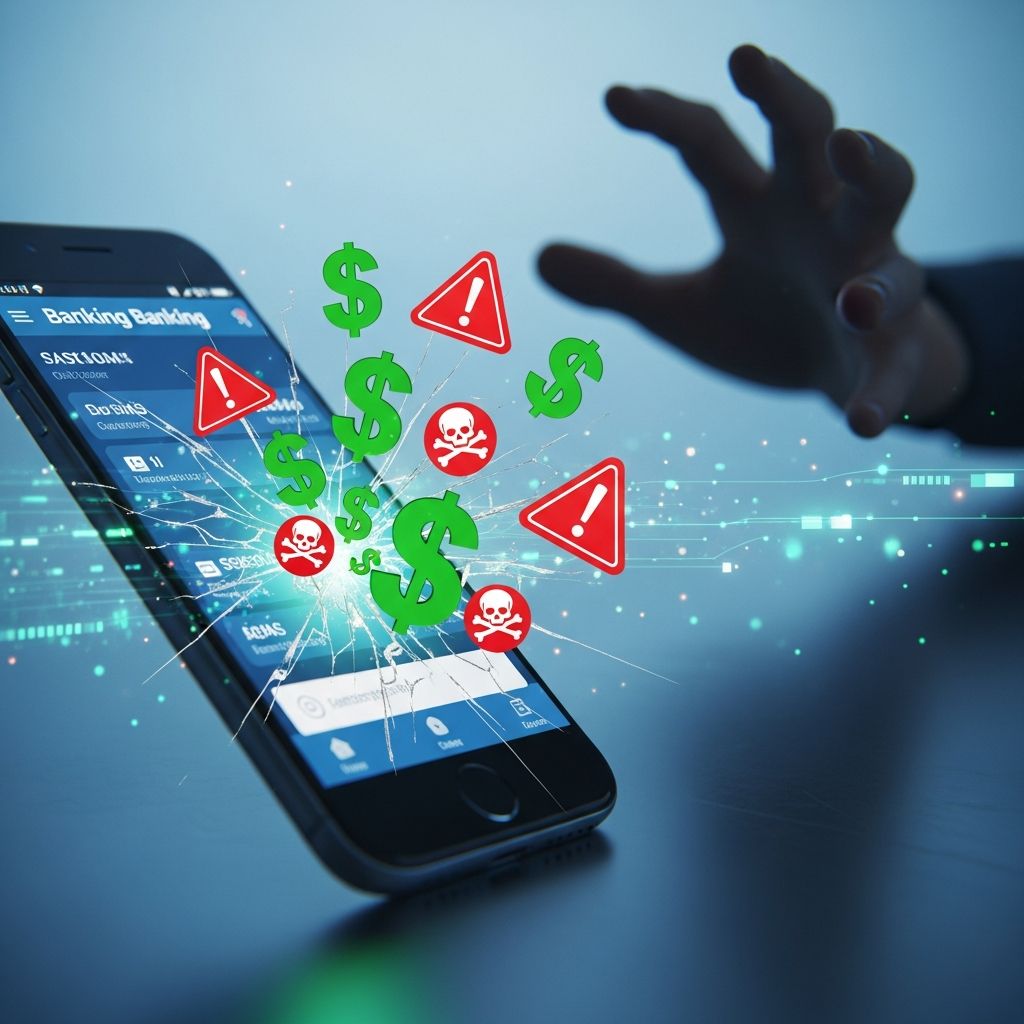
Mobile banking has transformed how we manage finances, allowing check deposits, bill payments, and balance checks from anywhere. However, this convenience amplifies risks as cybercriminals target the channel with sophisticated attacks. Banking fraud expert Julie Conroy notes that as mobile transactions surge, fraudsters deploy more attacks against it. This article details the five primary dangers and actionable avoidance strategies, drawing from expert insights and security best practices.
1. Wireless Networks Are Hacker-Friendly
Public Wi-Fi networks in cafes, airports, or hotels are prime hunting grounds for hackers. Unlike secure websites, many mobile banking apps fail to fully encrypt data on unsecured wireless connections, broadcasting sensitive information openly. Computer science expert Ron Vetter explains that wireless networks are inherently insecure as they transmit messages into the open air, making interception easy. Man-in-the-middle attacks allow hackers to capture login credentials, account numbers, and transaction details mid-transmission.
A 2024 report highlights that Wi-Fi hacking remains a top threat, with scammers exploiting outdated routers or public hotspots to steal data. Even HTTPS offers limited protection on compromised networks if the app’s encryption is weak.
How to Avoid This Danger
- Switch to mobile data: Use your phone’s 4G/5G cellular network for banking instead of Wi-Fi to bypass public network vulnerabilities.
- Employ a VPN: Virtual Private Networks encrypt your entire connection, shielding data from interception on any network. Choose reputable VPNs with no-logs policies.
- Avoid public Wi-Fi entirely: Reserve banking for trusted home or office networks with WPA3 encryption and updated firmware.
- Update router security: Replace old routers susceptible to exploits and enable the strongest encryption available.
By prioritizing cellular data, users reduce exposure by up to 90% according to security analyses.
2. Poor Reception Means Poor Security
Weak signal areas pose hidden risks. When 5G, 4G, or 3G drops, data packets can fragment or retransmit, creating windows for unauthorized interception. In low-coverage zones like elevators, rural areas, or buildings with thick walls, incomplete transmissions leave financial data vulnerable to nearby attackers scanning for stray signals.
Research indicates that fluctuating reception increases man-in-the-middle risks, as unencrypted or partially sent data lingers in the air. This is particularly dangerous for high-value transfers where timing is critical.
How to Avoid This Danger
- Bank in strong signal areas: Check bars before logging in; move to open spaces if needed.
- Delay sensitive transactions: Postpone transfers until full reception is confirmed to prevent data misfires.
- Monitor connection stability: Apps with signal indicators can alert you to risks in real-time.
Proactive signal checks ensure secure, complete transmissions every time.
3. There’s More at Stake If You Lose Your Phone
Losing your smartphone means losing access to banking, email, and payments in one device. Studies show nearly 40% of users skip device locks, allowing instant app access to finders. Even with locks, auto-saved credentials or biometrics can be bypassed by advanced thieves using malware or forensic tools. Stolen phones enable SIM swaps, where fraudsters hijack your number for 2FA codes.
Physical access trumps remote security; experts warn that without full-disk encryption, hackers extract data easily. Google Pay or Apple Pay can also be exploited on unlocked devices.
How to Avoid This Danger
- Enable strong locks: Use complex PINs (6+ digits), patterns, or biometrics; avoid simple ones like ‘1234’.
- Disable auto-save: Select ‘no’ when apps prompt to remember credentials.
- Activate remote wipe: Install apps like Find My iPhone or Android Device Manager to erase data remotely.
- Enable full encryption: Turn on device-wide encryption to render data inaccessible without credentials.
- Implement 2FA with app authenticators: Avoid SMS-based 2FA vulnerable to swaps; use authenticator apps.
| Risk Factor | Prevention Tip | Effectiveness |
|---|---|---|
| No lock screen | Enable biometric + PIN | High |
| Auto-saved passwords | Disable saving | High |
| No remote wipe | Setup Find My Device | Critical |
These layered defenses minimize post-loss damage significantly.
4. Mobile Check Deposits Aren’t Always Instant
Mobile deposits seem quick, but funds availability lags for fraud prevention. Banks hold checks longer via apps than ATMs or branches, as remote deposits mimic cashing fraud where scammers deposit fakes and withdraw before bounce. Conroy explains banks extend holds to mitigate this. Fake check scams are rampant, with victims refunding before detection.
How to Avoid This Danger
- Verify checks: Confirm sender legitimacy; avoid unsolicited ones.
- Use traditional methods: Deposit high-value checks in-branch for faster access.
- Track holds: Review bank policies; expect 2-7 day delays on mobile deposits.
- Avoid immediate withdrawals: Wait full hold period to prevent overdraft fees.
Understanding policies prevents surprises and overdrafts.
5. Fake Apps and Malware Threats
App stores harbor fraudulent banking apps mimicking legitimate ones, capturing credentials upon login. Android users face higher risks from sideloading; malware like keyloggers, trojans, and overlays alter transactions. Phishing links, social engineering, and data breaches compound threats.
How to Avoid This Danger
- Download from official sources: Get apps directly from your bank’s site or native stores like Google Play/App Store.
- Check permissions: Reject apps seeking excessive access.
- Avoid jailbroken devices: Modified OS bypasses security layers.
- Scan for malware: Use reputable antivirus; avoid QR code downloads.
- Verify app authenticity: Match developer name and reviews before install.
Official channels eliminate 99% of fake app risks.
Frequently Asked Questions (FAQs)
Q: Is mobile banking safer than online banking?
A: Mobile apps can be safer due to native encryption but riskier on public Wi-Fi or lost devices. Use cellular data for parity.
Q: What if my phone is stolen with banking apps open?
A: Remote wipe immediately; strong locks and no auto-save limit access.
Q: How do I spot fake banking apps?
A: Download only from bank sites/native stores; verify developer and high ratings.
Q: Does VPN fully protect mobile banking on Wi-Fi?
A: Yes, it encrypts traffic end-to-end, thwarting interception.
Q: Are check deposit holds always longer on mobile?
A: Often yes, for fraud protection; check your bank’s policy.
Additional Mobile Banking Security Best Practices
Beyond the top dangers, enable biometric logins, regular OS/app updates, and transaction alerts. Monitor accounts daily and report anomalies instantly. Blockchain enhancements promise future-proofing, but current habits matter most.
References
- 5 Dangers of Mobile Banking — And How to Avoid Them — Wise Bread. 2015-06-15. https://www.wisebread.com/5-dangers-of-mobile-banking-and-how-to-avoid-them
- Mobile Banking Security Against Emerging Threats — Jappware. 2024-10-01. https://www.jappware.com/insights/mobile-banking-security-against-emerging-threats/
- Is Mobile Banking Safe? 8 Safety Tips for 2024 — SoFi. 2024-01-15. https://www.sofi.com/learn/content/tips-for-safe-mobile-banking/
- Security Check: When it Comes to Mobile Banking, Data Safety Depends on You — Customers Bank. 2023-05-20. https://www.customersbank.com/security-check-when-it-comes-to-mobile-banking-data-safety-depends-on-you/
- Enhancing Mobile Banking Security through Blockchain Technology — Science Publishing Group. 2023-09-15. https://www.sciencepublishinggroup.com/article/10.11648/j.ijfbr.20230902.12
Similar Articles








Read full bio of medha deb