10 Sites and Apps to Track Spending and Budget
Discover 10 powerful sites and apps to monitor your spending, set budgets, and achieve financial control effortlessly.
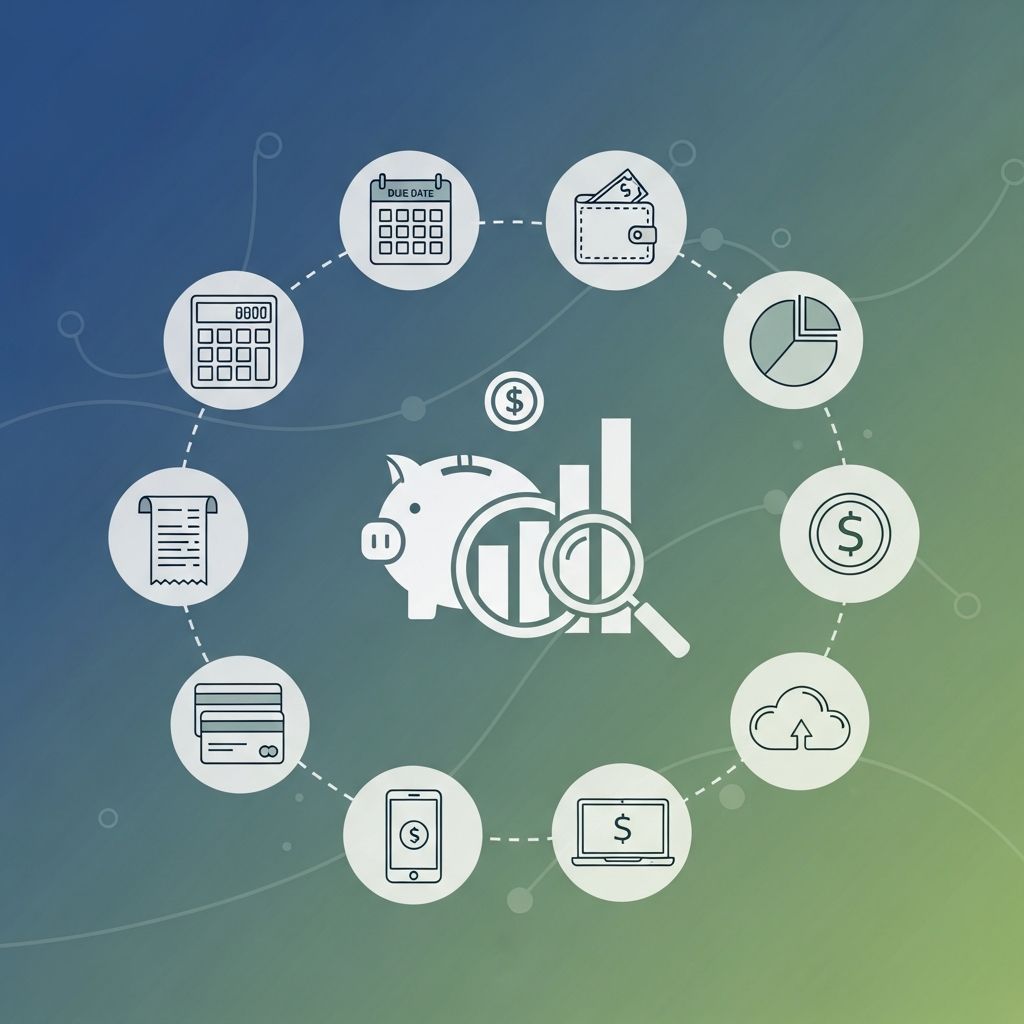
Managing personal finances effectively starts with clear visibility into your spending habits. In today’s digital age, numerous sites and apps simplify expense tracking, budget creation, and financial goal setting. This article reviews 10 popular tools, highlighting their features, pros, cons, and ideal users to help you choose the best fit for your needs. Whether you prefer automatic bank syncing or manual entry, these options cater to various preferences and budgets.
Why Track Your Spending?
Tracking expenses reveals patterns in your spending, such as unnecessary subscriptions or impulse buys, enabling informed decisions. According to financial experts, consistent tracking can reduce overspending by up to 20% within the first month. Tools that link to bank accounts automate this process, saving time, while manual apps promote mindful spending.
1. OneReceipt
OneReceipt is a versatile receipt scanning app that captures and organizes purchase data from photos. It categorizes expenses automatically and generates reports for tax or reimbursement purposes. Available on iOS and Android, it’s ideal for frequent shoppers or receipt hoarders.
- Key Features: Receipt scanning via camera, OCR technology for text extraction, expense categorization, export to CSV/PDF.
- Pricing: Free basic version; premium at $4.99/month for unlimited scans.
Pros: Free tier sufficient for casual use; accurate scanning; multi-device sync.
Cons: Premium required for advanced reporting; occasional OCR errors with faded receipts.
2. BudgetTracker
BudgetTracker offers a web-based dashboard for manual expense entry and budget planning. Users set category limits and receive alerts for overspending. It’s accessible from any browser, making it great for desktop-focused users.
- Key Features: Custom budgets, spending graphs, income tracking, goal setting.
- Pricing: Free; premium $3.99/month for multiple accounts.
Pros: Intuitive interface; no bank linking for privacy-conscious users; detailed charts.
Cons: Manual entry time-consuming; limited mobile app functionality.
3. ClearCheckbook
ClearCheckbook provides a checkbook-style interface for logging transactions with colorful dashboards and graphs. It supports recurring bills and custom categories, suitable for households or small businesses.
- Key Features: Checkbook entry, pie charts, reports, mobile apps for iOS/Android.
- Pricing: Free; premium from $4/month.
Pros: Free core features; elegant dashboard; no auto-import for security.
Cons: Premium needed for advanced tools; no direct bank sync.
4. The Birdy
The Birdy simplifies entry via email, text, or Twitter (now X), turning quick notes into tracked expenses. Free plan offers graphs; paid unlocks budgets.
- Key Features: Multi-channel input, spending graphs, income tracking.
- Pricing: Free basic; $4.95/month premium.
Pros: Innovative entry methods; effective for on-the-go tracking.
Cons: Social media entry risky; budgeting behind paywall.
5. Check (formerly Check)
Check excels in bill management with reminders and one-click payments. It tracks expenses alongside bills, ideal for those juggling due dates.
- Key Features: Bill reminders, scheduled payments, reports, Excel export.
- Pricing: $19.95/month.
Pros: Strong bill-paying focus; business-friendly; recent funding for updates.
Cons: High cost; geared more toward businesses.
6. Cashbase
Cashbase offers cross-platform apps with CSV import for statements. It generates charts and supports customer queries.
- Key Features: Expense/income tracking, graphs, cash flow projections (premium).
- Pricing: Free basic; $5/month premium.
Pros: Solid apps; responsive support; CSV compatibility.
Cons: No auto-linking; extra fees for budgets.
7. Moneywiz
Moneywiz delivers a sleek interface for Apple devices with receipt scanning and forecasting. Cloud sync ensures seamless multi-device use.
- Key Features: Receipt attachment, budgeting, charts, transaction scheduling.
- Pricing: $24.99 Mac; $4.99 iOS.
Pros: Polished design; robust tools.
Cons: Apple-only; upfront cost.
8. Mint
Mint, by Intuit, auto-syncs bank/credit card data for comprehensive tracking. Set budgets, track goals, and get alerts.
- Key Features: Auto-import, budgets, credit monitoring, mobile/web apps.
- Pricing: Free.
Pros: Feature-rich; full financial overview; excellent app.
Cons: Overwhelming interface; privacy concerns with linking.
9. Quicken
Quicken’s mobile app mirrors its desktop power with receipt snapping and sync. Perfect for detailed finance management.
- Key Features: Receipt storage, category budgets, graphs, encryption.
- Pricing: Subscription from $3.99/month.
Pros: Syncs with desktop; secure.
Cons: Not free; learning curve.
10. iSpending
iSpending provides simple tracking with custom categories and pie charts. Free version limits transactions; pro unlocks full access.
- Key Features: Budgets, multi-account support, iTunes import.
- Pricing: Free (limited); $5 unlimited.
Pros: User-friendly; affordable pro.
Cons: iOS primary; transaction caps in free.
Comparison Table
| App/Site | Auto-Sync | Free Tier | Platforms | Best For |
|---|---|---|---|---|
| OneReceipt | No | Yes | iOS/Android | Receipts |
| BudgetTracker | No | Yes | Web | Manual Budgets |
| ClearCheckbook | No | Yes | iOS/Android/Web | Dashboards |
| The Birdy | No | Yes (basic) | Web/Mobile | Quick Entry |
| Check | No | No | Mobile | Bill Pay |
| Cashbase | CSV | Yes | iOS/Android | Support |
| Moneywiz | No | No | Apple | Forecasting |
| Mint | Yes | Yes | All | Comprehensive |
| Quicken | Partial | No | All | Desktop Sync |
| iSpending | No | Yes (limited) | iOS | Simplicity |
How to Choose the Right Tool
Consider your needs: auto-sync fans should opt for Mint or Quicken; privacy-focused users prefer manual apps like ClearCheckbook. Test free tiers first. Combine tools, e.g., Mint for overview and OneReceipt for receipts.
Frequently Asked Questions (FAQs)
What is the best free budgeting app?
Mint stands out for its free, feature-packed auto-tracking across all devices.
Do these apps link to bank accounts?
Apps like Mint do; others like ClearCheckbook rely on manual entry for security.
Are premium features worth it?
Yes for heavy users needing budgets or multi-accounts; start free.
Can couples use these together?
Many support shared access, like Goodbudget alternatives mentioned in reviews.
How secure are spending trackers?
Reputable apps use encryption; avoid linking if concerned.
References
- These 5 Apps Can Fix Your Finances — Wise Bread. 2015-approx. https://www.wisebread.com/these-5-apps-can-fix-your-finances
- 10 Sites and Apps to Help You Track Your Spending and Stick to Your Budget — Wise Bread. 2015-approx. https://www.wisebread.com/10-sites-and-apps-to-help-you-track-your-spending-and-stick-to-your-budget
- 7 Best Budgeting Apps [2026] — FinanceBuzz. 2026. https://financebuzz.com/budgeting-apps
Similar Articles








Read full bio of Sneha Tete